Design for driving
Welcome to the design hub for all things Android Auto, including the
Android Auto standalone app, Android Automotive OS, and cars with Google built-in.
See tools and guidance to help you bring the best of Google to the car in a
simple, scalable way.
Create seamless, scalable experiences for the car
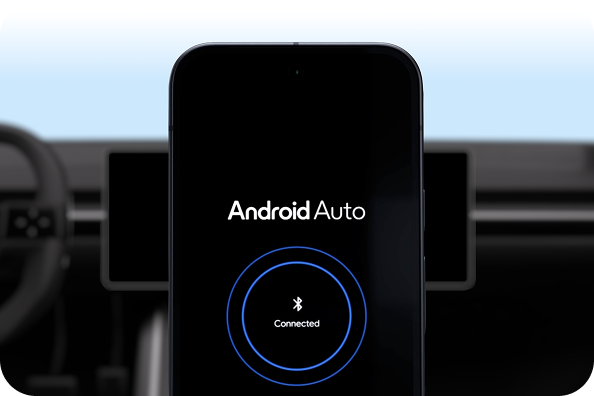
Connect a phone and go
Android Auto lets drivers project their favorite phone apps to the car screen. Just connect a phone and go.
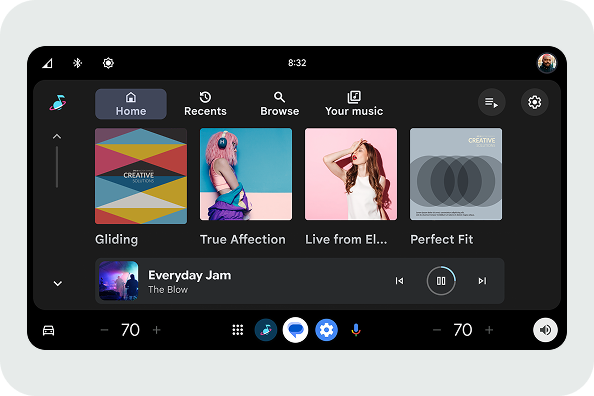
Create custom infotainment systems
Android Automotive OS leverages the power of Android to configure customizable in-car experiences that are scalable to every screen.
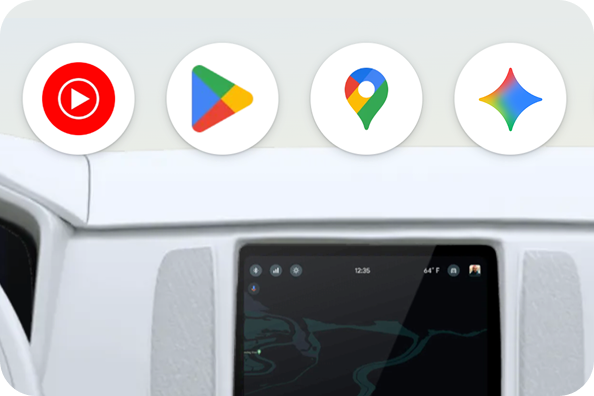
Bring Google apps to the car
Google built-in integrates services like Gemini, Google Maps, and Google Play into your custom infotainment experience. (Google built-in customers only)
Keep drivers informed and entertained
Make every in-car experience a breeze with Android Auto and Android Automotive OS.
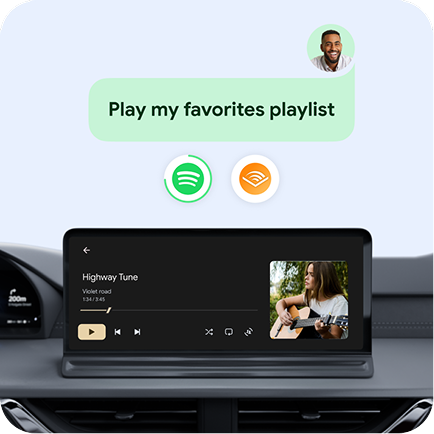
Media
Entertain drivers and passengers with music, podcasts, and audiobooks on the go.
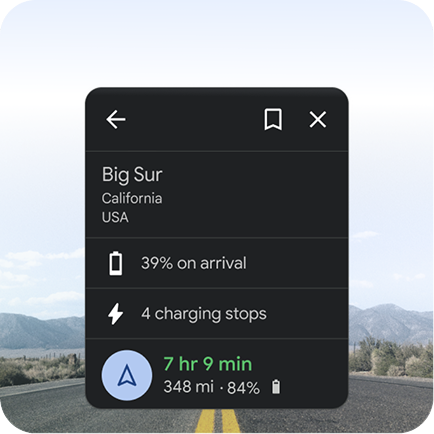
Navigation
Help people find and explore more on the go, like new places to play, fuel, charge, and shop.
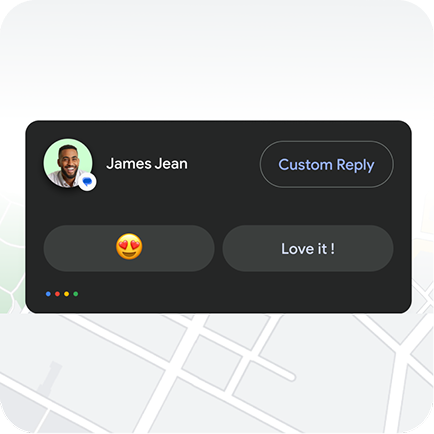
Communications
Design seamless calling and messaging experiences for the car.

Do more on the go
Offer a suite of apps from Android developers, from weather to web browsing and more.

Create engaging parked experiences
Encourage fun while parked with apps for web browsing, videos, games like Angry Birds 2 and Farm Heroes Saga, and more.

Simplify car access and key sharing with digital car keys
Offer a secure, phone-based key that allows drivers to lock, unlock, and start their vehicle without needing a physical fob.

Get started
Safety is key. Explore our design principles and visual examples to help you create great experiences for the car while also minimizing driver distraction.
General design principles
Our design guidance help you create driving-optimized infotainment experiences.
Design for Android Auto
Learn about the system user interface (UI) and features for projected apps.
Design for Android Automotive OS (AAOS)
Learn how to create scalable experiences for every screen size.
Components
Find building blocks like grids, tabs, and buttons to design Android Automotive OS experiences.

Our commitment to safety
Experiences built with Android Automotive OS leverage Google's research, road testing, and compliance with government and industry driver distraction guidelines.