This page provides design guidelines for vehicle OEM designers who want to support digital car keys for their customers. See the guidance and requirements on how to integrate digital car keys into user flows. They will help OEMs create seamless user experiences between vehicles, car apps, and wallet.
To get started, review how the User journey for Digital Car Keys (DCK) works, then dive into how to create the DCK experience and integrate it into your UI surfaces. For the full list of digital car key technical requirements, see Digital Car Key requirements.
About Digital Car Keys
Digital car keys allow drivers to seamlessly access and securely share their cars with anyone they choose. They work by using a combination of Bluetooth and Ultra-Wideband (UWB) technology, or NFC technology, to create a secure connection between the car and the user's phone.
Digital car keys offer a number of advantages over conventional physical keys, including these:
- Convenience: digital car keys remove the need to use and track physical keys. They let users seamlessly lock, unlock, and even start the car, just by having their Trusted device nearby.
- Security: Digital car keys use advanced hardware backed solutions that are less vulnerable to unauthorized access. This helps prevent vehicles being stolen. Users can also suspend or delete digital car keys if their phone was stolen or compromised.
- Flexibility: digital car keys can be shared with anyone else, across both Android and iOS devices. Key owners can also stop sharing anytime.
- Control: digital car keys can be used to give specific permissions to others, such as driving restrictions from a parent sharing the car with their child.
DCK will play an increasingly important role in how cars are accessed and driven as vehicle ownership models shift over time. As they become ubiquitous, they will unlock users' identities in a diverse set of car experiences, from their own cars to experiences in rentals, shared cars, ride sharing, or autonomous vehicles.
User Journey
When designing your digital car key flows, consider what users expect in their first-time and daily journeys. Some may be intimidated by adopting such new technology, and there is opportunity to reassure and surprise them with simple and seamless flows. Explore opportunities to meet their needs and create moments of delight.
The following story sets context for how users expect their vehicles and digital car keys to work together as they interact with their car, and share keys with others.
Set up a new vehicle
|
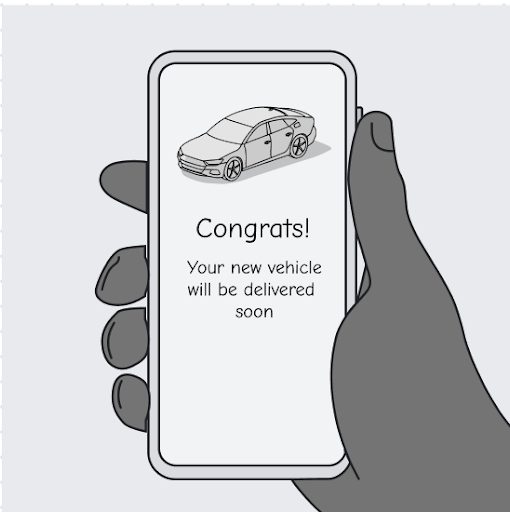
Purchase a new carI just purchased a new vehicle, how exciting! As I wait for my vehicle to arrive, I download the car app and start to explore features that my new car is going to offer. I am also receiving emails from the car manufacturer about what to expect in my new car. I discover digital car key, which is a feature that lets me use my phone as a key. I didn't even know it was possible! I also learn that I can share it with others, with different levels of control. |
|
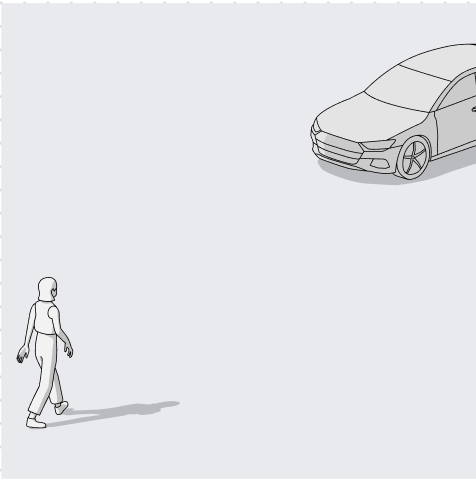
Approach my new car for the first timeThe big day is here! The vehicle has arrived. Because I've just received my key fobs, I have them both with me. I also have my phone. |
|
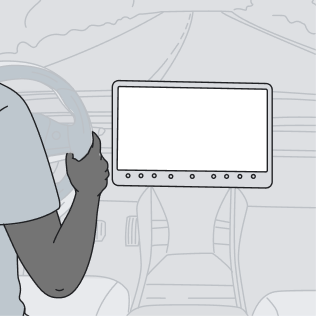
Set up my car for the first timeAs I enter the car, the infotainment system turns on, and I follow the steps to complete setup.Pairing my phone is an essential step for setting up digital car keys. I expect it to be part of the core vehicle setup. |
|
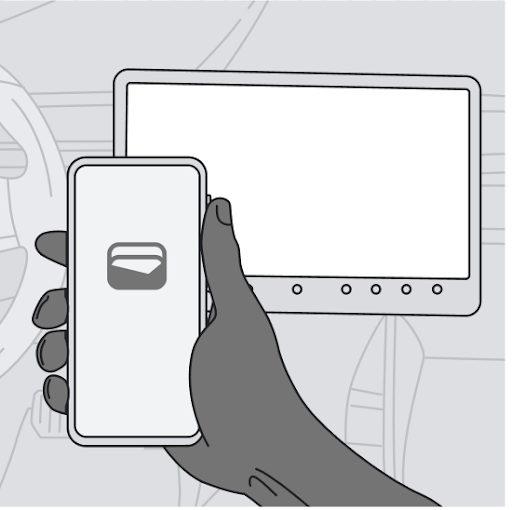
Set up digital car keyThe car screen prompts me to set up my digital car key, and lets me know that I may need to take some extra steps to prove that I'm the vehicle owner, which makes sense to me at this point. |
|
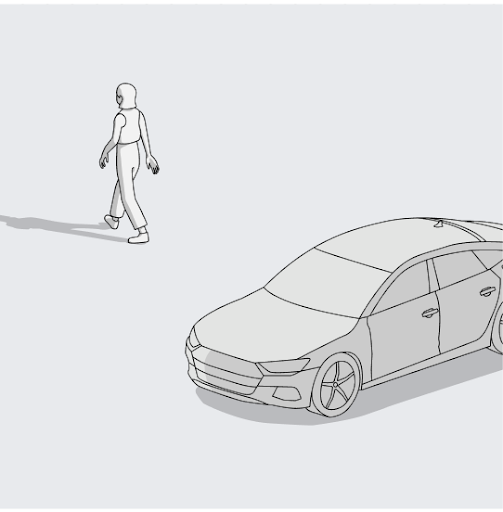
Leave and lock the carAfter setting up my car, I drive home, park, and exit the car. I remember reading that my car will lock automatically when I walk away. I tried this, and it works! The car lights signal that it's been locked, and I hear the sound of the doors lock, too. I like this feature, but I still expect touching the door handle or using the key fob would work, too. |
Return to my vehicle
|
|
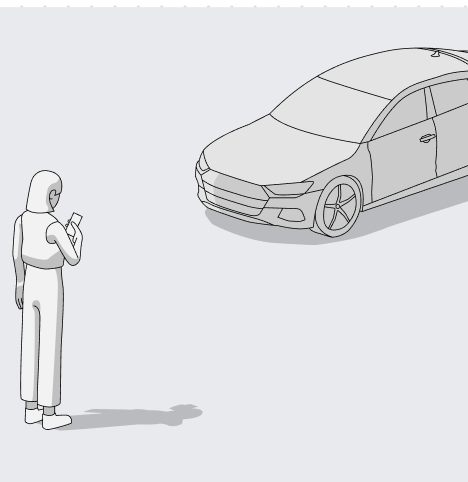
Approach my vehicle as I returnI didn't bring my key fob, but I have my phone in my pocket. As I approach the car, the headlights and door handle lights get brighter. My car is showing me that it knows I'm close. When I'm a few feet away, the car unlocks. I also see a notification on my phone that the car has unlocked. This is very cool, I love this feature. |
|
Use my phone's car controlsI'm so impressed that the car can recognize me and open automatically. I wonder what else I can do with my digital car key. I quickly open the controls on my Android phone that let me do things like unlock the doors and open the trunk. I can even add these controls to Quick settings on my phone, making it easier to manage my car remotely. |

|
Start my driveI keep my phone in my pocket, press the start button and the engine just starts. I don't need my key fob at all. |
Share a key
|
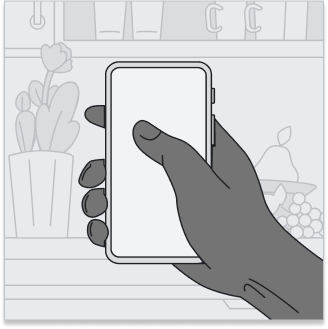
Discover how to share my car keyMy wife Edna wants to borrow the car for the weekend. I remember that, when I set up my digital car key, it includes a feature to share the key with other people. But how do I do it? I open my car app, tap on the digital car key. It deep links to wallet, where all my digital cards are stored, including credit cards, hotel room keys and cinema tickets. It's natural to find my car key here, too. Once I find the key in Wallet, I can see and tap on the way to share it. |
|
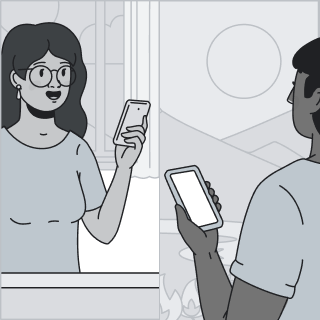
Share a keyI follow the steps to share my key with Edna, including naming the key and texting her the unique activation code. It doesn't matter that I have an Android phone and she uses an iPhone. I assume the key works either way. |
Receive a key

|
Receive a keyEdna needs to borrow the car for the weekend. She gets a text from me with a link to the key, which opens in her wallet app. I also text her the activation code. Once she enters the activation code in wallet, she can see what cool features the key has. |
|
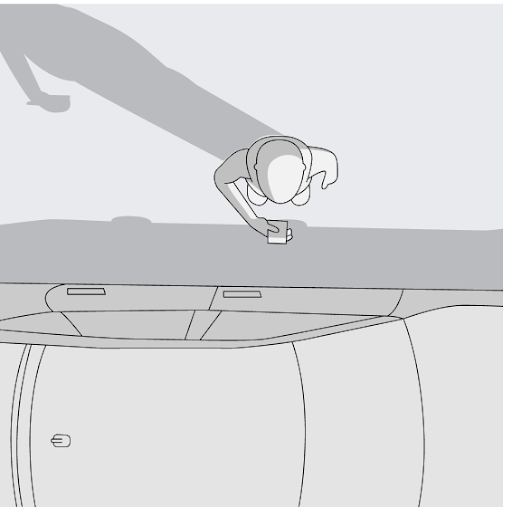
Approach the car and unlock itAs Edna approaches the car, she isn't quite sure what to do. She recalls that when she received the key, there was a message to hold the key reader. In her case, the key reader is the door handle. The car unlocks and she's in! |

|
Start the car and driveEdna puts her phone on the key reader, and the car screen invites her to enter the activation code. Once she's done, she can start the car and begin her drive. Her key is now active, and she doesn't plan to use the activation code again. |
Remove a key
|
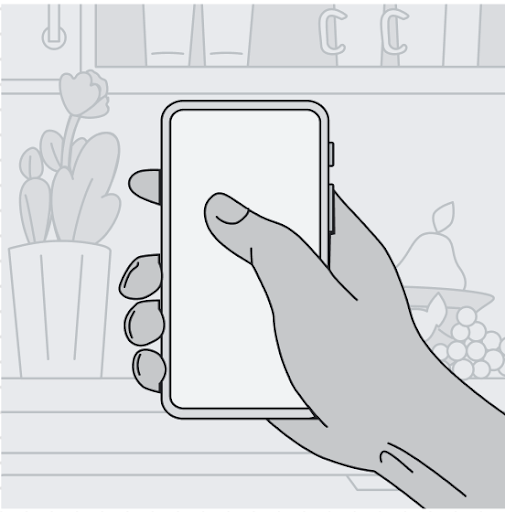
Remove keys on my phoneEdna returns the car to me at the end of the weekend, so she doesn't need the key anymore. To remove her key, I can go into wallet and choose that option. Once I do, Edna gets a phone notification that her key will soon be removed. I assume there'll be a grace period before her key stops working. I see I can also remove her key using the car screen, which is convenient. |
Create the DCK experience
The following guidelines will help OEMs understand how to design and integrate digital car keys within car hardware and systems. You will find best practices and requirements for the following user experiences:
Discovery and setup
The discovery experience: Because many users may not be familiar with digital car keys, it's important to proactively onboard them and provide clear opportunities to discover and start using the feature.
Discovery design principles:
- Be proactive: proactively communicate to users about the feature, both through marketing materials and in-car setup.
- Be timely: the earlier you can help users understand that they have DCK and how it works, the more likely they are to adopt it.
- Encourage completion: create UI affordances to remind users who've deferred DCK setup that they should complete the task.
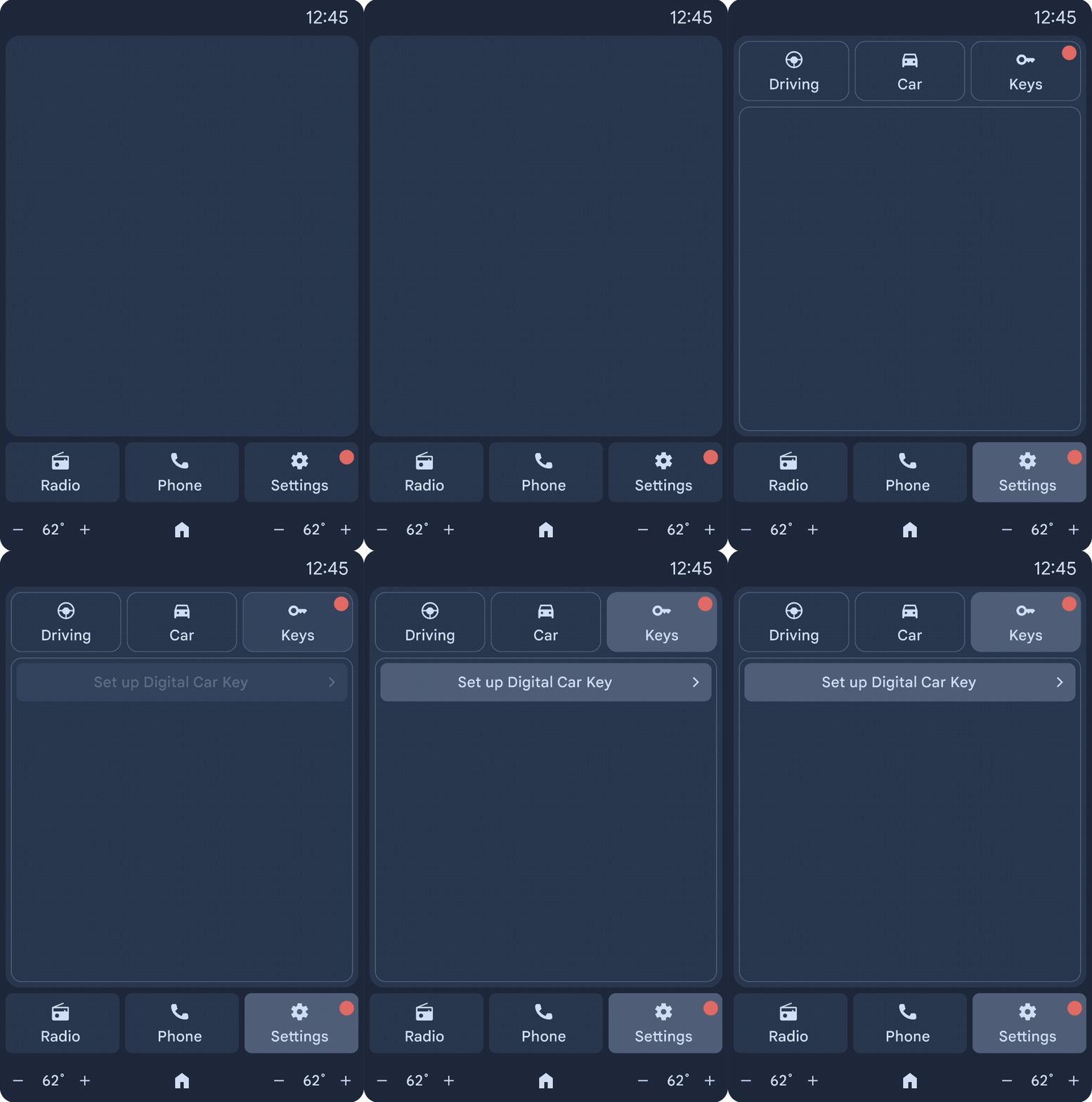
Example: If a user deferred DCK setup during the initial setup flow, use non-distracting visual cues to nudge the user towards completion.
Design tasks:
- Develop a communication and onboarding strategy to build a user's awareness of DCK. Consider how best to prepare users to adopt DCK before they set up their car.
- Integrate DCK into the vehicle setup flows, including both OEM app and HMI setup experiences.
- Design the incomplete state to remind users who've skipped setting up DCK that they can still set it up.
- Provide entry points into the wallet experience.
As you design this experience, keep in mind the guidelines, examples, and the following requirements. Requirements are prefaced with MUST, SHOULD, or MAY.
Design for discovery and setup
Discovery and setup allow users to quickly get started using Digital Car key.
Build awareness
To help users discover DCK, OEMs should proactively communicate with users about the feature, both before and after car purchase.
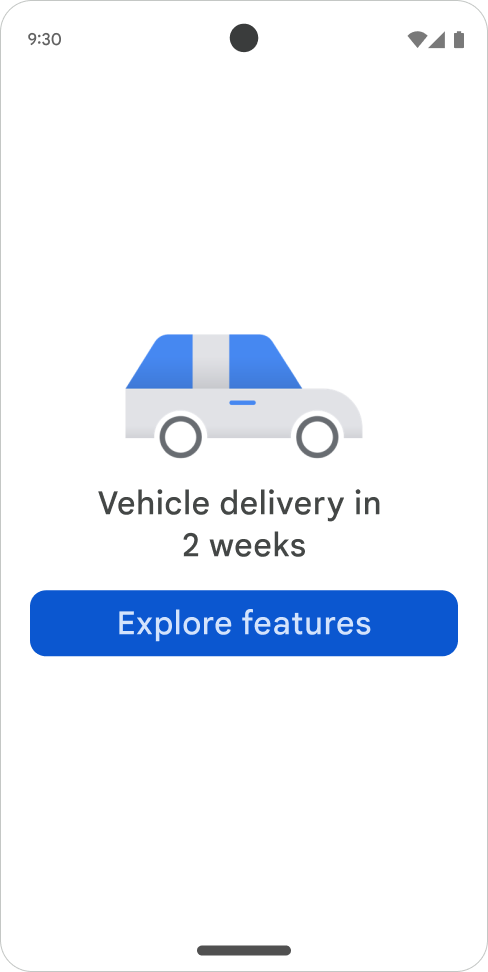
The more awareness users have before owning their DCK capable car, the higher the adoption rate. To create this awareness, OEMs should develop a communication and onboarding strategy. For example, while a user waits for their new car to arrive, OEMs might send emails telling them about the feature and preparing them to set it up. Similarly, the OEM app can use this pre-arrival period to build delight and interest with notifications and helpful onboarding flows which help users know what to expect about DCK setup.
Optimize for first-time setup
The ideal time for users to set up DCK is during the process of setting up their car. The OEM should remind the user to provide proof that they own the vehicle (such as having both key fobs) and should show DCK as an integral part of the setup flow on the car screen. This allows users to get familiar with DCK right away, and enhances their new car ownership experience overall.
Remind users to set up DCK
If, for some reason, users opt to skip setting up DCK in their initial car setup, OEMs should design an incomplete state to help remind users that they can complete this step. Some ideas might include letting users know setup is only 90% complete, or a proactive message on the HMI reminding users to complete the final step. For users who don't want to use DCK, there should be an option to opt out of it altogether, thus completing setup.
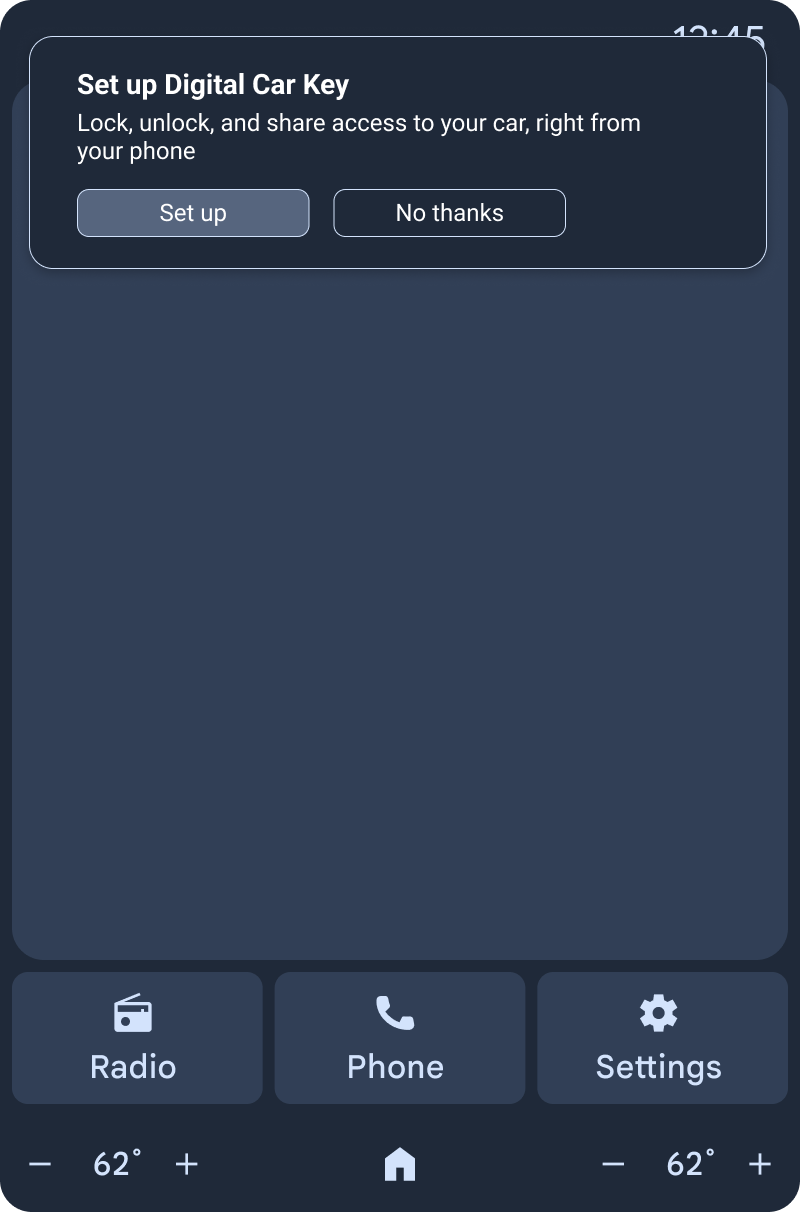
For detailed requirements, see DCK UX requirements.
Locks & unlocks
For users, the magic of DCK is when the car recognizes and comes to life as they approach, and closes down as they leave. Because this technology is somewhat novel, not all users know to expect this. To help, these features should be consistent across cars and platforms, and OEMs should aim to give users as much control as possible.
Design tasks:
- Set automatic unlock states
- Make sure walk away lock is permanently on
- Ensure users can manually lock and unlock
- Design physical car features that convey to users that the car knows when or if they're nearby
- Develop settings that allow users to choose how DCK locks and unlocks their car
Design for locks & unlocks
Locking and unlocking the car allows users to use their digital car key to seamlessly access and secure their vehicle as they walk away.
Set Nearby lock & unlock states
By default, Nearby lock & unlock should be on for users, allowing them to access their vehicle without tapping the door handle. This is a defining feature of DCK, instilling users with a sense of safety, convenience, and delight.
For users who want more choice, you should create settings that allow them to choose how their digital car key unlocks their car.
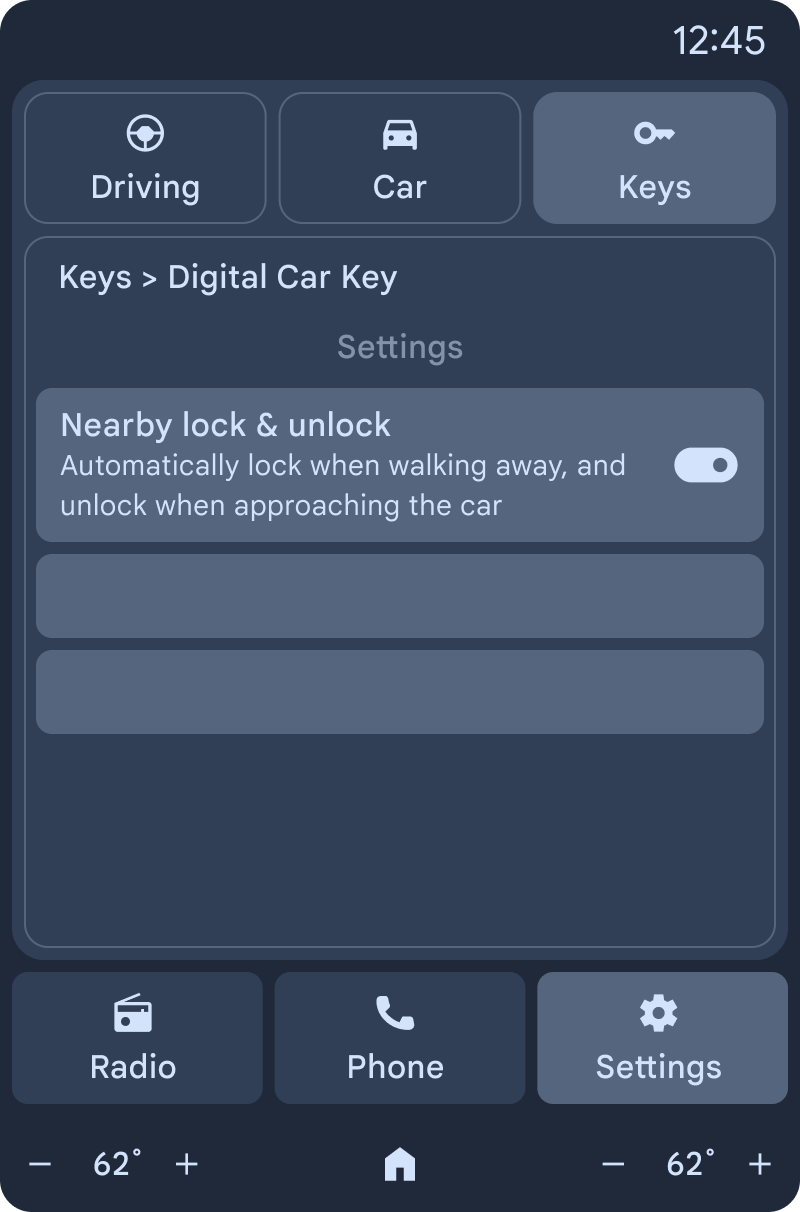
Example: By default, Nearby lock & unlock should be enabled - but users can disable it through the HMI's settings.
Set walk-away lock states
Automatic locking is a core DCK value, enhancing security and eliminating the risk that a user might forget to lock their car. If a walk-away lock setting is available, it should be enabled by default.
Ensure users can manually lock & unlock
To promote a sense of control and empower users with choice, they should always be able to manually lock or unlock their car. Design your vehicle entry flexibly so that they can unlock or lock by touching the door handle, or use another manual trigger.
Design physical car features
The car should use lighting effects to create a warm, welcoming experience for the driver and visually communicate that it is aware of their presence. For example, interior lights could brighten as they approach and dim as they walk away. This can be a particularly reassuring experience for newer DCK users, who may not be sure what to expect the first time they return to their car.
For detailed requirements, see DCK UX requirements.
Phone-based car controls
All WCC3 vehicles must support car controls that, at a minimum, should lock and unlock the car, and provide trunk controls. Although wallet will provide these controls, along with alarms or panic buttons, OEMs should aim to support all car controls in one place, ideally in their app.
Design for car controls:
- Help users find controls: In addition to supporting phone-based controls in the OEM app (like lock, unlock, trunk, and panic, as well as proprietary controls) provide an additional entry point for managing DCK features in wallet.
- Don't expose control functionality: If the OEM supports cloud-based controls, they should be shown to the user through the same buttons as the CCC controls. (Users don't care about how the control works). Surface things like latency with a familiar UI like a spinning wheel.
For detailed requirements, see DCK UX requirements.
Key sharing
One of DCK's most desired features is the ability to share a key with others. Users love the convenience, security and flexibility to share a key, with specific permissions. Sharing might come in the form of a parent giving their teen a key to run an errand, or a couple seamlessly sharing a common car. Whatever the scenario, it's important to design the sharing experience in a way that is natural and engenders a sense of security.
Design tasks:
- Include a button and entry points to Manage in wallet to manage shared keys
- Create car screen flows that display shared keys and let users remove shared keys
Design for key sharing
Key sharing lets users seamlessly share Digital Car Keys with friends and family.
Share simply and seamlessly
Create a smooth and lightweight experience by designing DCK to work on any platform (iOS or Android). Because users can share with any platform, you should provide appropriate links and avoid platform-specific terminology.

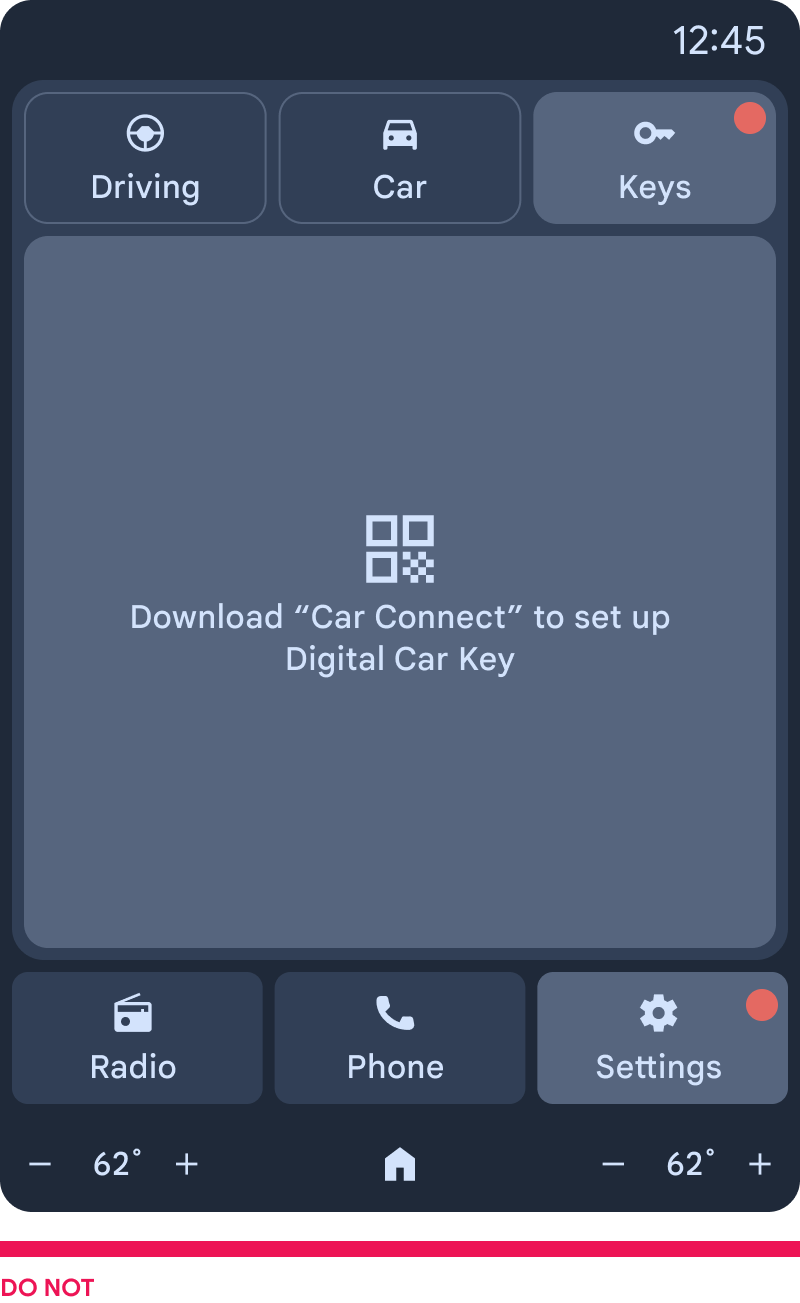
Avoid the need for app downloads and new accounts
Users must never need to download apps or create a new account just to share a key temporarily. Instead, encourage them to use the existing wallet experience to quickly share a key.
Reinforce existing mental models
Create multiple sharing entry points to wallet. Encourage users to rely on wallet as the one place where they can quickly manage all their DCK capabilities, including sharing. This builds on existing mental-models, embedding key sharing along with other keys to their products and experiences, like hotel keys, airline tickets, or metro cards.
Example: Reinforce the mental-model of DCK as a wallet feature by providing an adequate entry point in the OEM app.
For detailed requirements, see DCK UX requirements.
Key management and removal
Because DCK is a relatively new and evolving technology, elevating the power to control and remove keys is critical for helping users feel comfortable and secure with it. Apply the following principles when designing management and removal flows.
Design tasks:
- Ensure all surfaces use friendly key names
- Create entry points to remove and manage keys in wallet
- Support key removal from the car screen
Design for key management and removal
Key management and removal allows users to find and remove keys.
Use consistent and friendly names
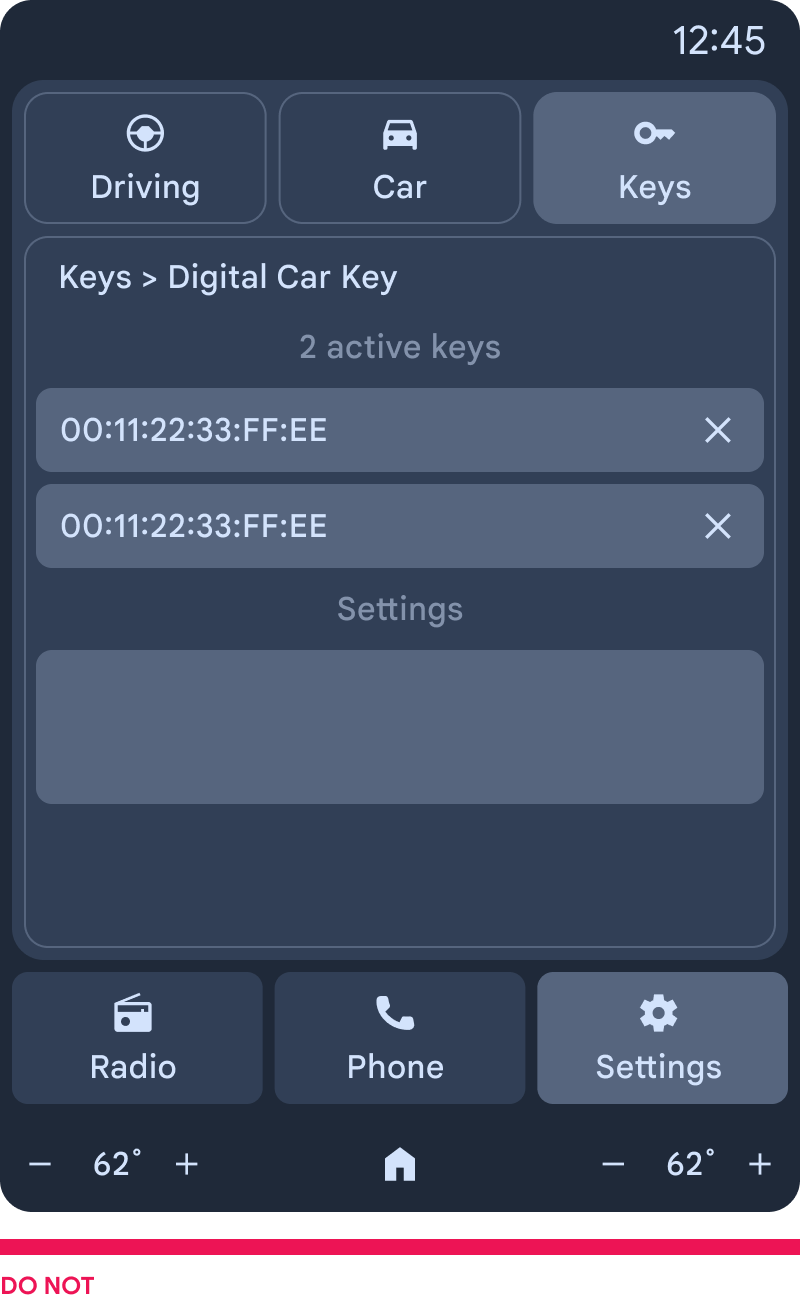
Because DCK represents a phone-to-car connection, users expect to see the same information across all surfaces, including key names. Ensure that key names are consistent and easy to recognize across wallet, OEM app, and the car screen. In addition, make keys recognizable for users by using the CCC friendly name, rather than a more technical representation like Bluetooth name or serial numbers.
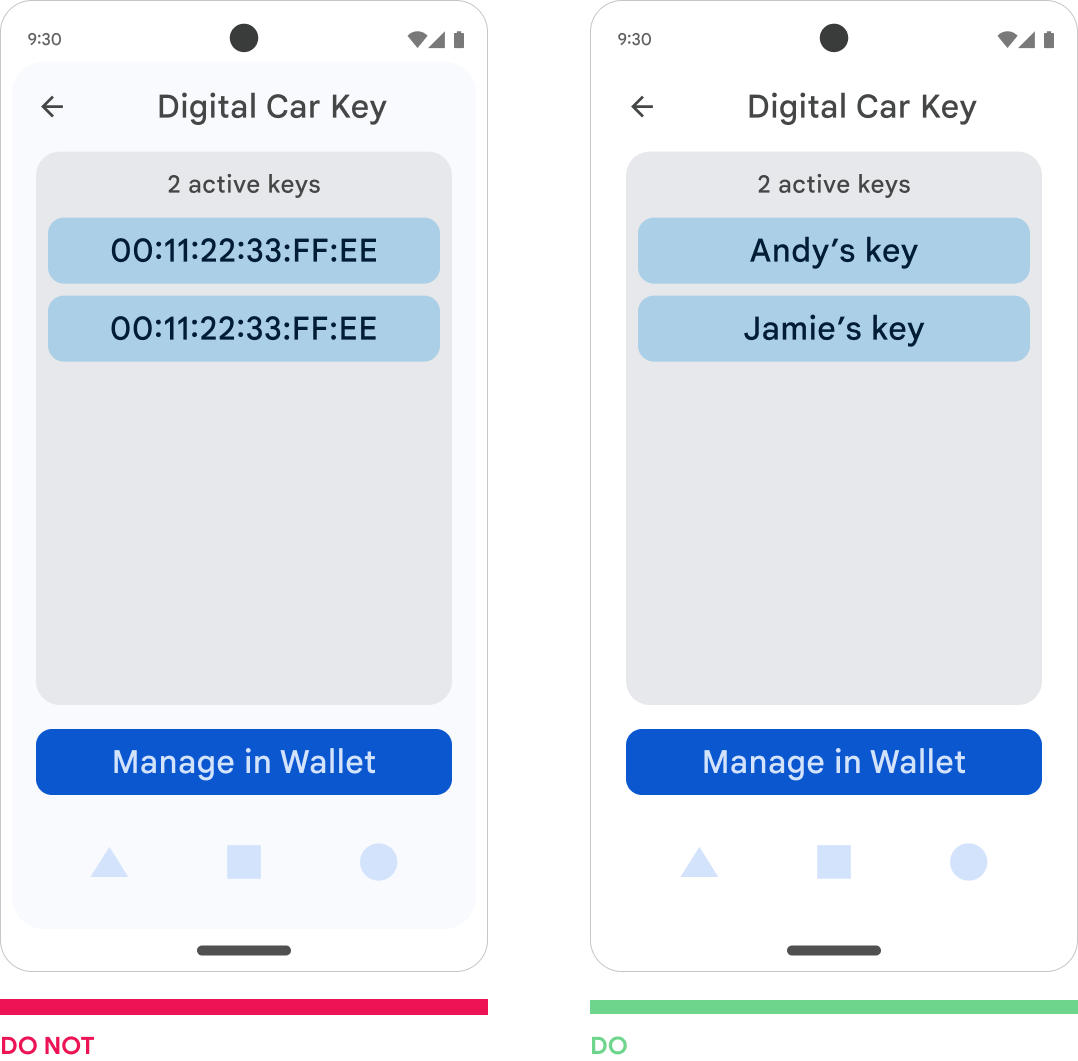
Example: When displaying keys in the OEM app, use the CCC friendly name instead of other technical representations, such as a serial number.
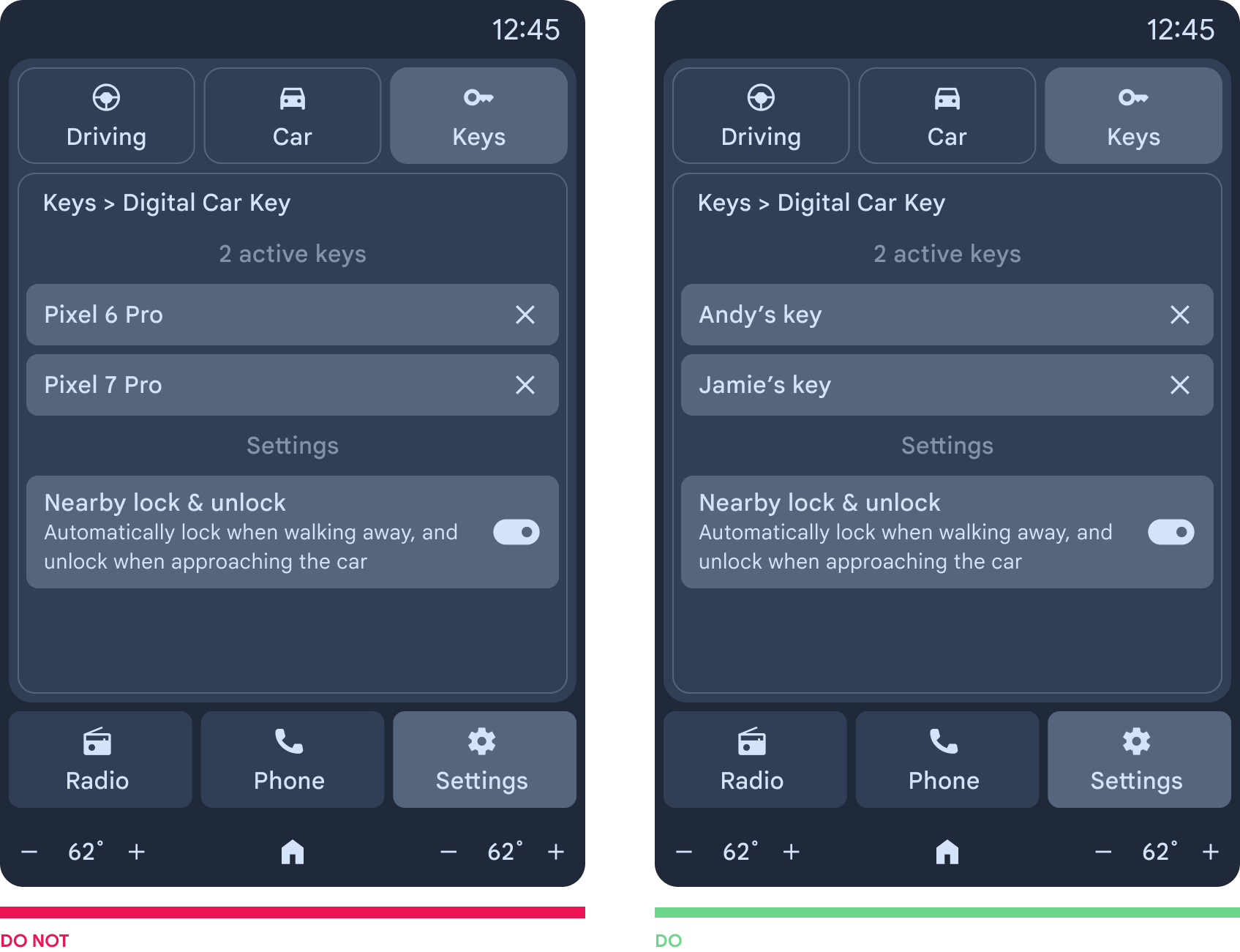
Example: When displaying keys in the HMI, use the CCC friendly name instead of other technical representations, such as the Bluetooth device name.
Create entry points to make key removal easy to discover
Users may look for ways to remove keys they've shared with friends. Create a consistent and simple entry point to the key removal flow, providing appropriate cross-platform terminology.
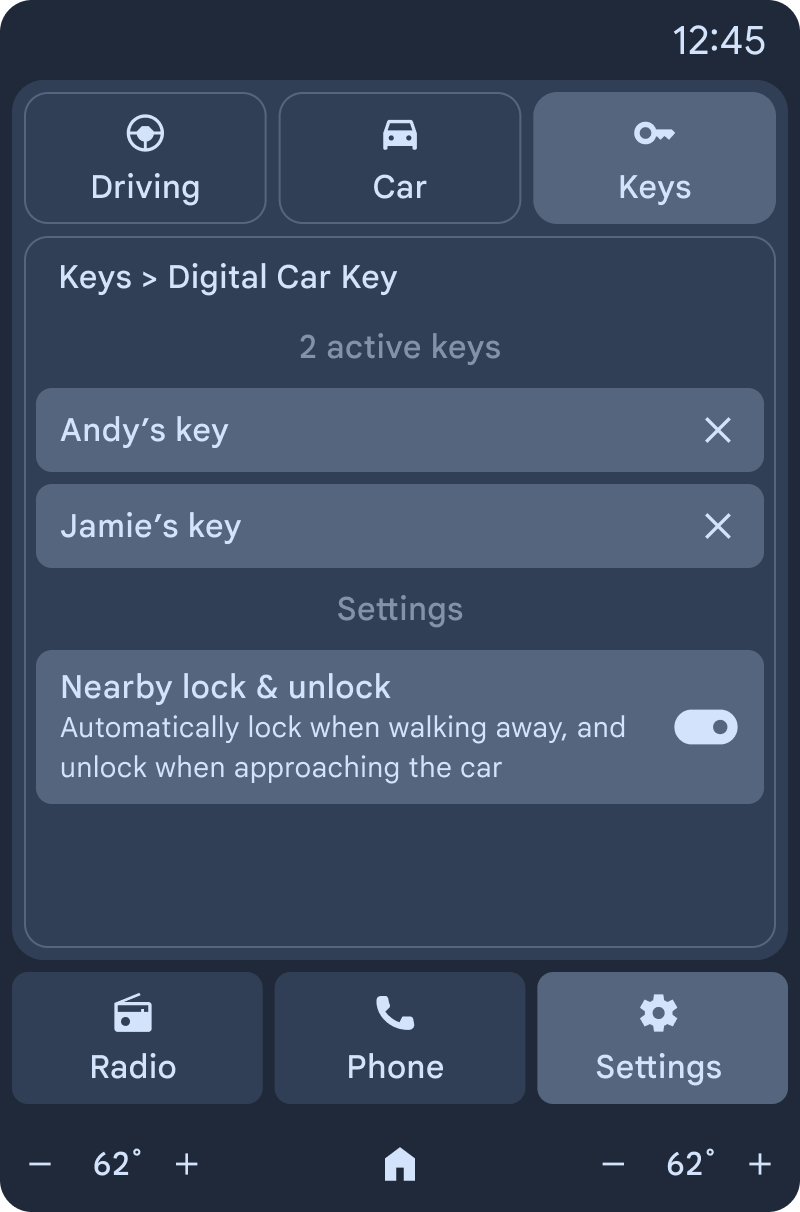
Support removal from the car screen
Enhance a key owner's sense of control and continuity by providing a flow on the car screen to remove a digital car key. This reinforces that the key owner can maintain control of who has access to their digital car key, particularly if they're looking to sell or share the car with someone else.
Design removal in the car by providing users with a menu that lets them see all the active keys, and helps them identify the key using CCC friendly names. Additionally, you must require the user to provide a proof of ownership before they remove a key, like providing physical key fobs, or protecting key removal flows with an owner-specified pin. This prevents friends from removing an owner's key.
For detailed requirements, see DCK UX requirements.