There are three ways the driver can bring up the voice plate: saying "Hey Google," tapping the mic button, and using a push-to-talk button. The voice plate's behavior and design is the same in all of these cases.
Once the voice plate appears, it communicates Assistant's state with visual indicators and audio cues. It also transcribes what the driver is saying to Assistant and lets the driver know when the internet connection is poor. Some of these behaviors are accompanied by motion, described in Motion patterns.
Visual indicator
The logo transforms to represent Assistant's various states.
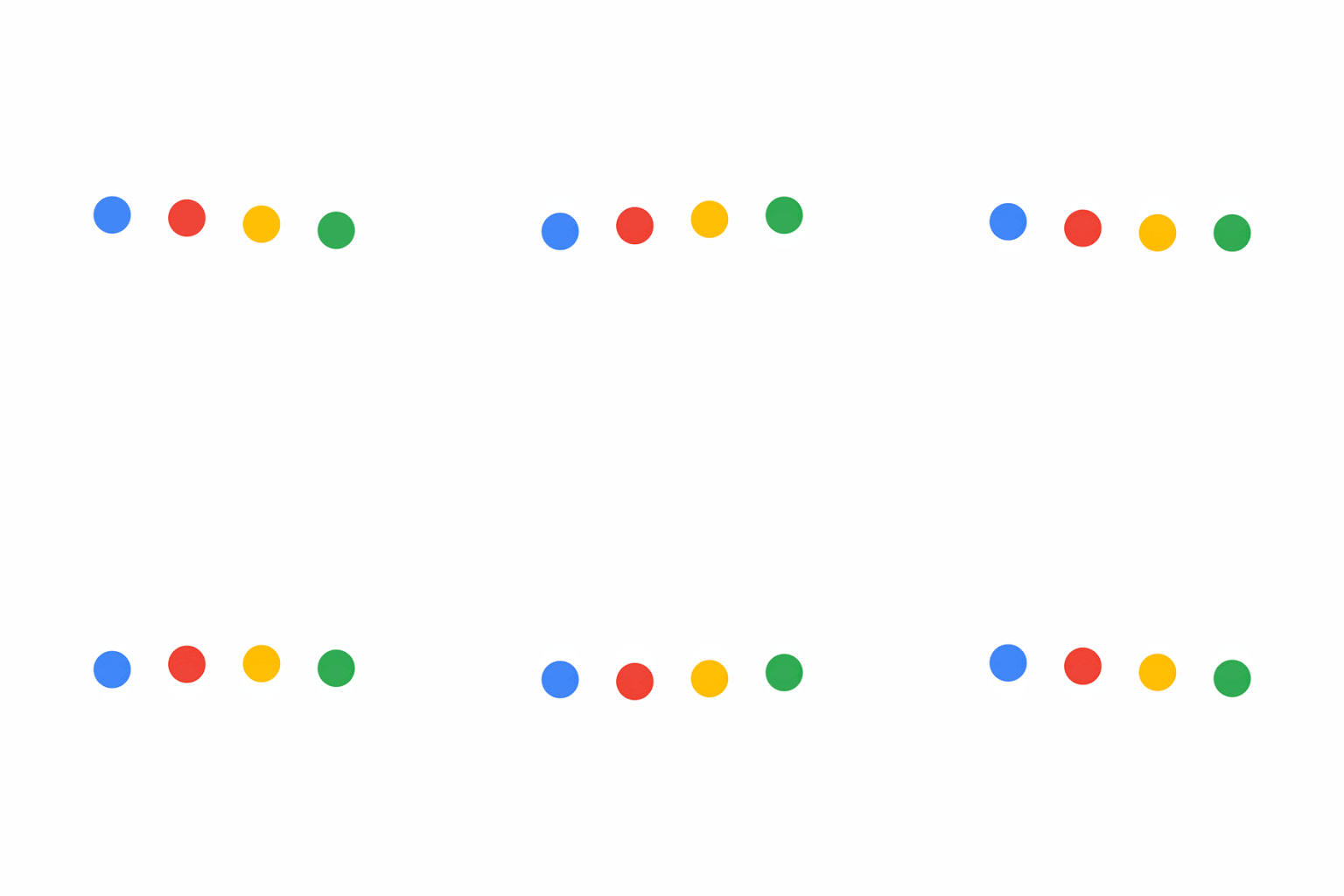
Listening: The driver has initiated a conversation and Assistant is ready to hear the request
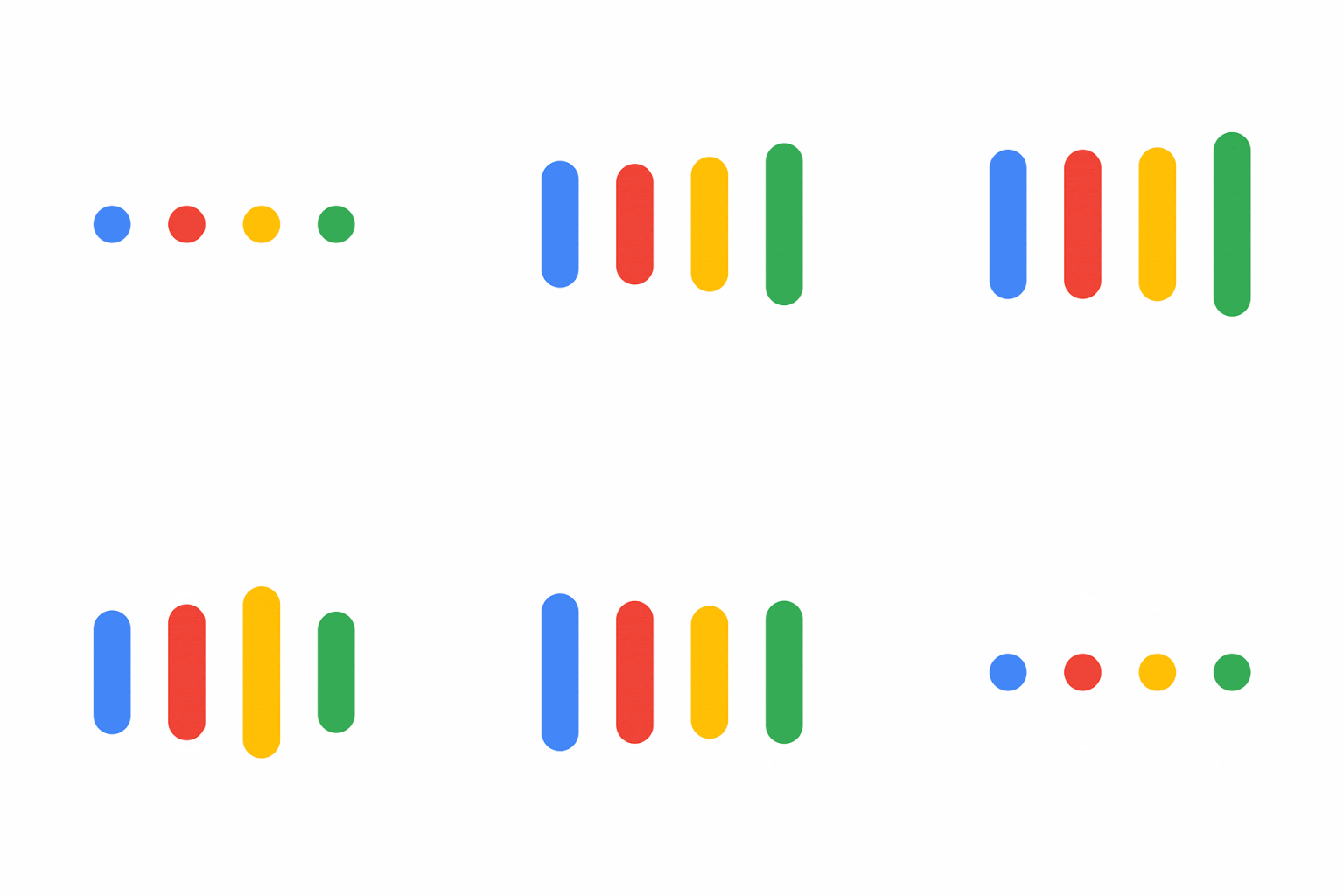
Recognizing: Assistant is processing the driver's spoken request
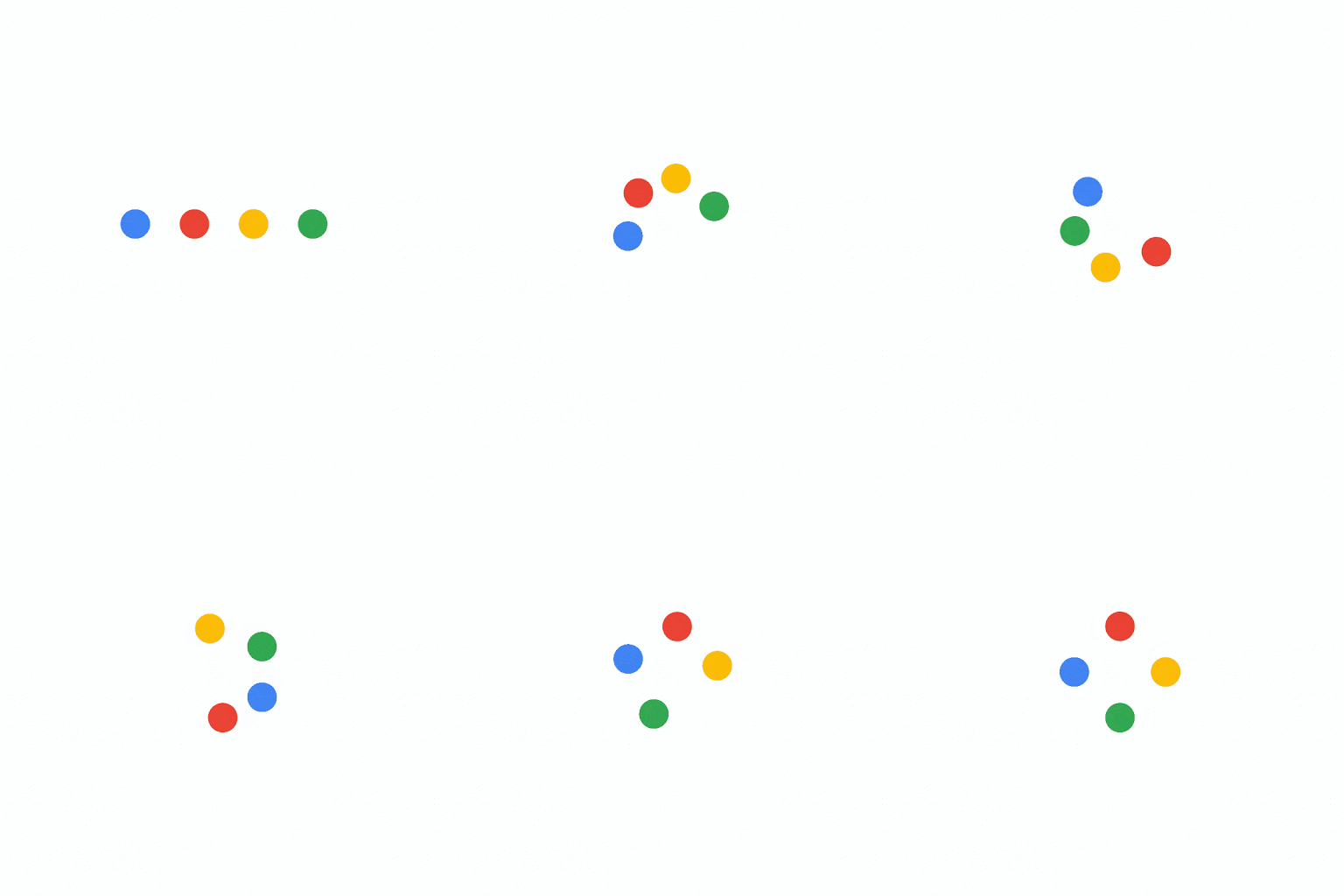
Thinking: Assistant is preparing an answer
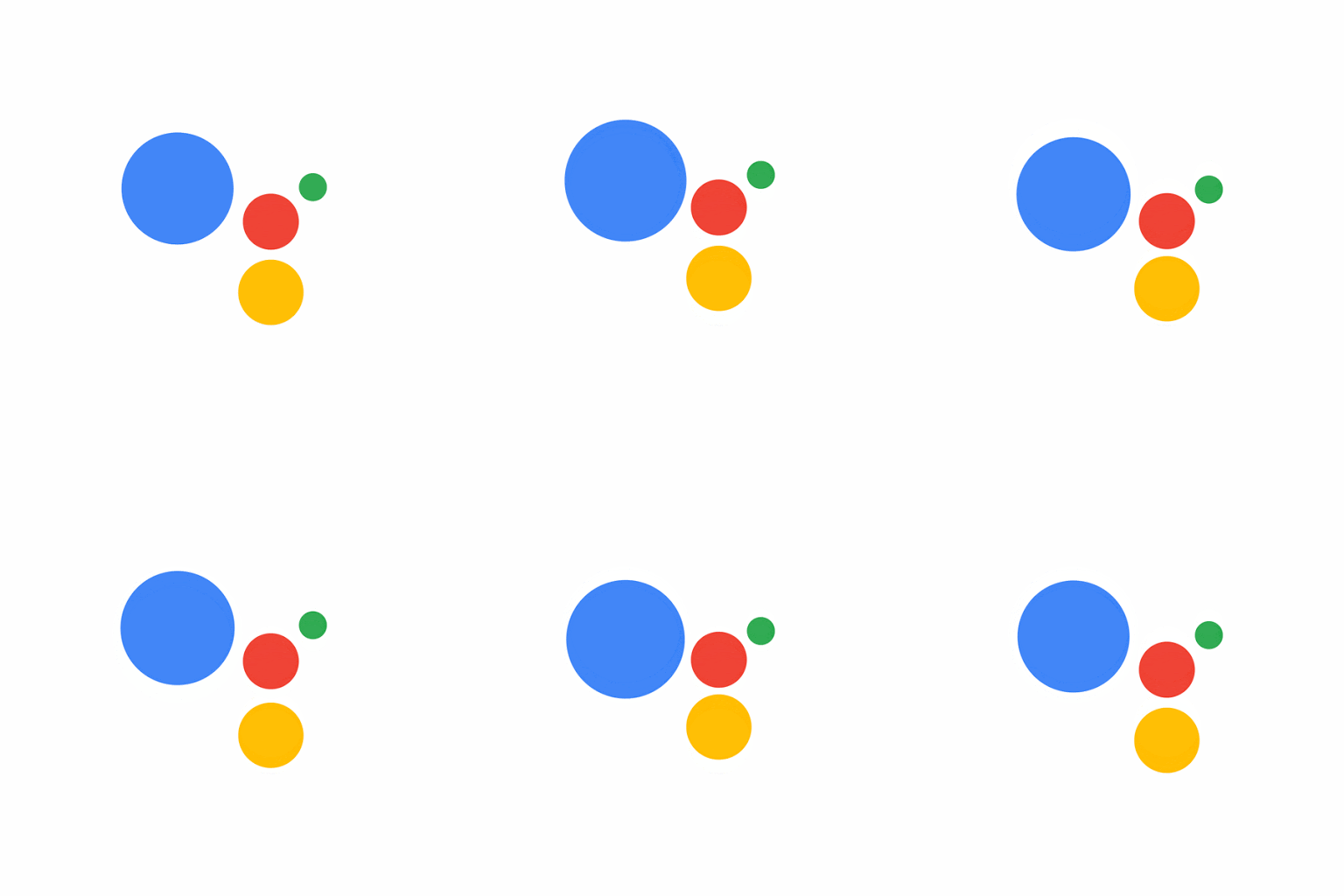
Responding: Assistant is verbalizing a response
Audio cues
The visual indicator of Assistant's state is accompanied by audio cues that reflect whether Assistant is listening or has heard the driver's request. To minimize distractions for the driver, the audio is simple and lightweight.
The microphone is open and Assistant is listening
Assistant is still listening and waiting for a command
Assistant has heard the command and will respond to it
Transcription
The transcription of what the driver is saying is a single line of text in lowercase with no punctuation. Text that doesn't fit on one line is truncated with an ellipsis at the last whole word.

Poor internet indicator
Assistant relies on the internet to fulfill requests. If the internet connection is poor or unavailable, the voice plate's messaging and colors reflect this.
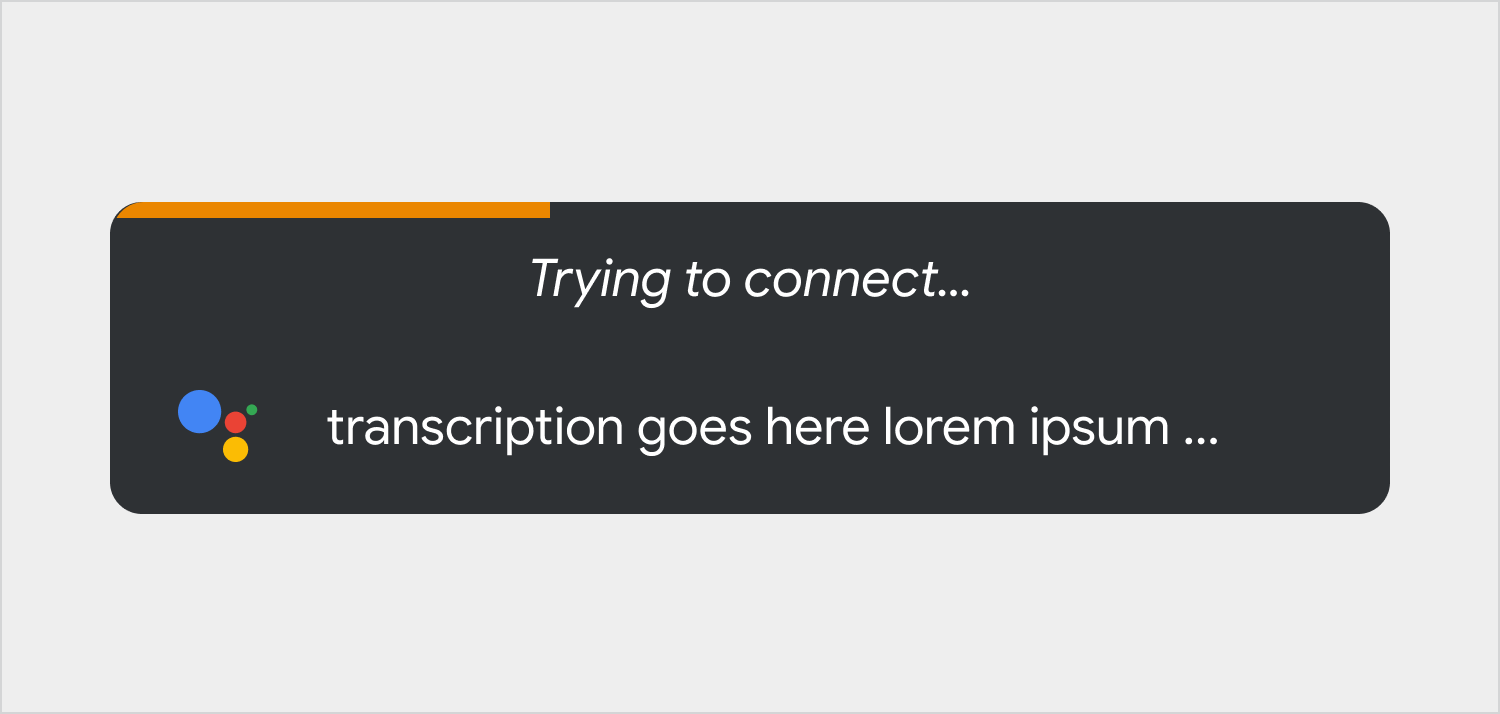
"Trying to connect…" Assistant is trying to establish an internet connection
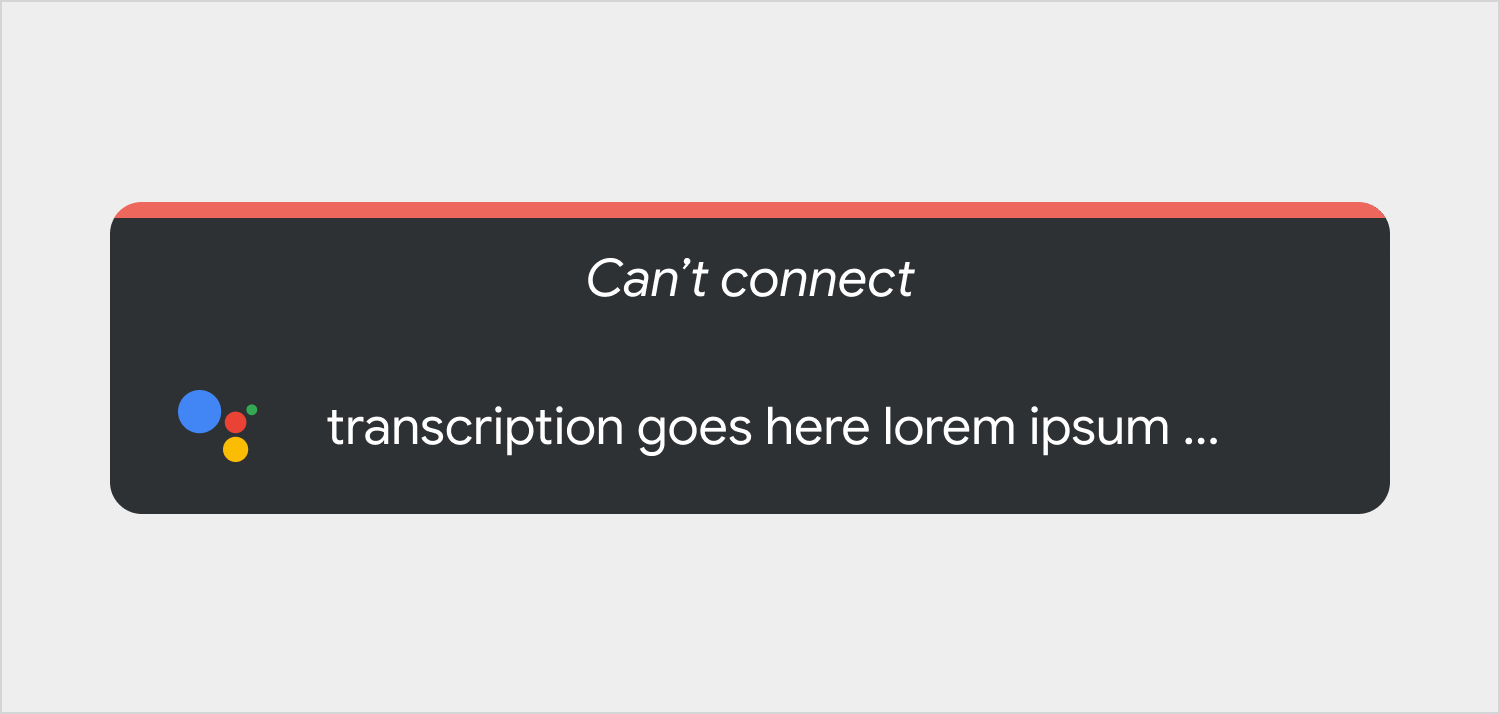
"Can't connect" There's no internet connection and the driver's request can't be fulfilled