This section describes the following Assistant motion patterns:
- Rectangular voice plate (Android Auto & Android Automotive OS) - position in & out
- Circular voice plate (Android Automotive OS) - position in & out
- Transcription text
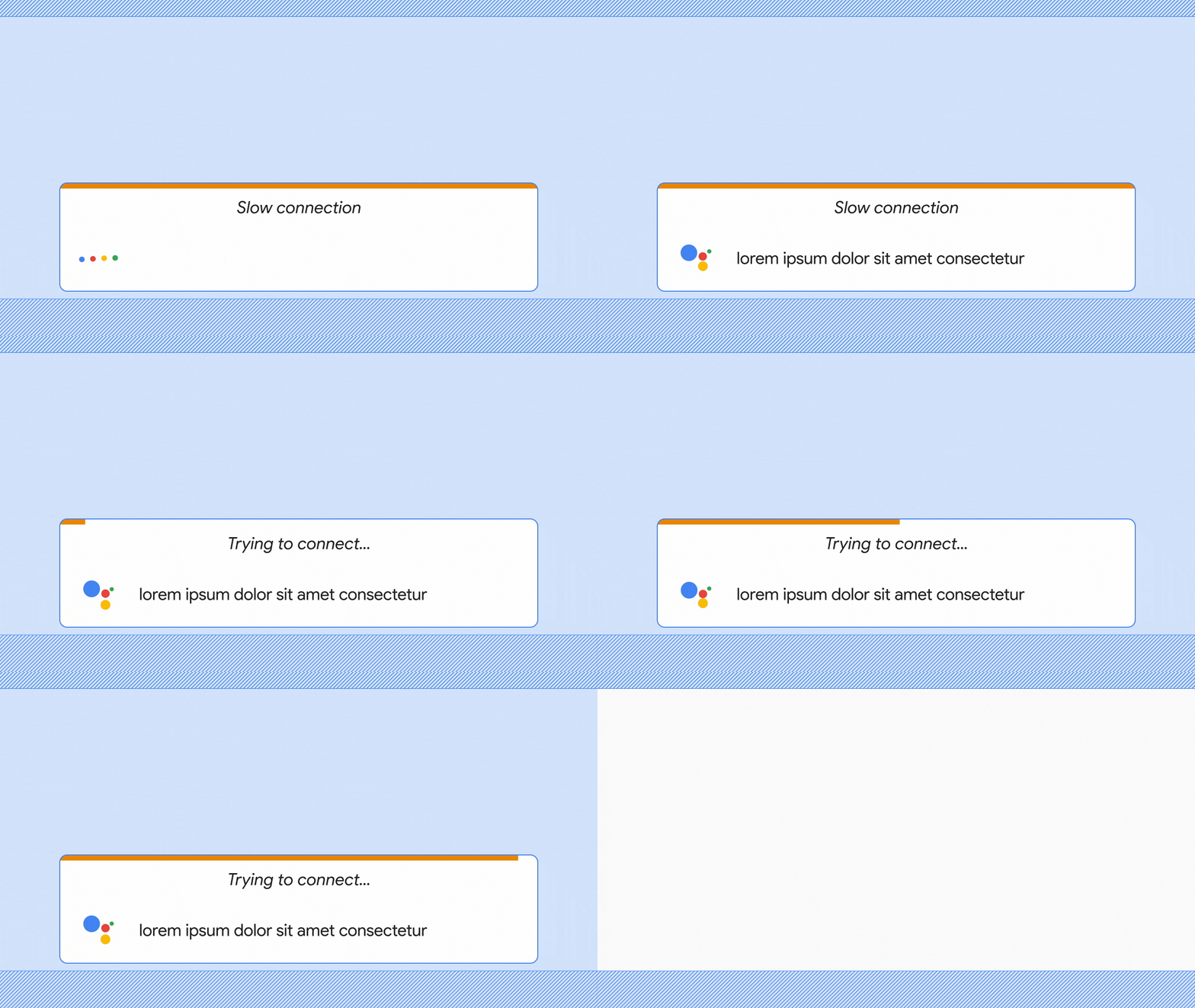
- Poor-internet indicator
Rectangular voice plate - position in & out
The rectangular voice plate enters and exits from the bottom of the screen. As it enters, the scrim animates behind the voice plate to improve glanceability. To dismiss the voice plate, the driver taps outside of it.

Circular voice plate - position in & out
The circular voice plate enters and exits from the bottom of the screen. There’s no scrim behind the voice plate. To dismiss the voice plate, the driver taps the circle.

Transcription
Each word fades onto the screen at the speed of transcription, with a maximum duration of 150ms.

Poor internet indicator
If Assistant has a poor connection after the driver speaks, the voice plate expands with the label "Trying to connect…" for 7 seconds. If there's still no connection after 7 seconds, the label changes to "Can't connect" and the voice plate disappears.