遠端設定是一項功能,允許用戶在取車前設定他們的 Google 服務,通常是透過配套應用程式使用裝置或手機來完成。
遠端設定體驗包含三個主要部分:
- Remote Google built-in setup on the phone : Lets users configure Google services ahead of time. Preferences are saved in the user's Google Account and retrieved when the same account is used in the car.
- In-car setup : Provides a connection between the companion app (phone) and car, setting the stage for seamless account transfer. The association also supports more features such as calendar and messages transfer, and trusted devices used for authentication.
- Google Account and settings transfer (in-car): Uses the companion app association to help users seamlessly transfer their Google Account from the phone to the car, including signing in to Google and transferring their settings.
使用者旅程
To create a seamless user experience, consider how user discover, complete, and benefit from remote setup and account transfer. As you design, explore opportunities to both meet their needs and create moments of delight.
購買汽車
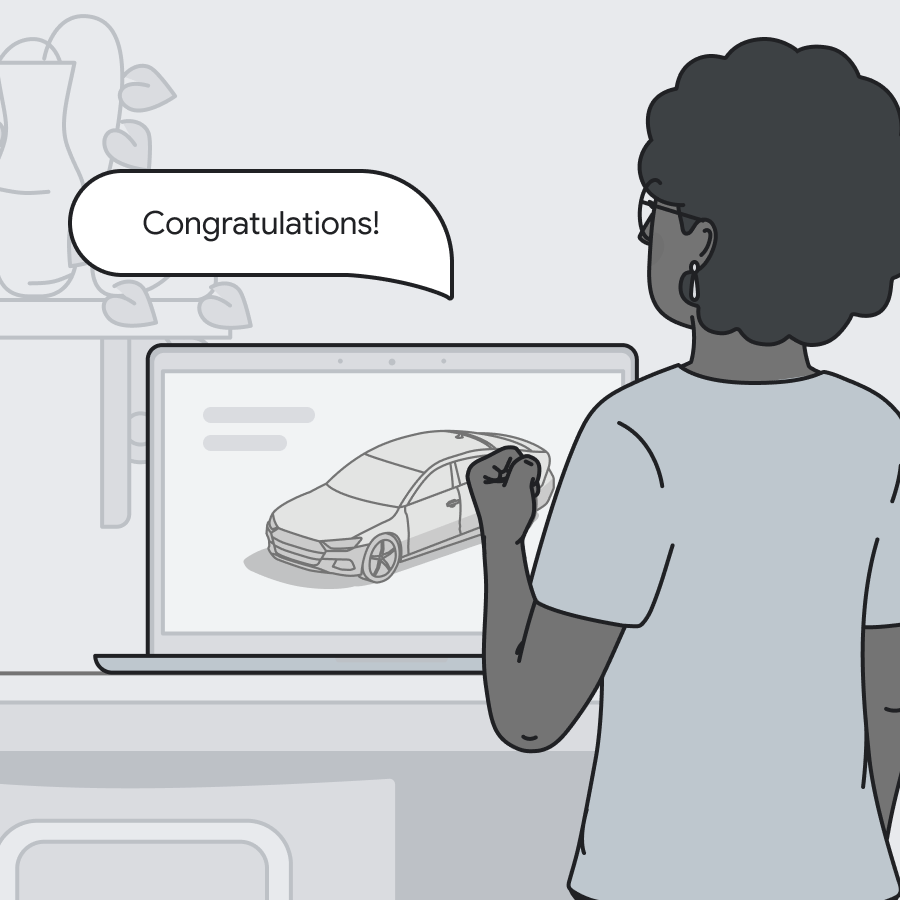 | 卡佳剛買了一輛新車!她興奮極了,迫不及待在車到手前了解所有的新功能。 |
在手機上設定Google汽車服務(Google內建服務)
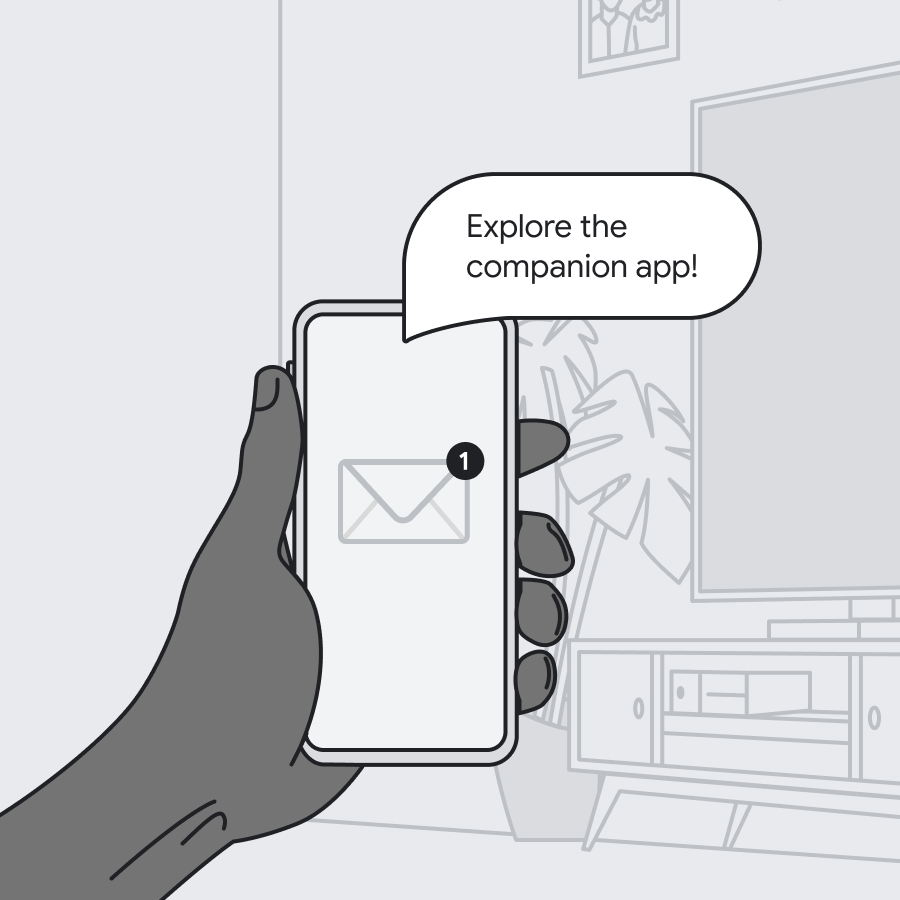 | 她收到汽車製造商的通知,告知她有一個適用於她愛車的應用程式。她可以立即開始使用! |
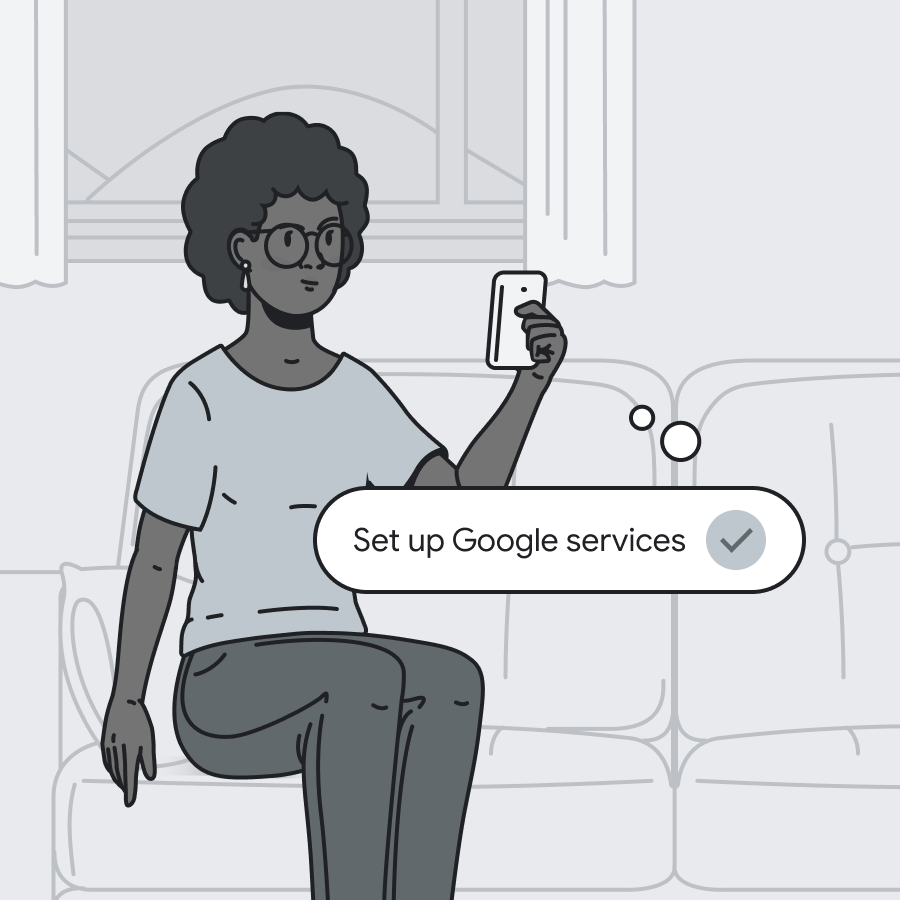 | She starts exploring the app and sees all the ways she can start setting up her car. She sees the entry point to set up Google services , including downloading her favorite apps for the car from Google Play. It's fast and easy, and she's done in minutes. |
手機與汽車的連接
 | 終於到了這一天。她的車到了!她迫不及待地想第一次駕駛它。 |
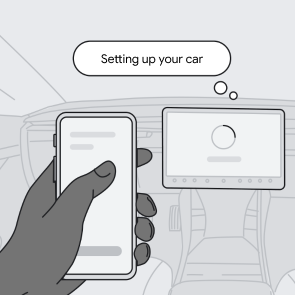 | 她對這輛車興奮不已,想盡快把它組裝好。她一步一步地完成了組裝步驟。 |
Google 帳戶和設定轉移
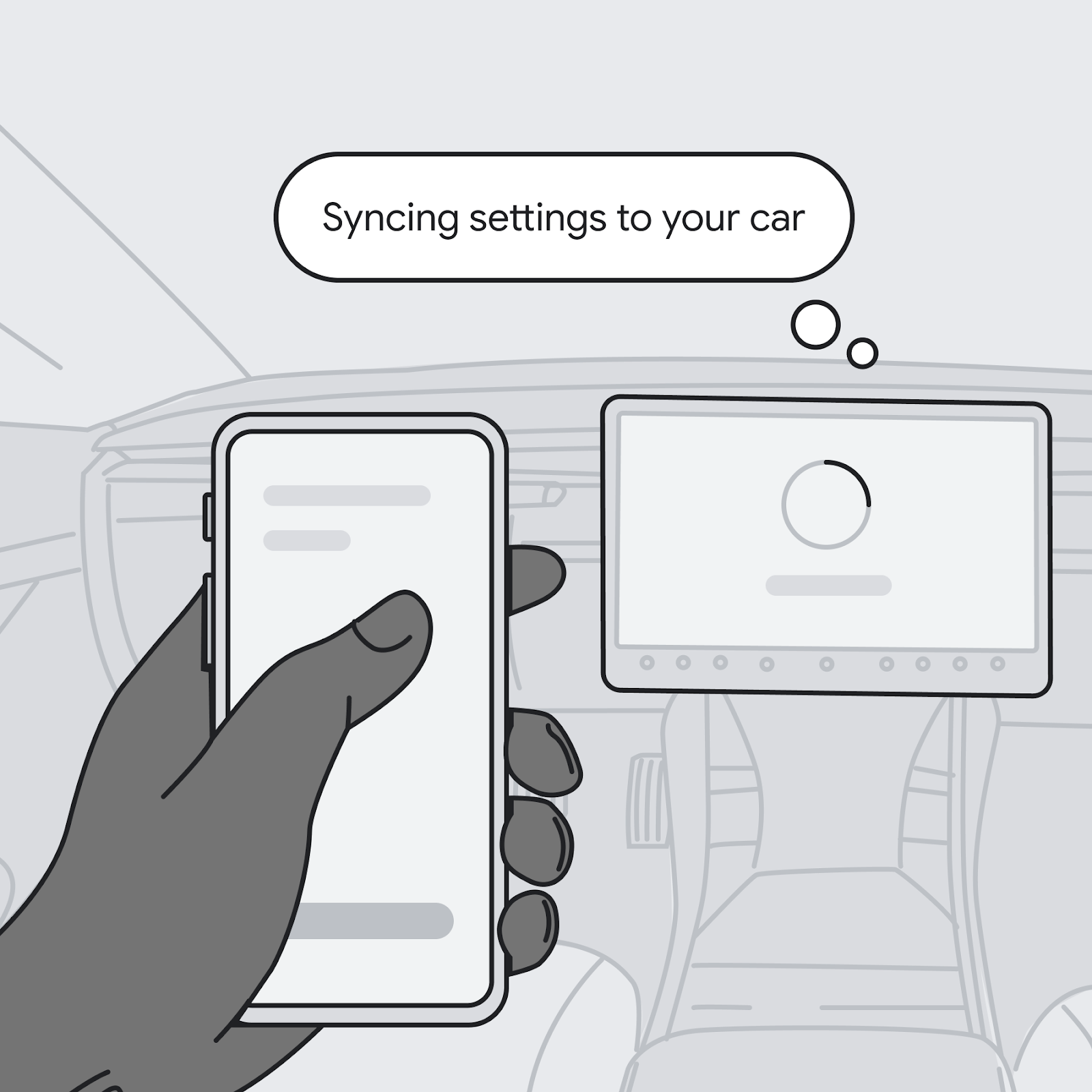 | 她一步步地將自己的設定與汽車同步。 有簡單的說明可以將她手機應用程式中的 Google 帳戶轉移到汽車本身。 |
 | 卡佳驚訝地發現,把所有東西都放進新車裡竟然如此輕鬆。現在她可以專心享受駕駛的樂趣了! |
使用者流程
以下流程圖展示了使用者在遠端設定時以及之後在車內轉移帳戶時看到的螢幕。
基於手機的設置
在用戶拿到車之前,您可以對他們進行培訓和鼓勵,以幫助他們進行遠端設定。
找到入口
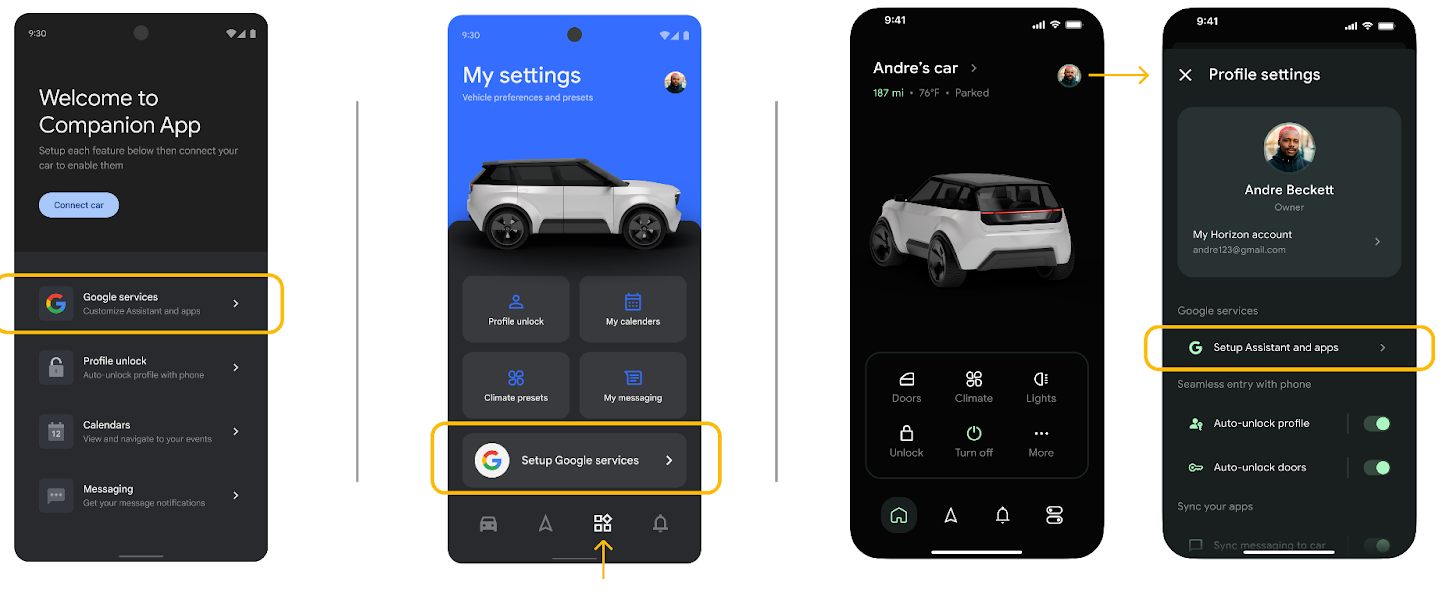
除了行銷資料中的主動宣傳外,用戶還可能在配套應用程式的引導或設定等接觸點發現入口點。
使用 Google 登入
Before continuing to remote setup, users need to sign in to their Google Account. This step is needed only for users who aren't already signed in on their mobile device. Users who are already signed in need to select which Google Account they want to use.

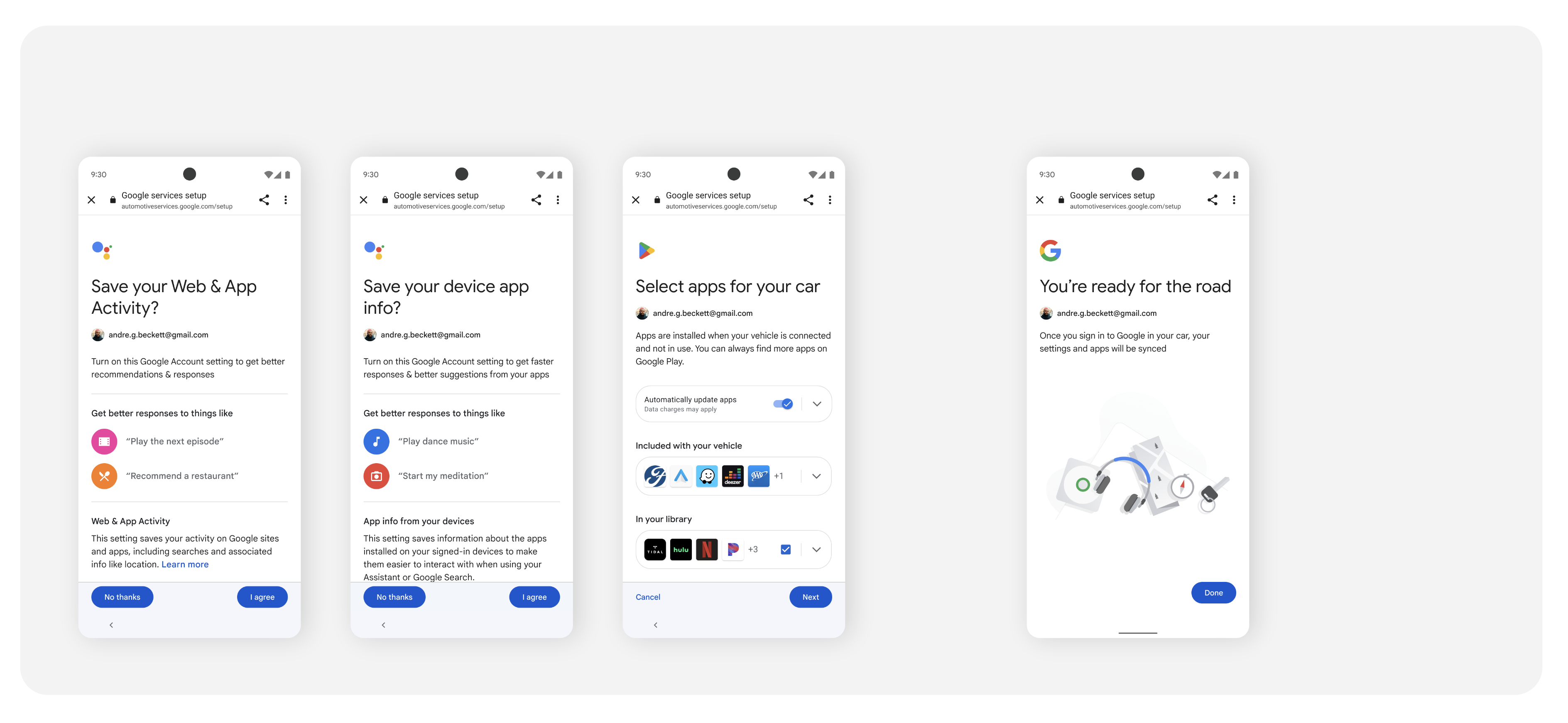
完整的遠端谷歌內建設置
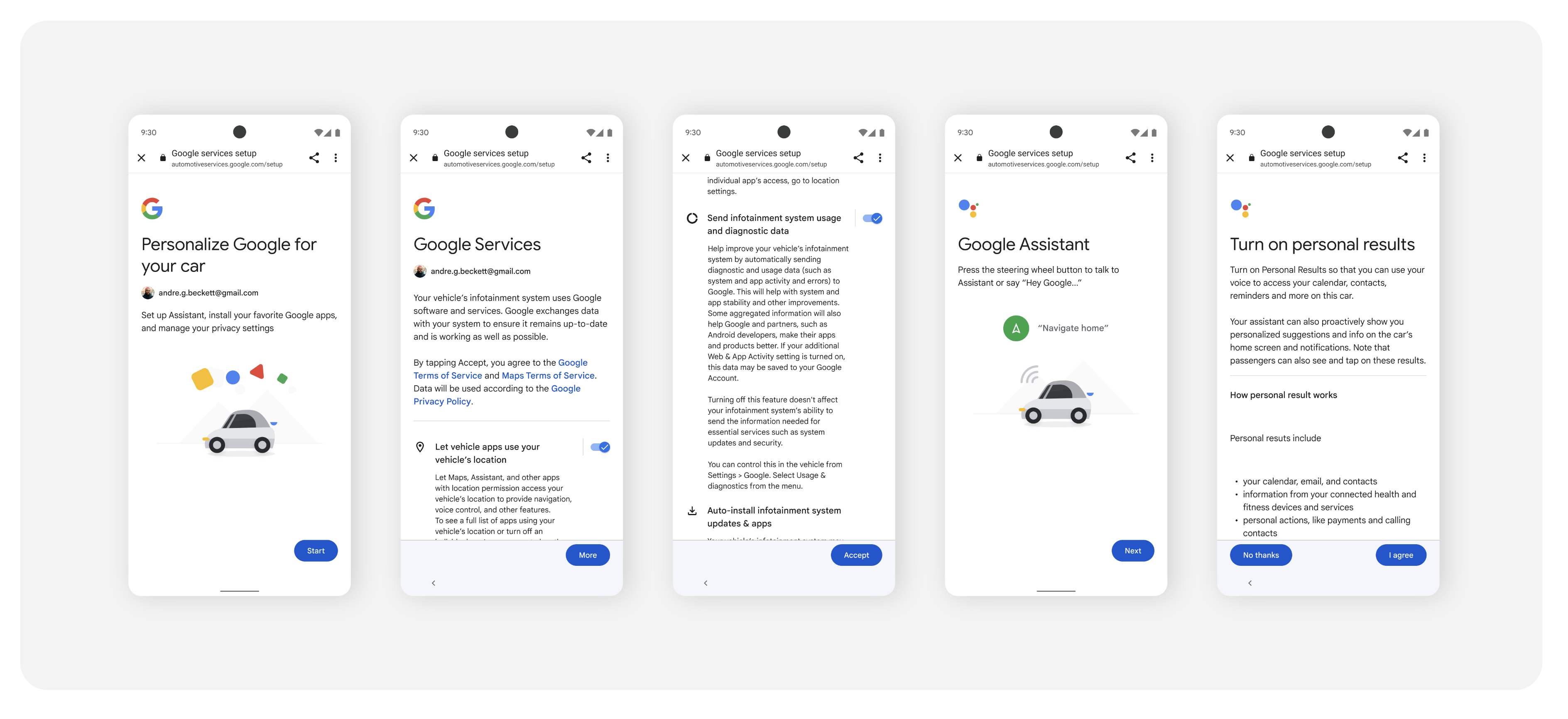
After signing in, users must consent to Google Services in the car, and they go on to make other privacy choices. This includes agreeing to Google Services, setting up Gemini and apps, and configuring device app settings.
重新進入遠端設定(可選)
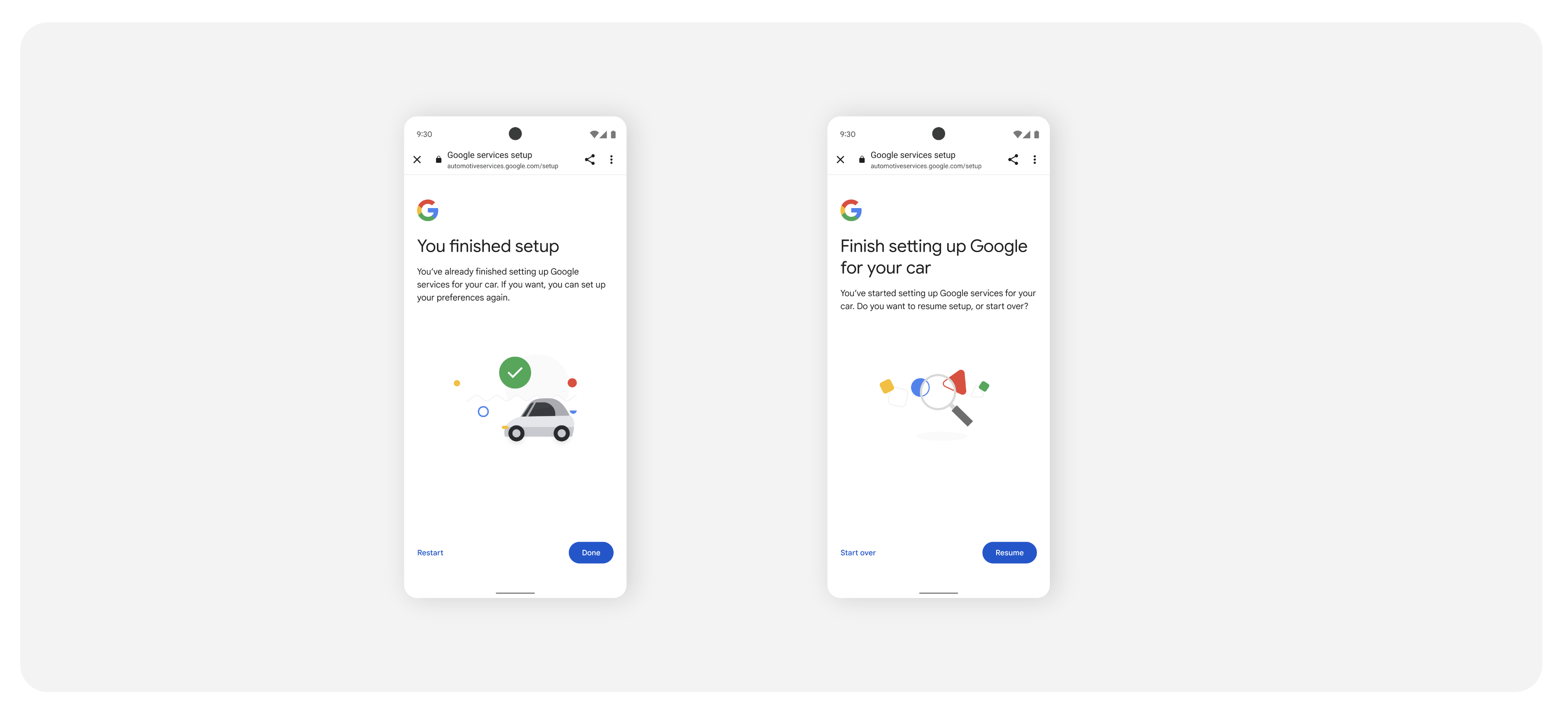
If a user returns to the companion app at a later point, Google clearly communicates their remote setup status. This could include either a reminder that setup is complete, with an option to make changes, or a screen prompting the user to complete setup.
車載設定
Users who choose to complete remote setup on their phone-based companion app ideally associate the companion app with the car, sign in to their Google Account, and transfer settings to the car.
將配套應用程式與汽車關聯
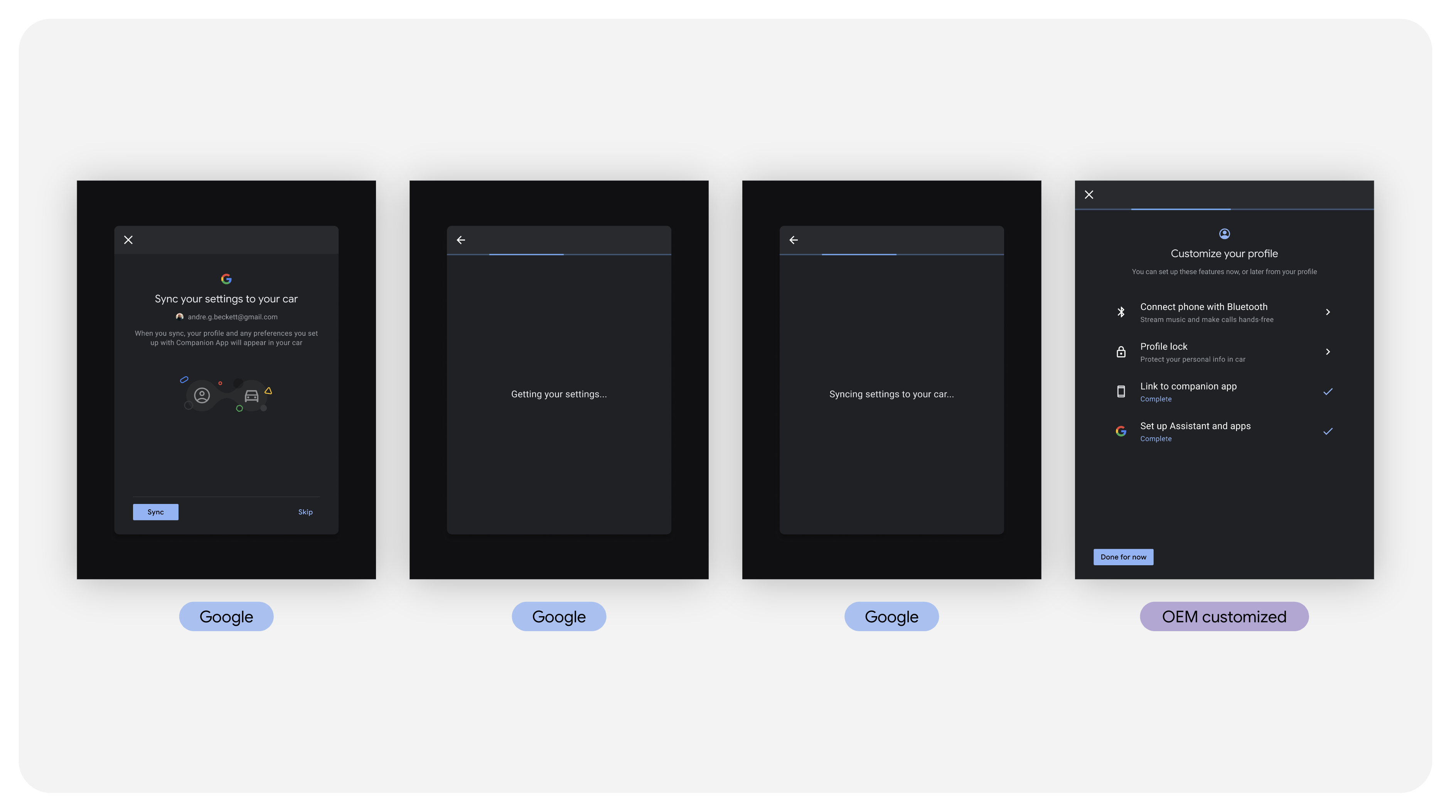
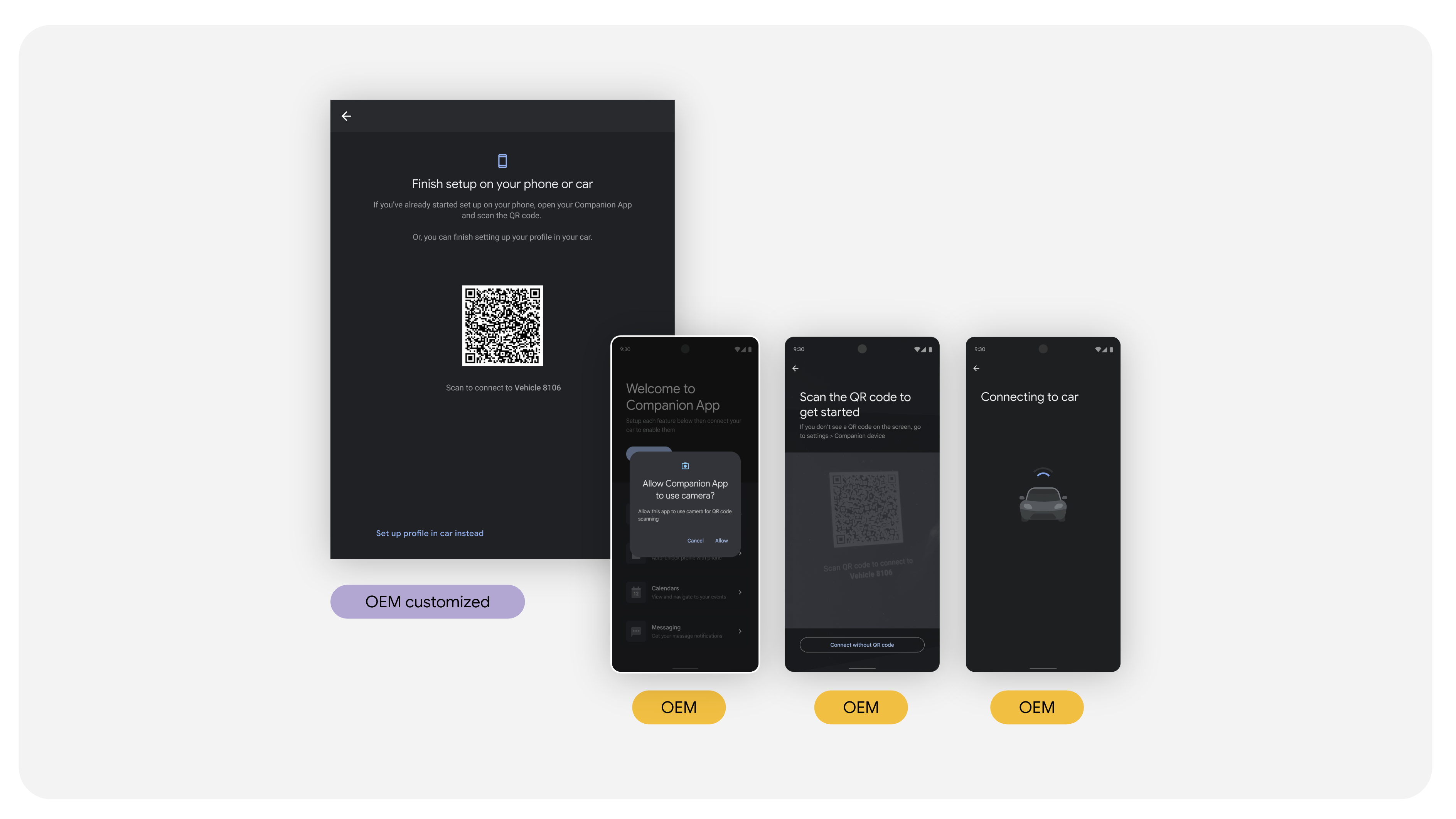
As users enter the car for the first time, they need to associate the companion app with the car. When they set up their car, one of the first screens users see is a prompt to scan a QR code and connect the companion app with their car.
登入谷歌帳號並將設定傳輸到汽車
要從遠端設定匯入和傳輸選項,用戶必須先登入並將他們的 Google 帳戶轉移到汽車。
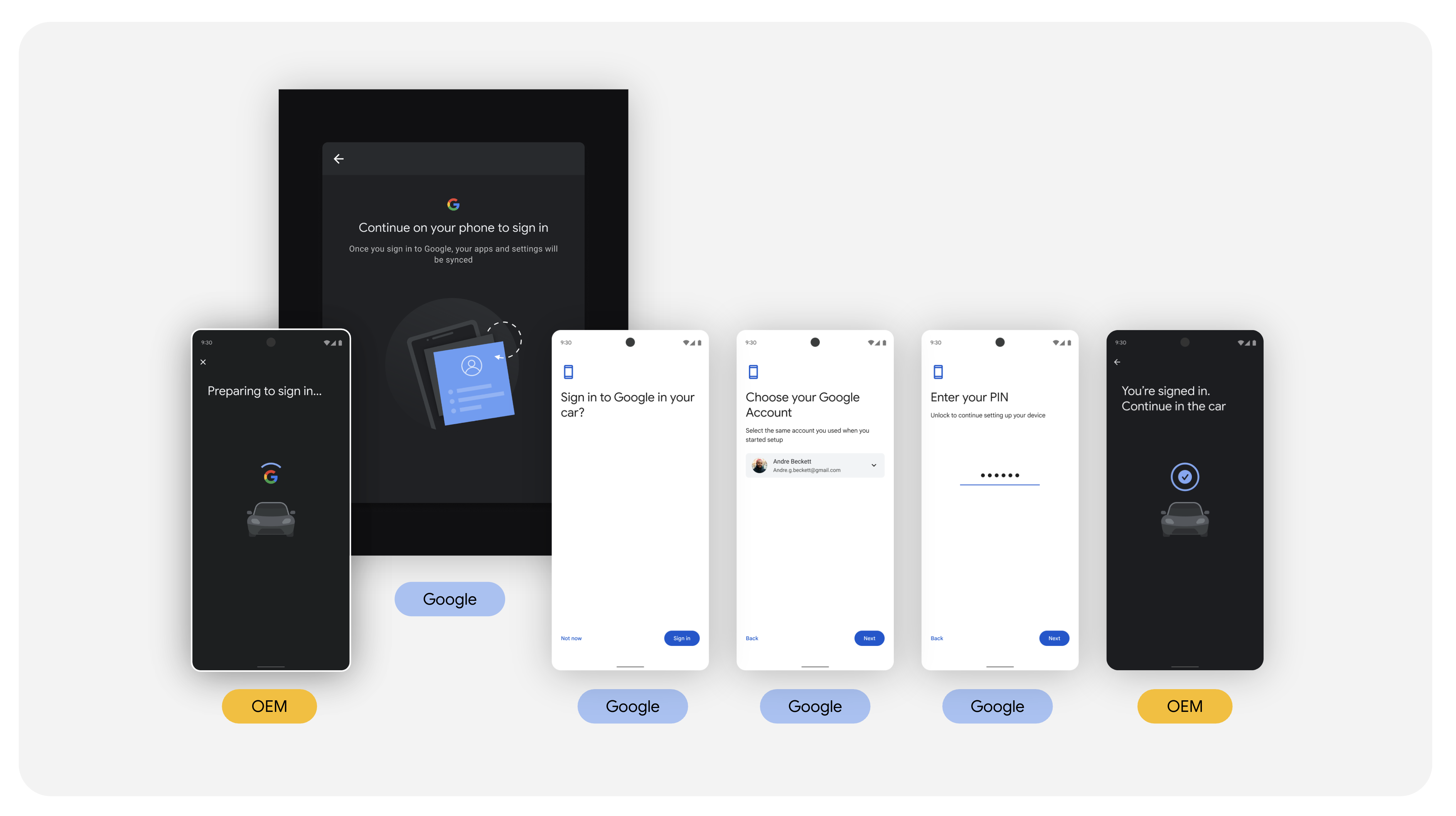
用戶轉移帳戶後,Google 會自動將其設定轉移到汽車上。