Setup Wizard (SUW) helps new users set up Android Automotive in the car, unlocking better personalization and giving them access to Google services.
About Setup Wizard
Setup Wizard (SUW) starts automatically the first time a user drives their car. SUW guides users through the following goals:
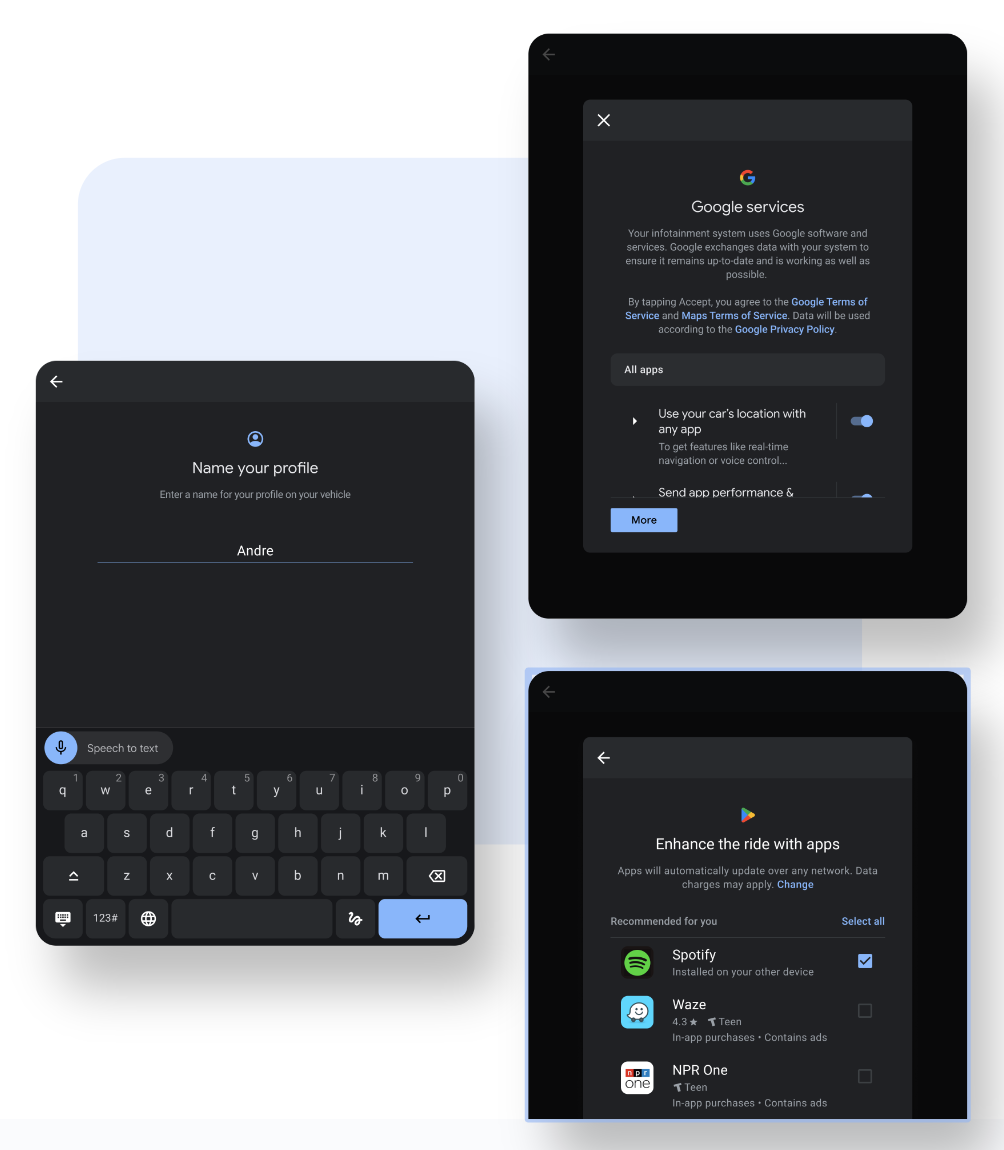
Create a profile: The initial screens help users set up and name a user profile.
Consent to services: Required setup screens that let users agree to vehicle services, including Google services.
Customize their profile and vehicle: Optional screens that let users opt in to and personalize their infotainment experience, such as setting up Google Play or Gemini, or connecting Bluetooth devices.
UX guidelines
When designing your flows and customizing the experience, consider the following guidelines:
Prioritize essential tasks: Focus on guiding users through critical setup tasks, allowing them to defer nonessential steps for a later time. Avoid giving users the option to bypass critical steps.
Minimize distraction: Typically, users want to complete setup as quickly as possible. Avoid promotional or educational content that might discourage them from completing critical setup tasks.
Use the phone: Use smartphones to optimize setup by allowing users to complete tasks in advance or when it's convenient. Create more seamless experiences by using existing user credentials and settings from the phone.
Focus on identity and privacy: Help reinforce the idea of a clear user profile, explaining how individualized settings support personalization and protect privacy in the shared space.