应用启动器允许用户浏览可用的应用和其他主要选项,然后选择要启动的应用。
用户可以通过导航栏上的应用按钮访问启动器。他们还可以自定义应用在启动器中的显示方式,包括是否显示推荐应用。
解剖学
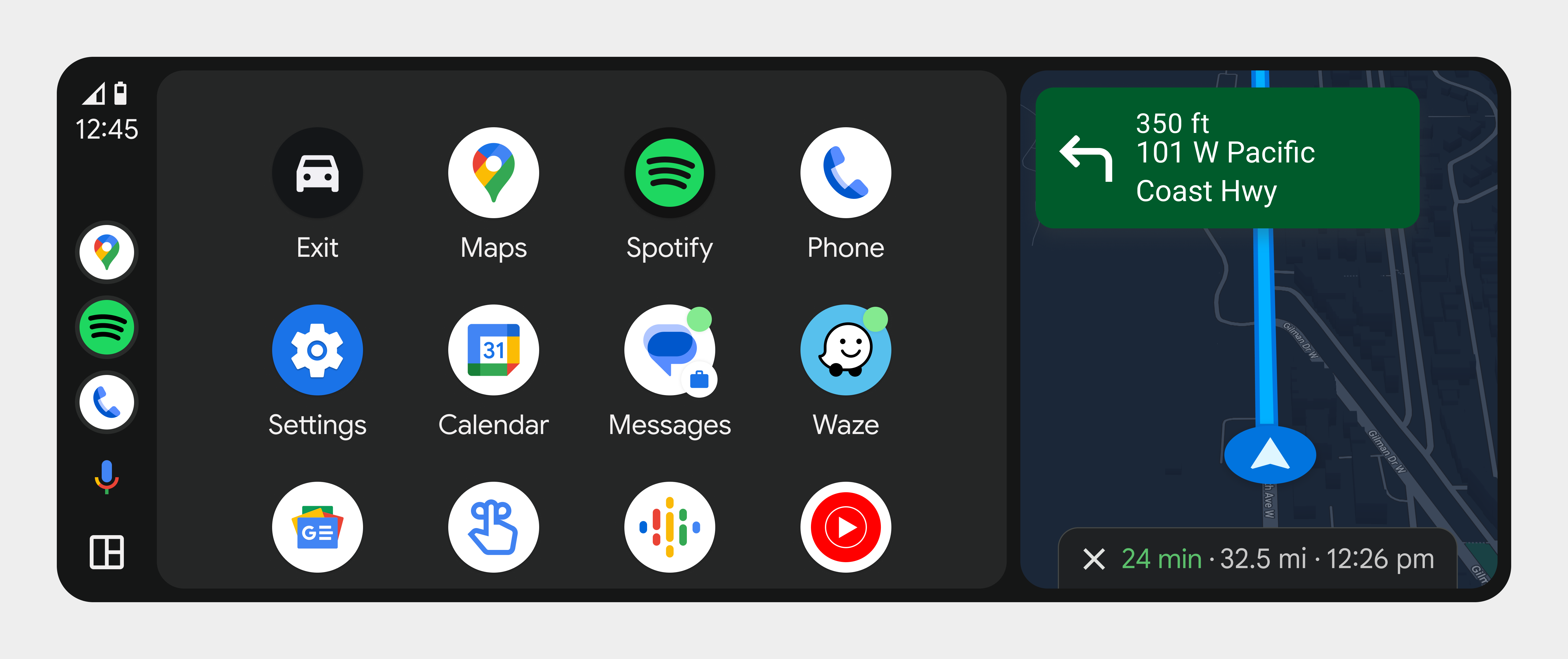
启动器以垂直滚动网格的形式显示可用的应用程序和选项。
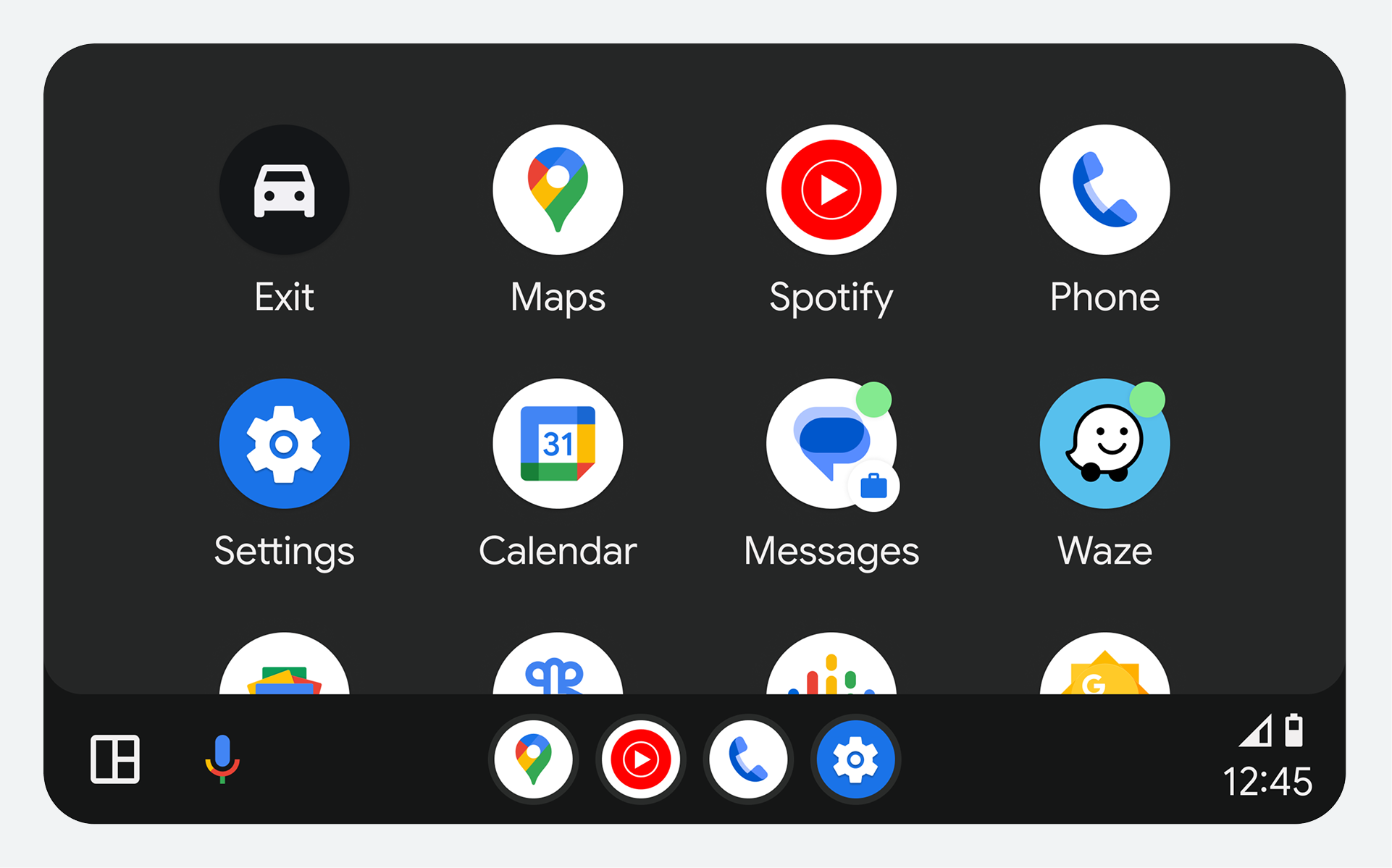
应用程序启动器在内容区域内的位置取决于车辆屏幕的宽度和高度,如下图所示:
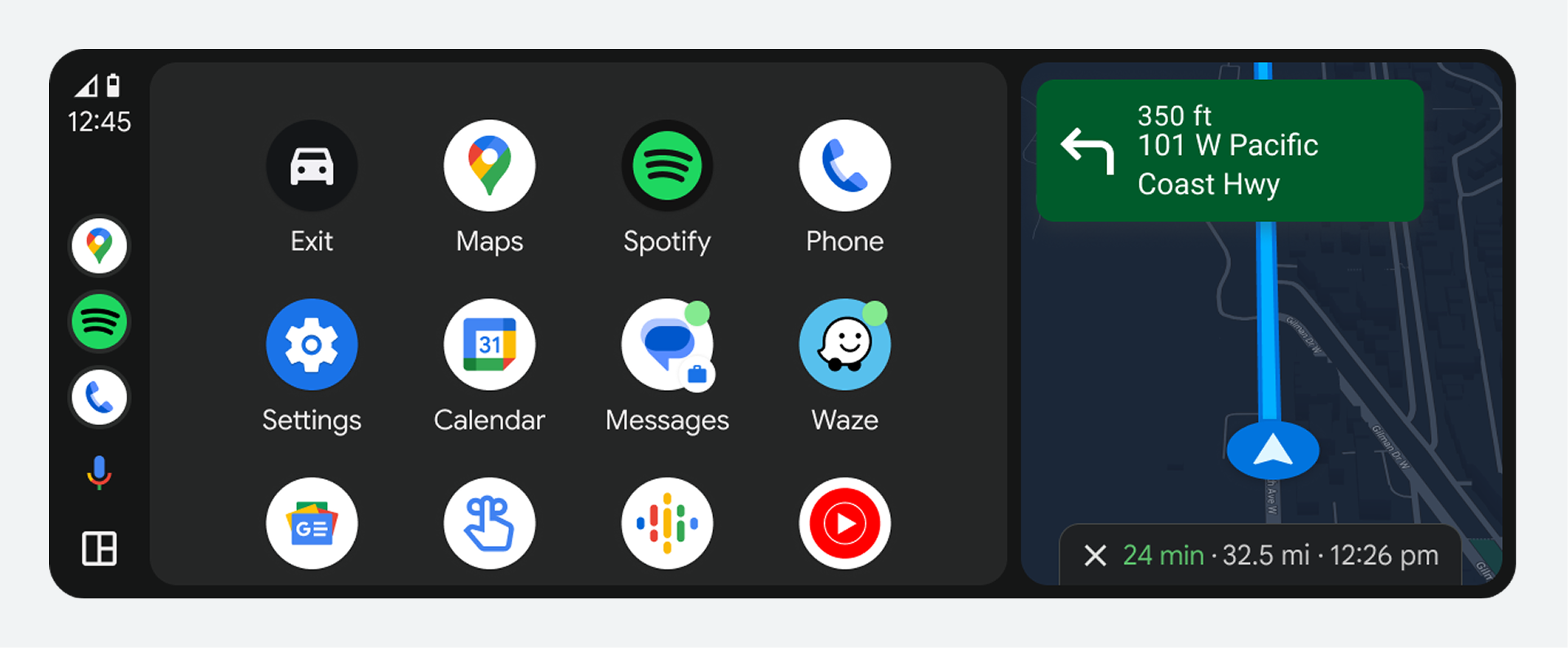
在屏幕较宽的汽车上,应用程序启动器会在屏幕侧边的导航栏旁边打开。
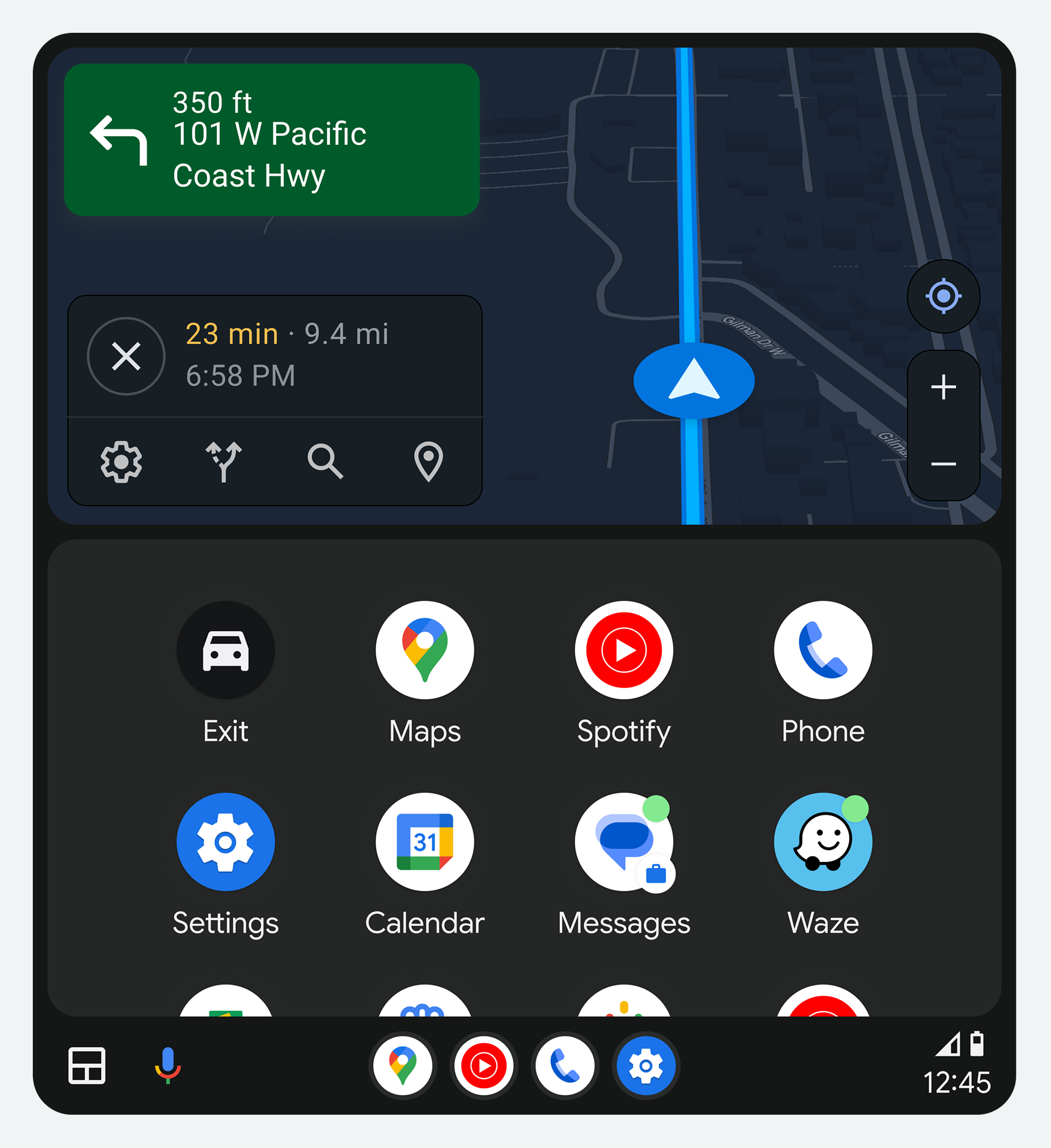
采用竖屏设计的车辆,会在屏幕底部的导航栏上方打开应用程序启动器。
可用应用和选项
启动器中的项目网格包含以下内容:
- 应用
- 退出选项
- 辅助操作
这些项目的示例将在下一节的示例中提供。
应用
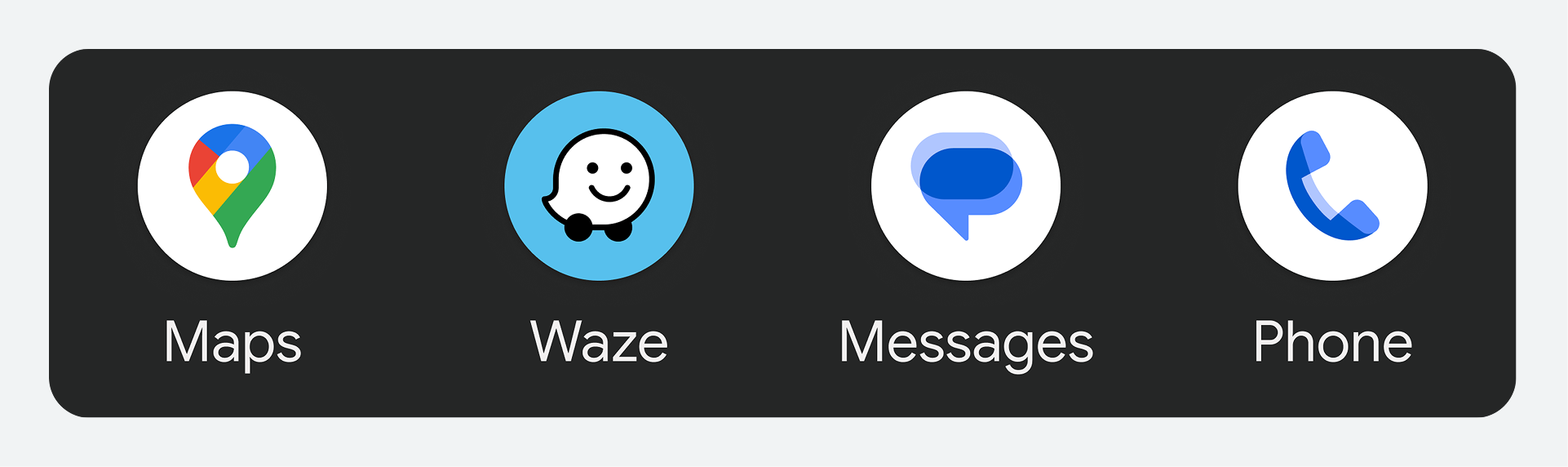
启动器会显示用户与 Android Auto 兼容的应用,包括导航、媒体、通讯等。
退出选项
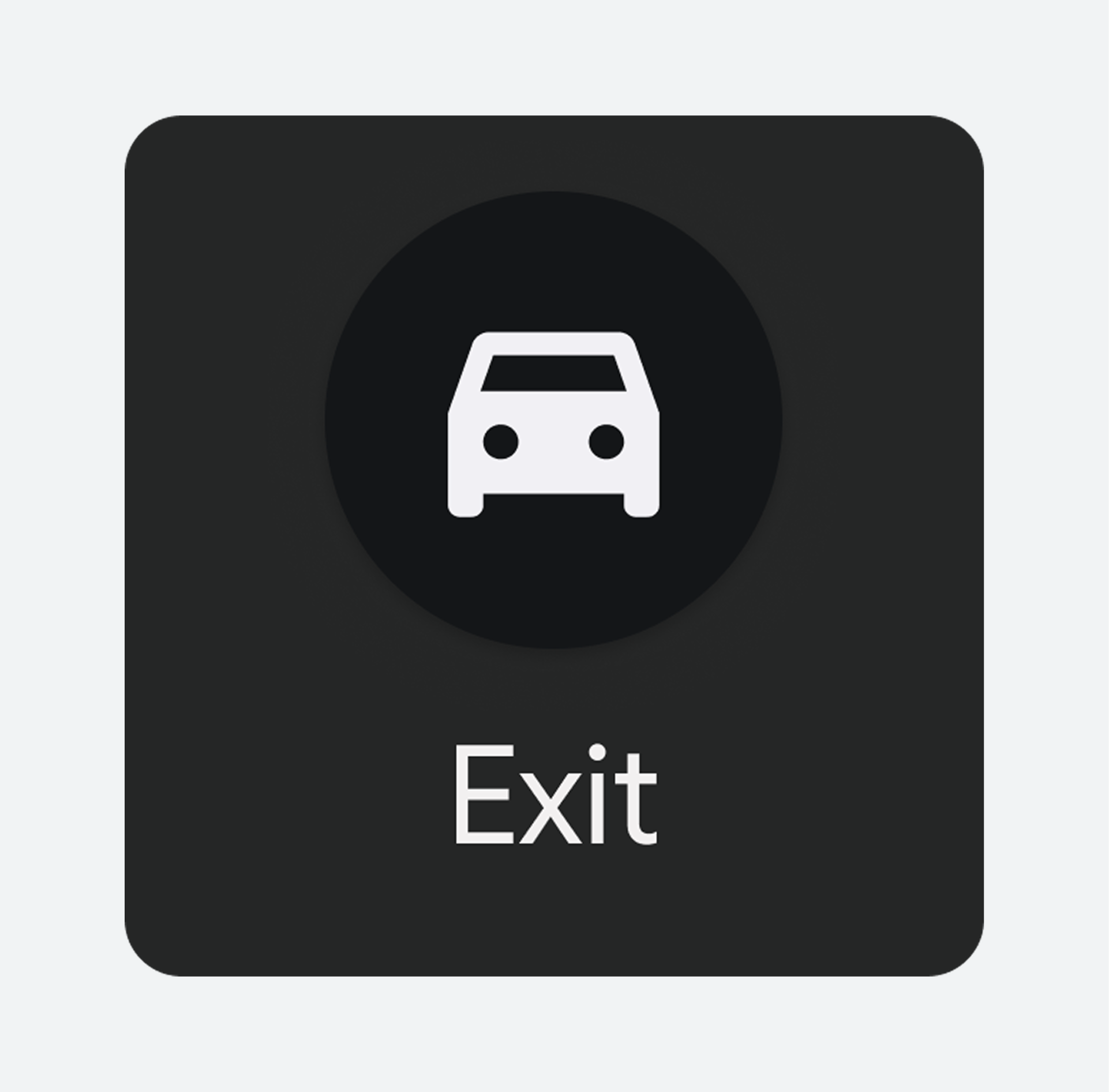
In addition to showing apps, the launcher displays an Exit option. This option allows users to quit Android Auto and return to the car's built-in infotainment system. The exit button can include the logo and brand name of the car maker.
默认布局中,“退出”选项显示在最前面,位于按字母顺序排列的应用列表之前。如果用户自定义启动器,可以将其移动到其他位置。
数字助理操作
Apps that are digital assistant activated are included with the apps in the launcher. Selecting these icons invokes the digital assistant to help with specific tasks for which voice interaction is helpful.
例如,您可以使用助理来发现新闻播客、设置提醒或阅读天气信息。

自定义启动器
用户可以通过以下方式自定义启动器:
- 隐藏某些应用和选项
- 更改应用的显示顺序
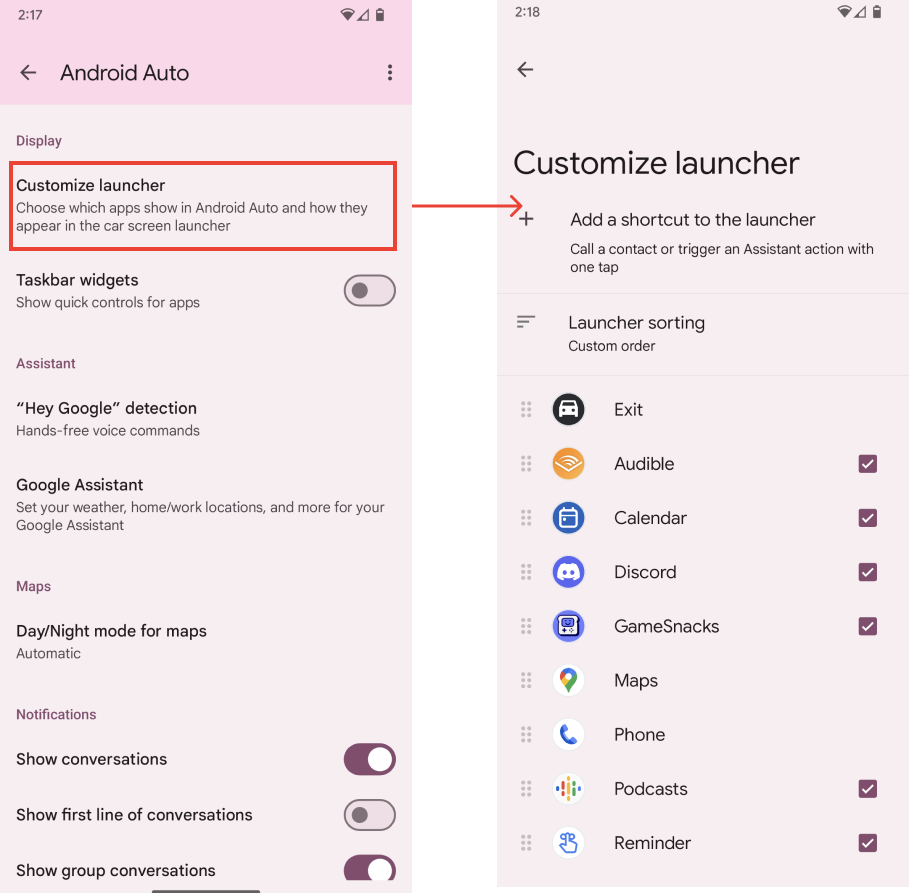
这些自定义操作可在用户手机的 Android Auto 设置中找到。
访问自定义设置
To get to the Android Auto Settings page, users navigate to the system Settings app on their phone, and go to Connected Devices > Connection Preferences > Android Auto . Users can also search for Android Auto in the settings app.
Users can customize the app launcher by modifying the Customize launcher settings. There, users can choose apps to hide or drag their names to rearrange their order in the launcher. Any changes made on this page will be reflected in the launcher after the user exits and restarts Android Auto.