Media apps
Stay organized with collections
Save and categorize content based on your preferences.
The media template is for apps that support a continuous stream of audio
content and don't require excessive interaction.
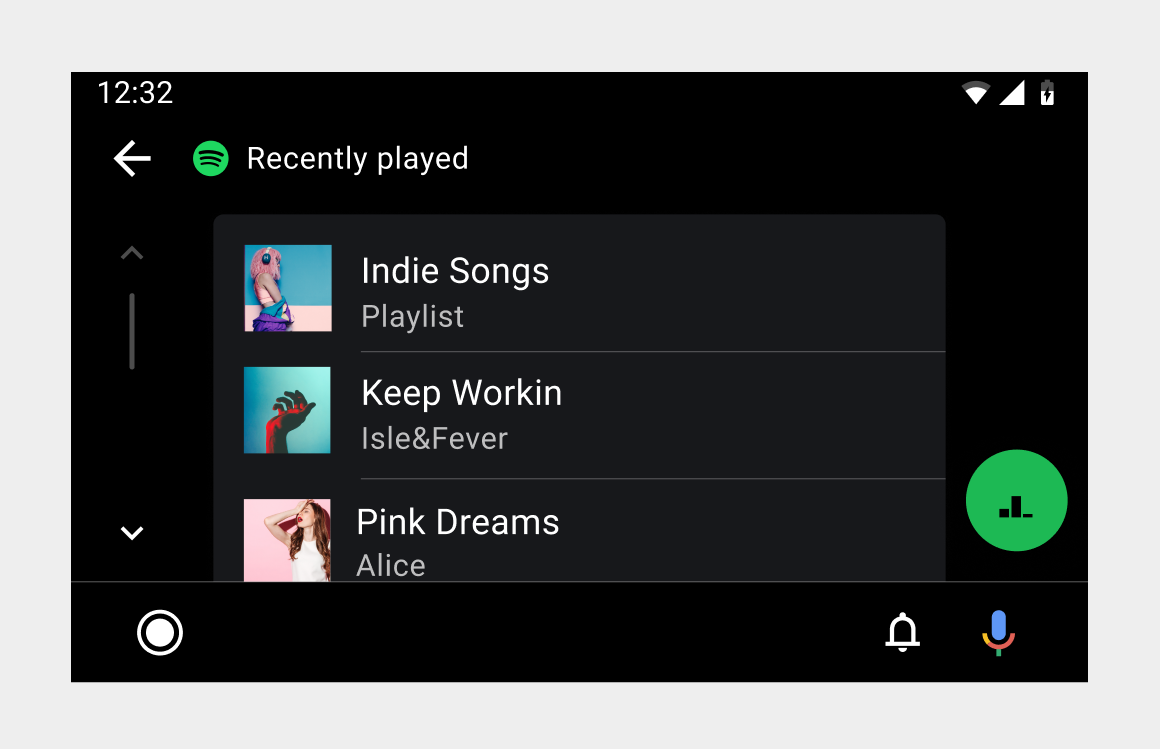
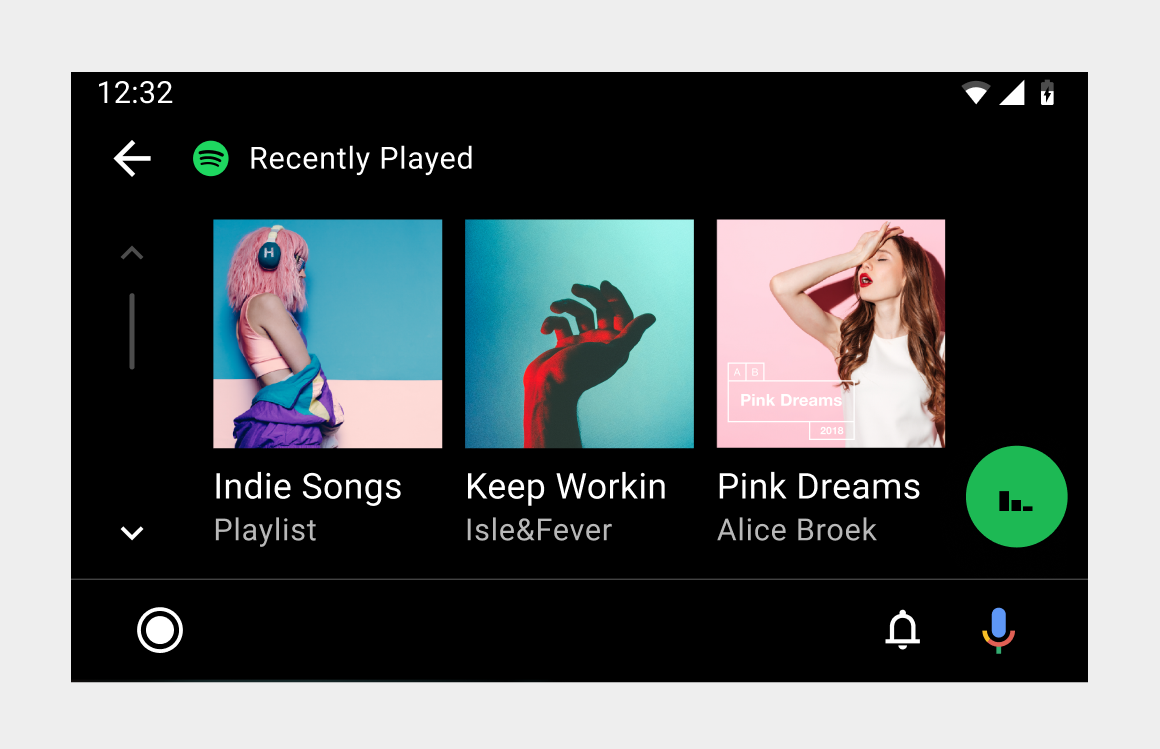
Android Auto's media template uses a single navigation model across all
audio apps. In this model, users navigate browsing
views to find and select playable
content.
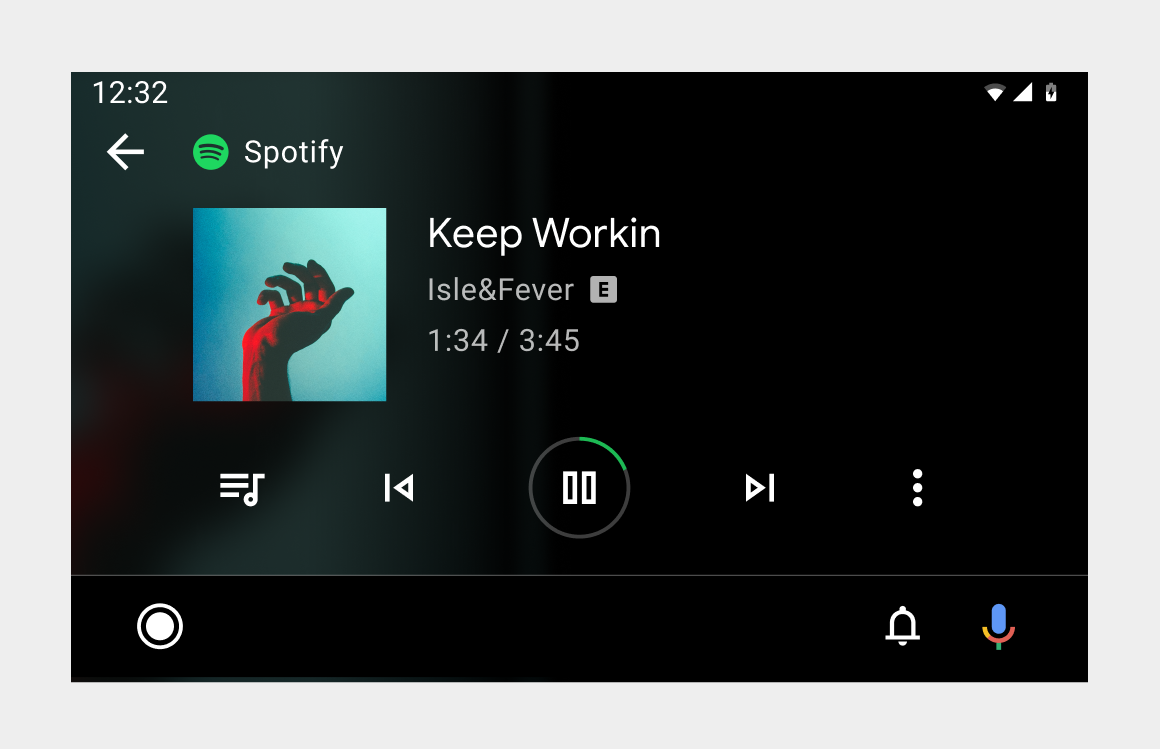
When content is playing, users can control playback in the playback
view. The playback view remains
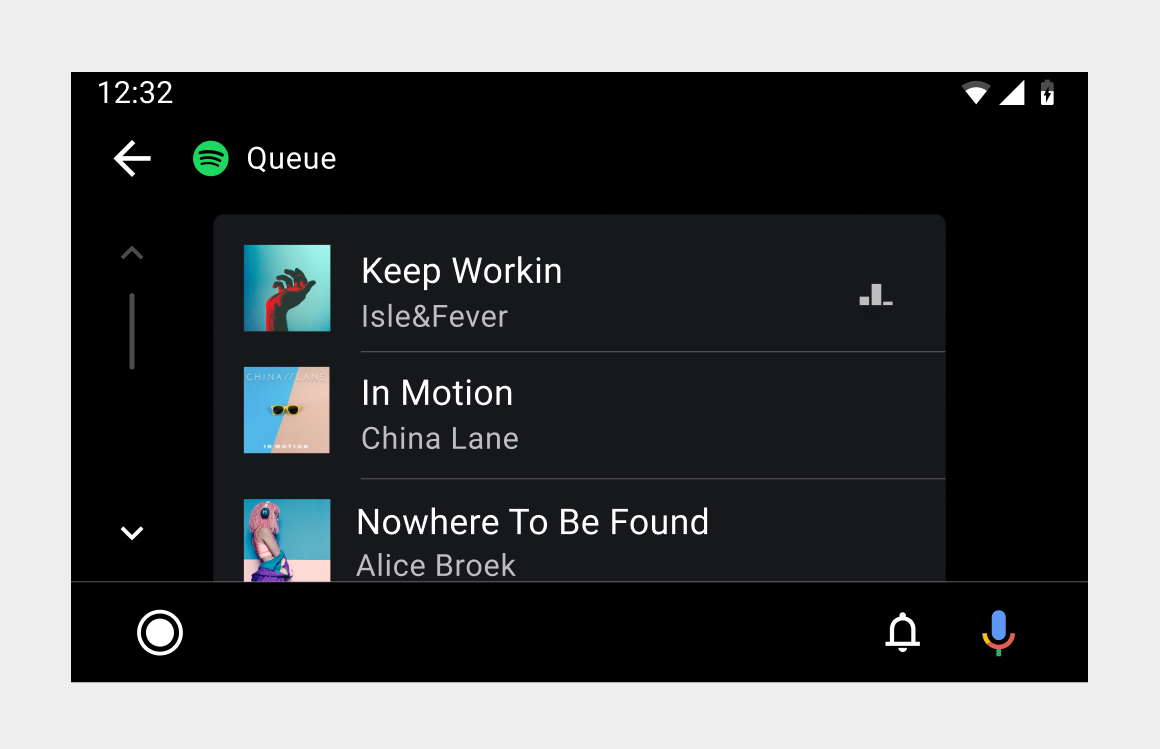
accessible in browsing views from a floating action button (FAB). The playback
view also allows access to a queue of
currently playing and upcoming content.
Browsing view – List format.
Browsing view – Grid format.
[[["Easy to understand","easyToUnderstand","thumb-up"],["Solved my problem","solvedMyProblem","thumb-up"],["Other","otherUp","thumb-up"]],[["Missing the information I need","missingTheInformationINeed","thumb-down"],["Too complicated / too many steps","tooComplicatedTooManySteps","thumb-down"],["Out of date","outOfDate","thumb-down"],["Samples / code issue","samplesCodeIssue","thumb-down"],["Other","otherDown","thumb-down"]],["Last updated 2026-03-02 UTC."],[],[]]