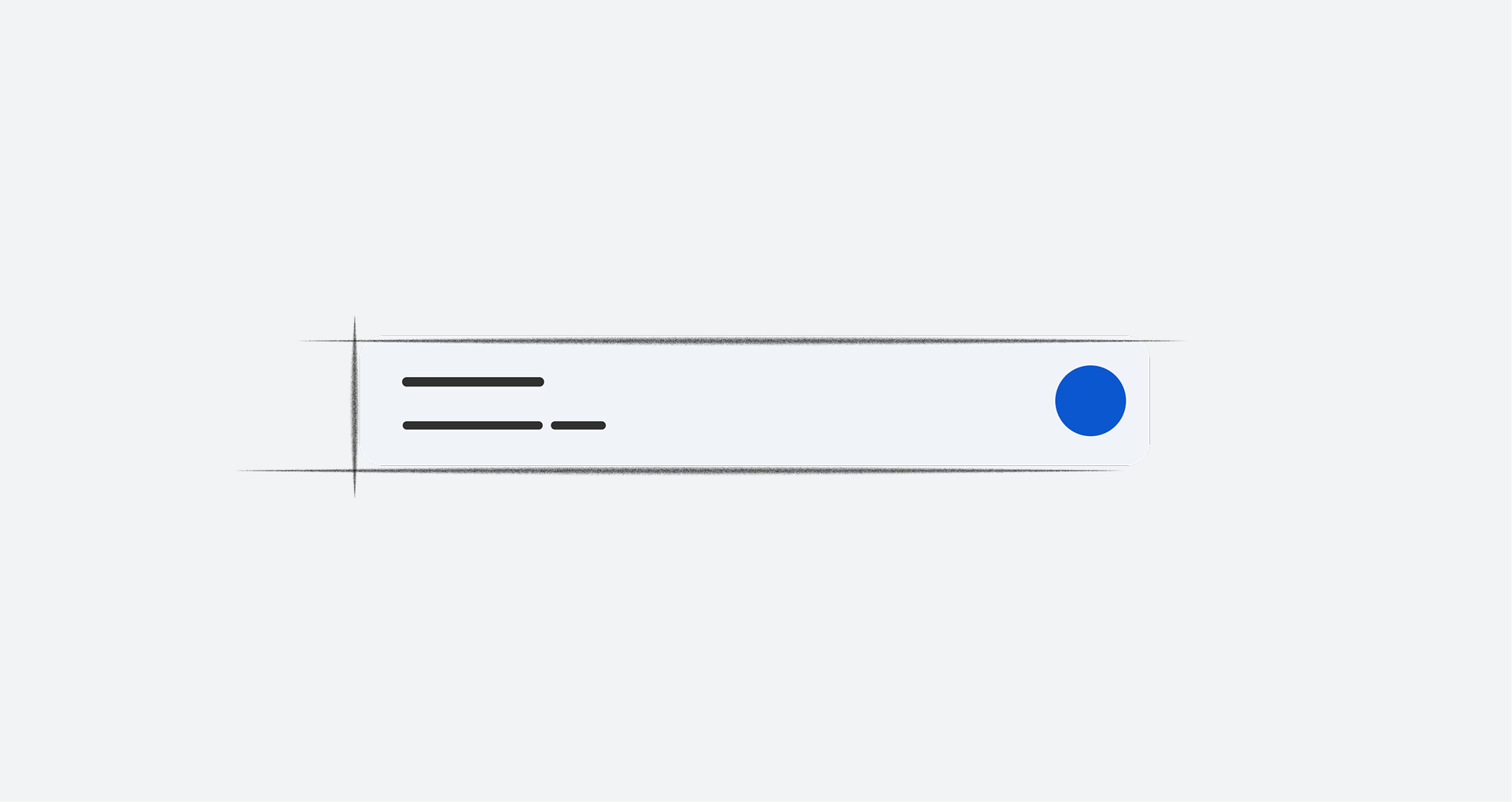
Components are the building blocks for the visual design of the Android Automotive OS (AAOS) interface. Some AAOS components and their customizable properties are implemented in the car UI library, while others are standard AOSP components, or need to be built from scratch following the specs provided here.
This section describes the anatomy, visual specs, and styles for AAOS components.
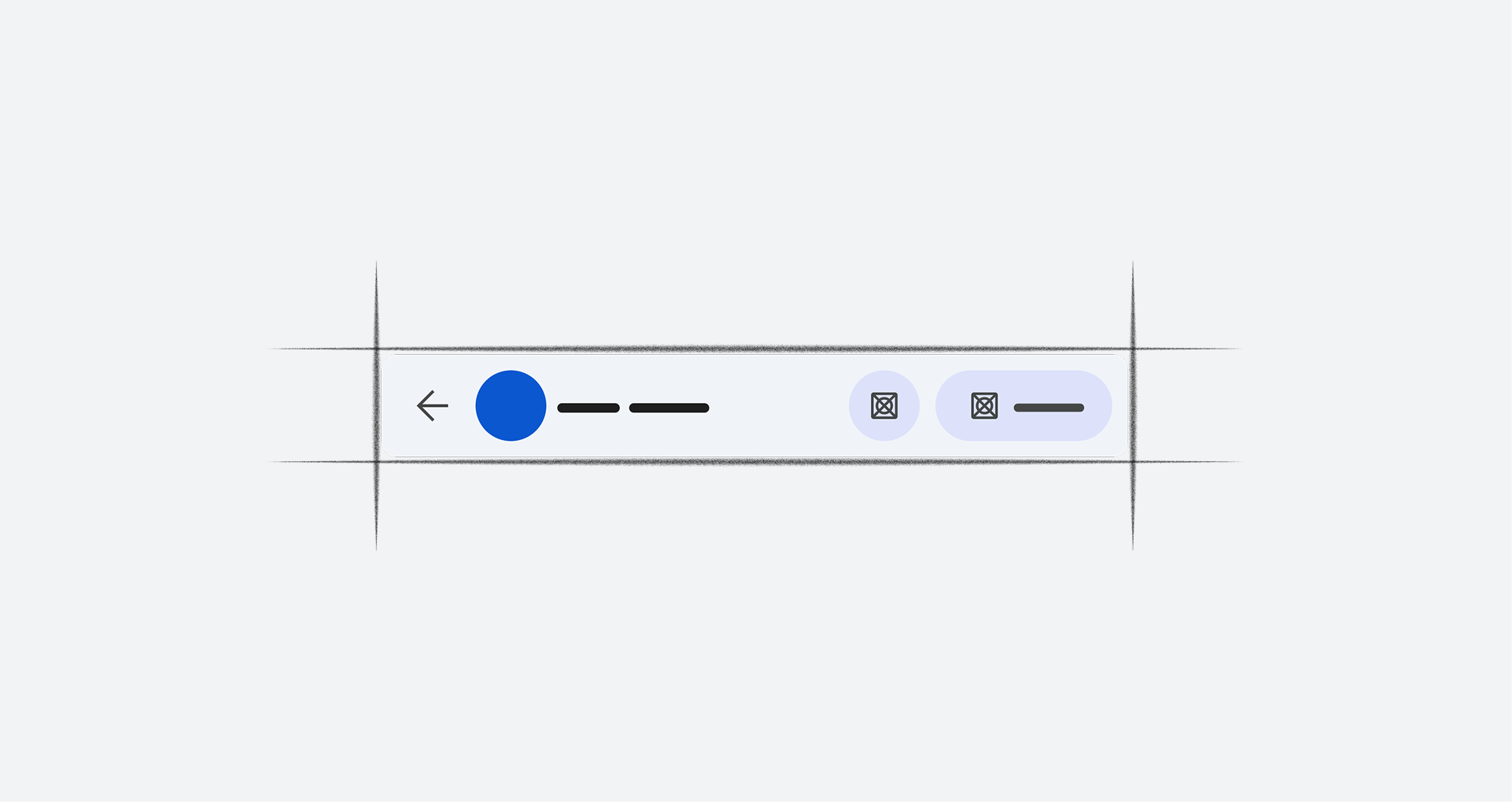
App bar & header
A dedicated space for important app-related functions
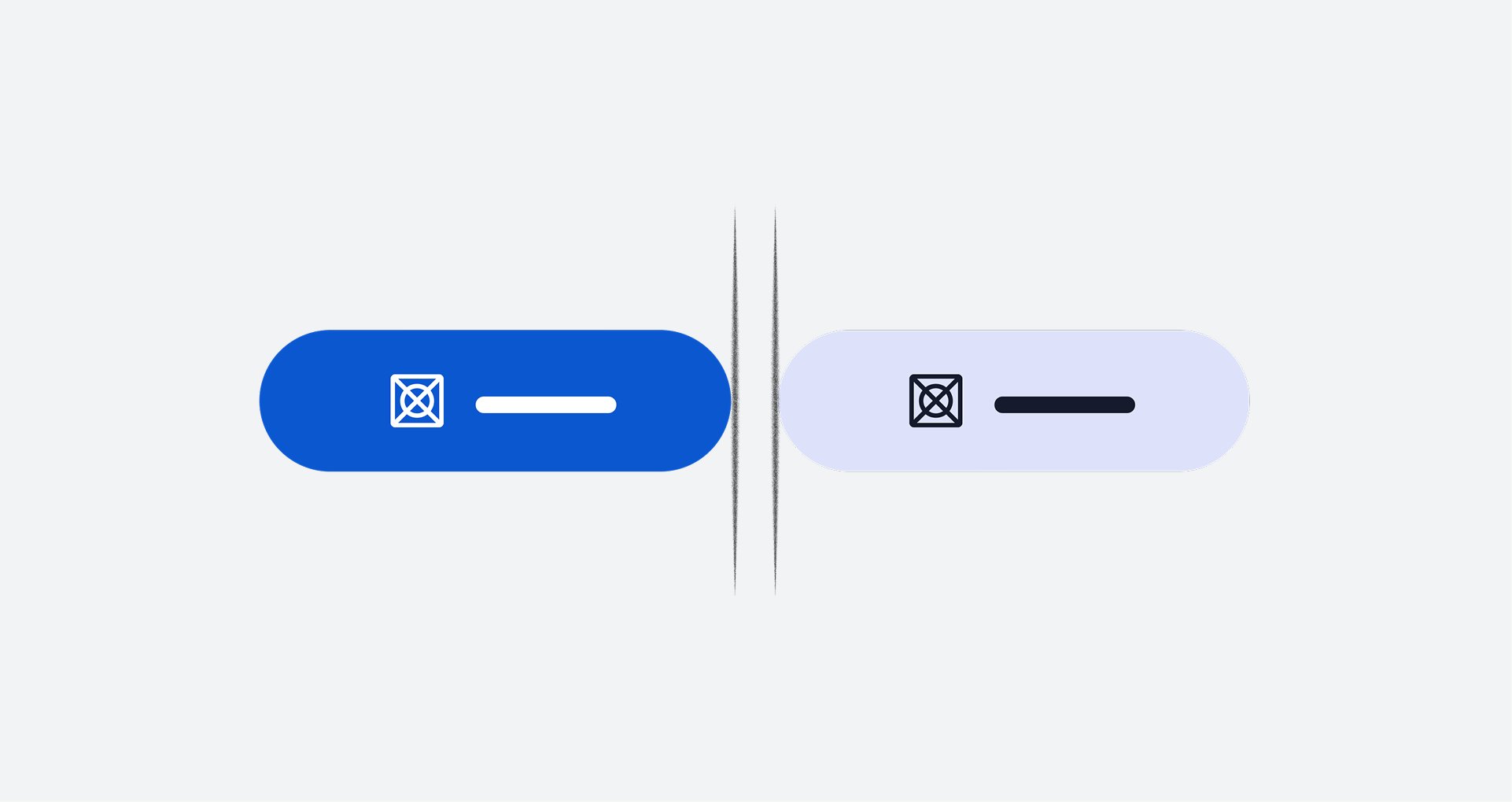
Buttons
Action affordances that communicate their purpose to the user
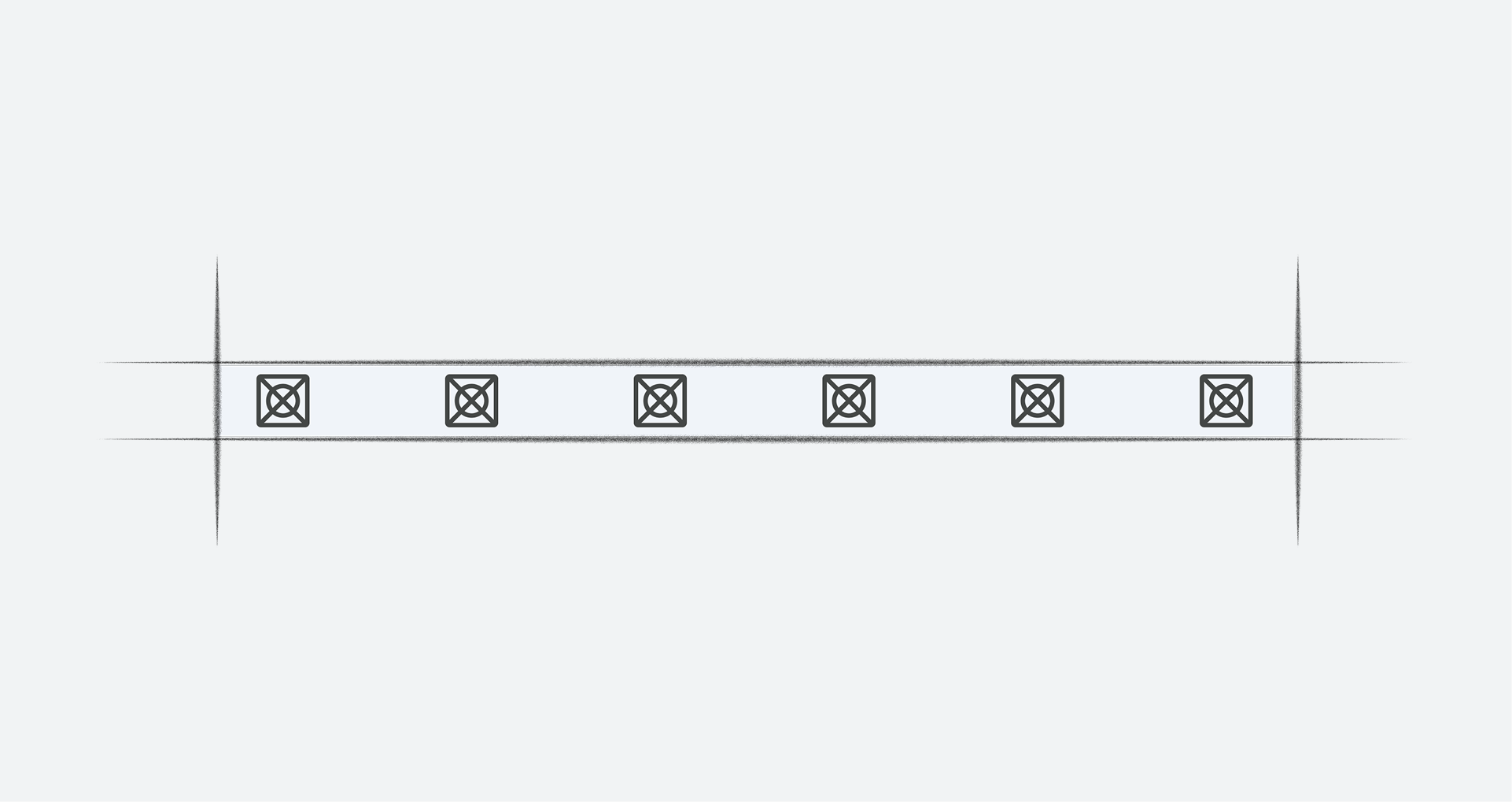
Control bar
An expandable set of controls associated with a particular view

Dialogs
Cards featuring messages to users about timely or urgent information, sometimes with action options for responding
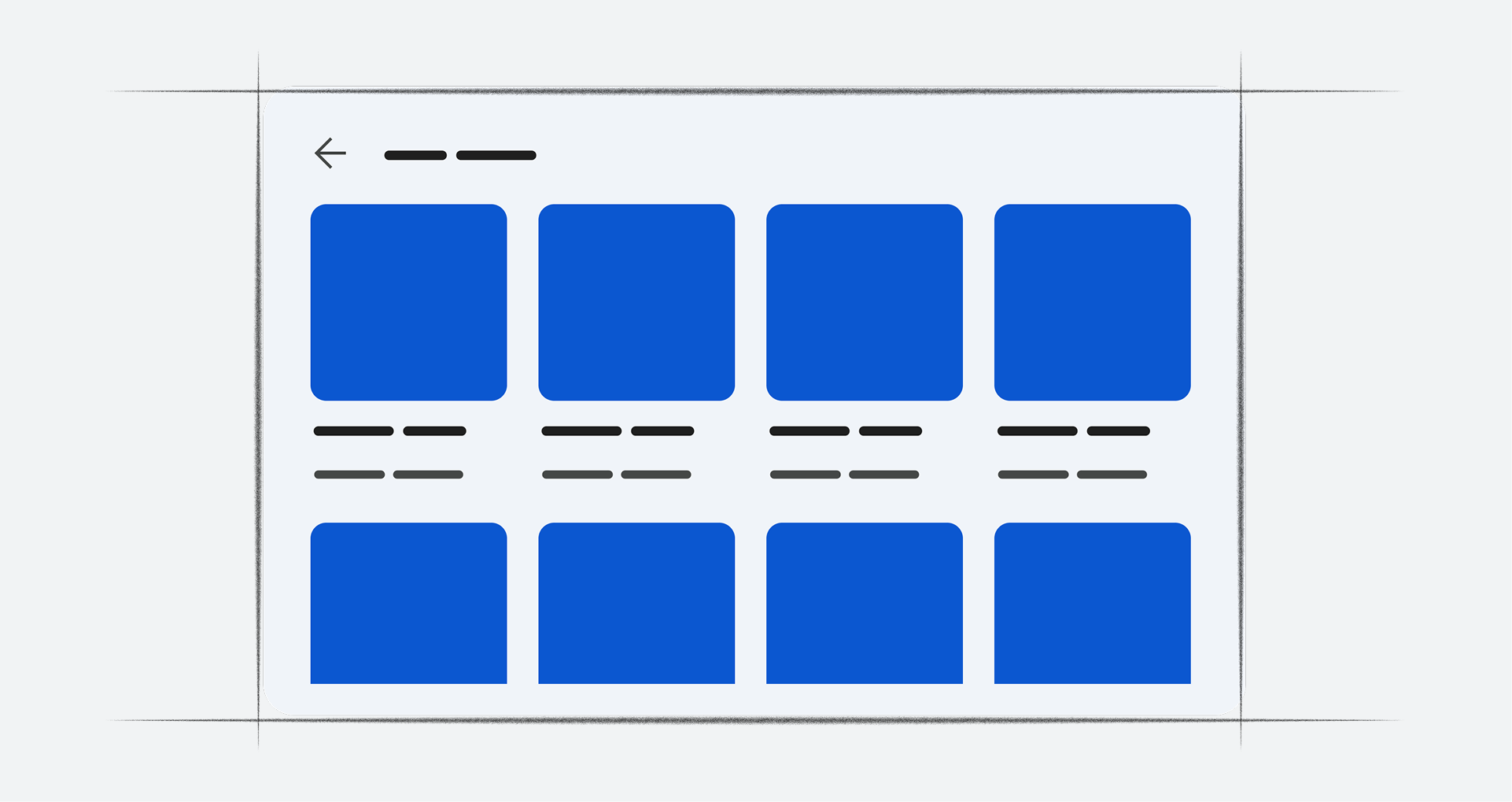
Grids
Scrollable arrays of images representing content items, with brief text beneath each image
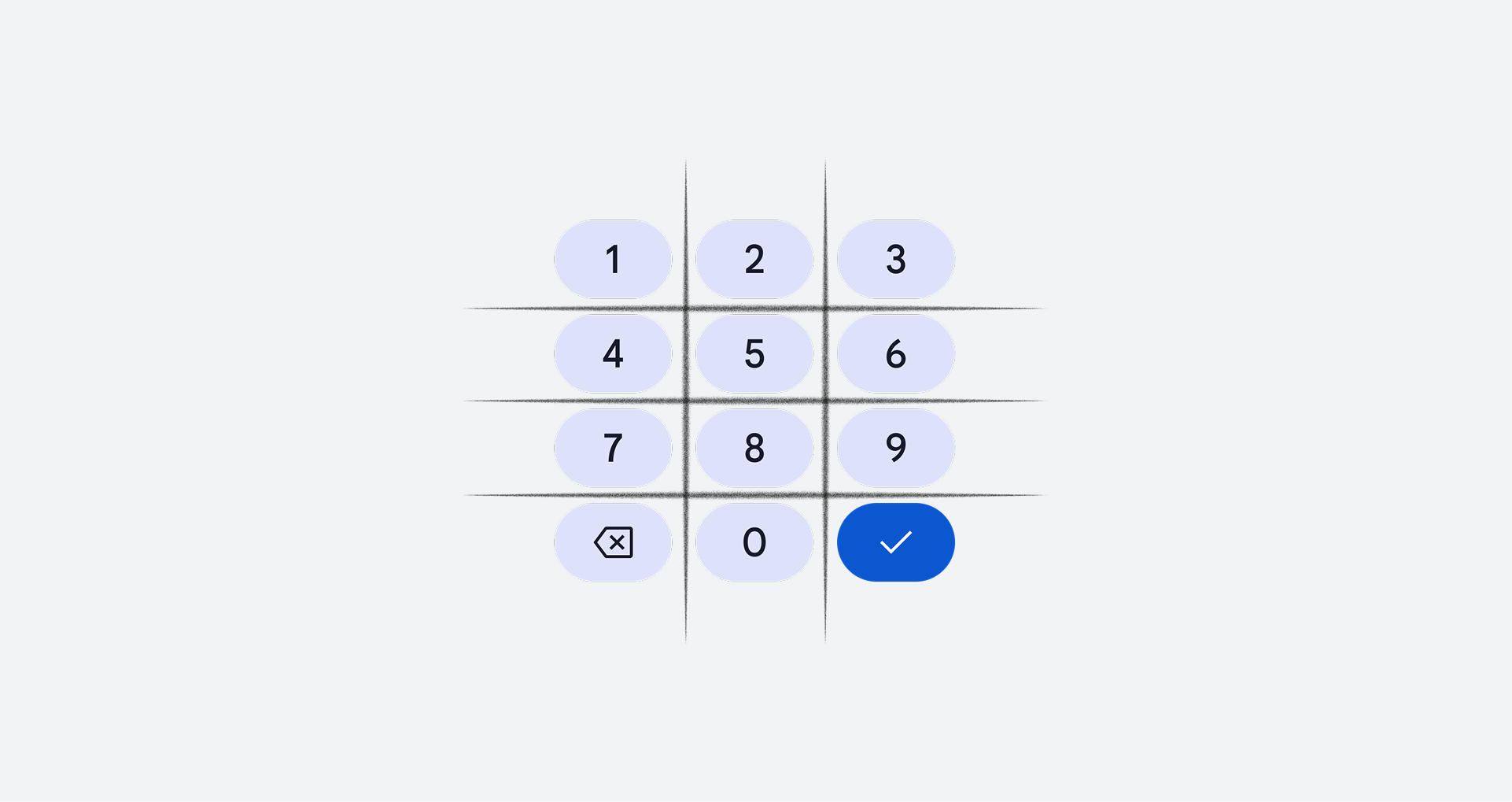
Keypad
Allows users to enter phone numbers in Dialer
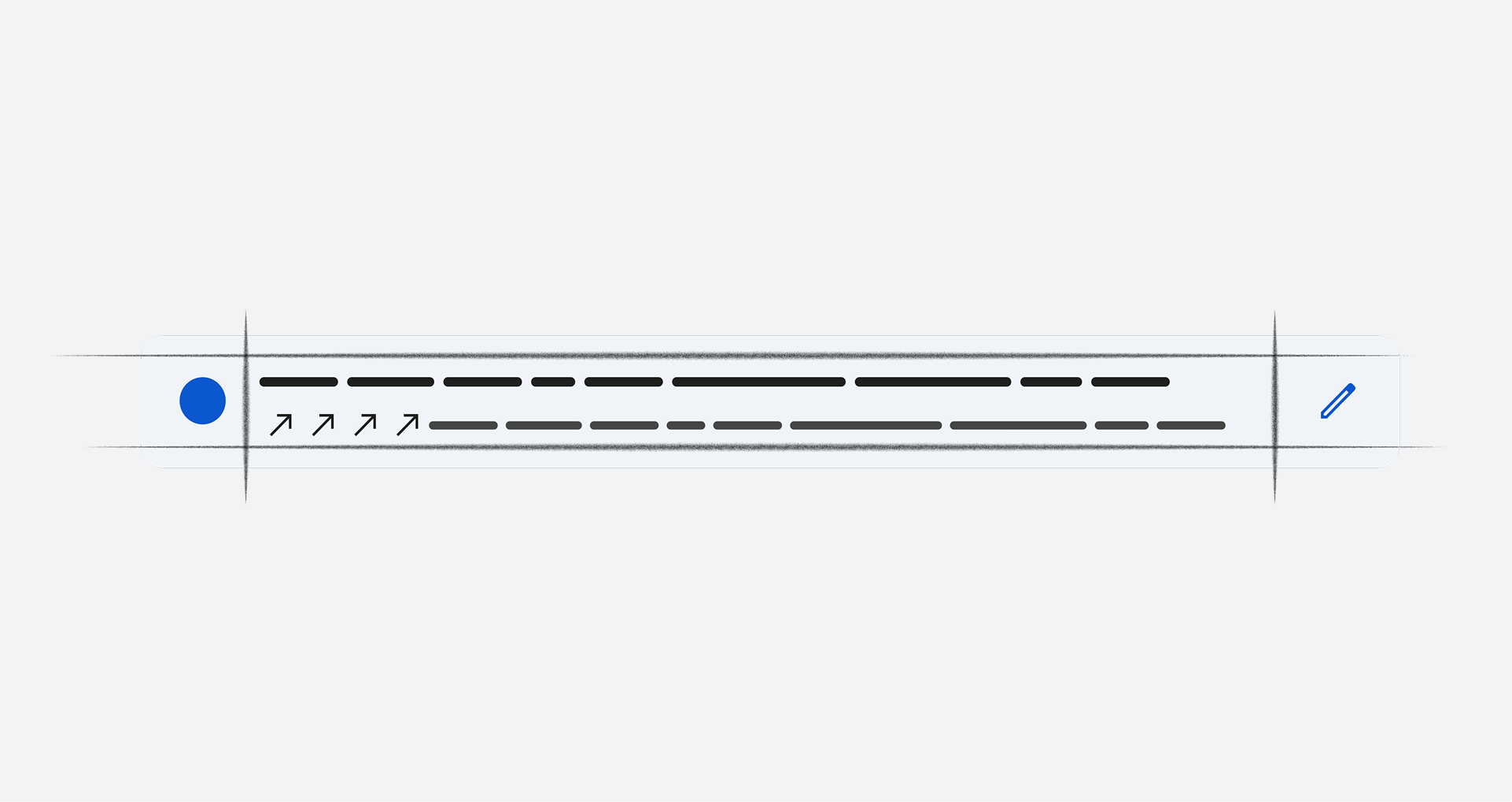
List items
Content displayed as lines of text (with optional small images or icons) in a single, scrollable column

Media progress indicator
A visual representation of the duration and elapsed playing time for a media source in a media app
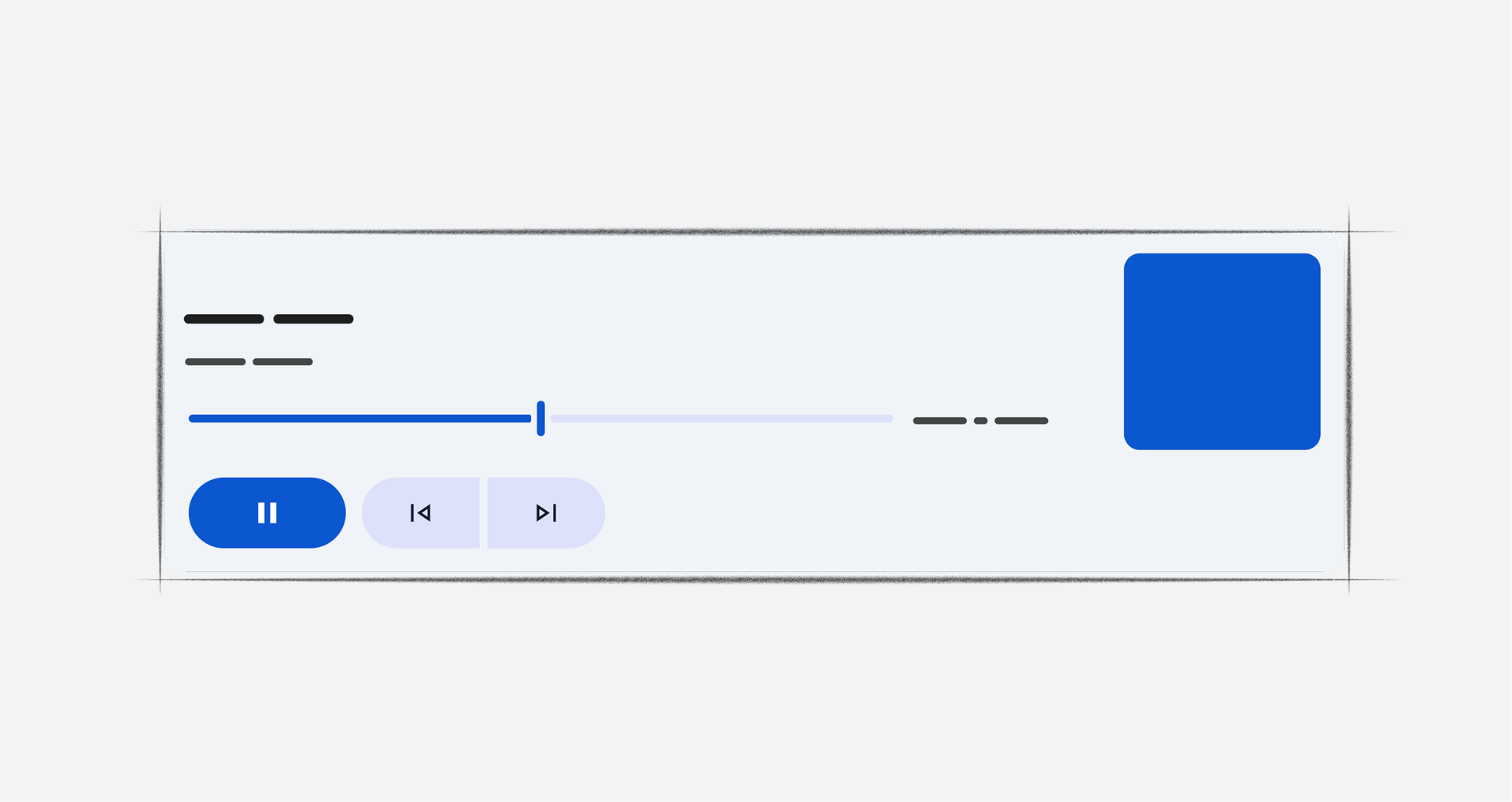
Minimized control bar
A smaller version of the control bar available across multiple views, with minimal controls and metadata
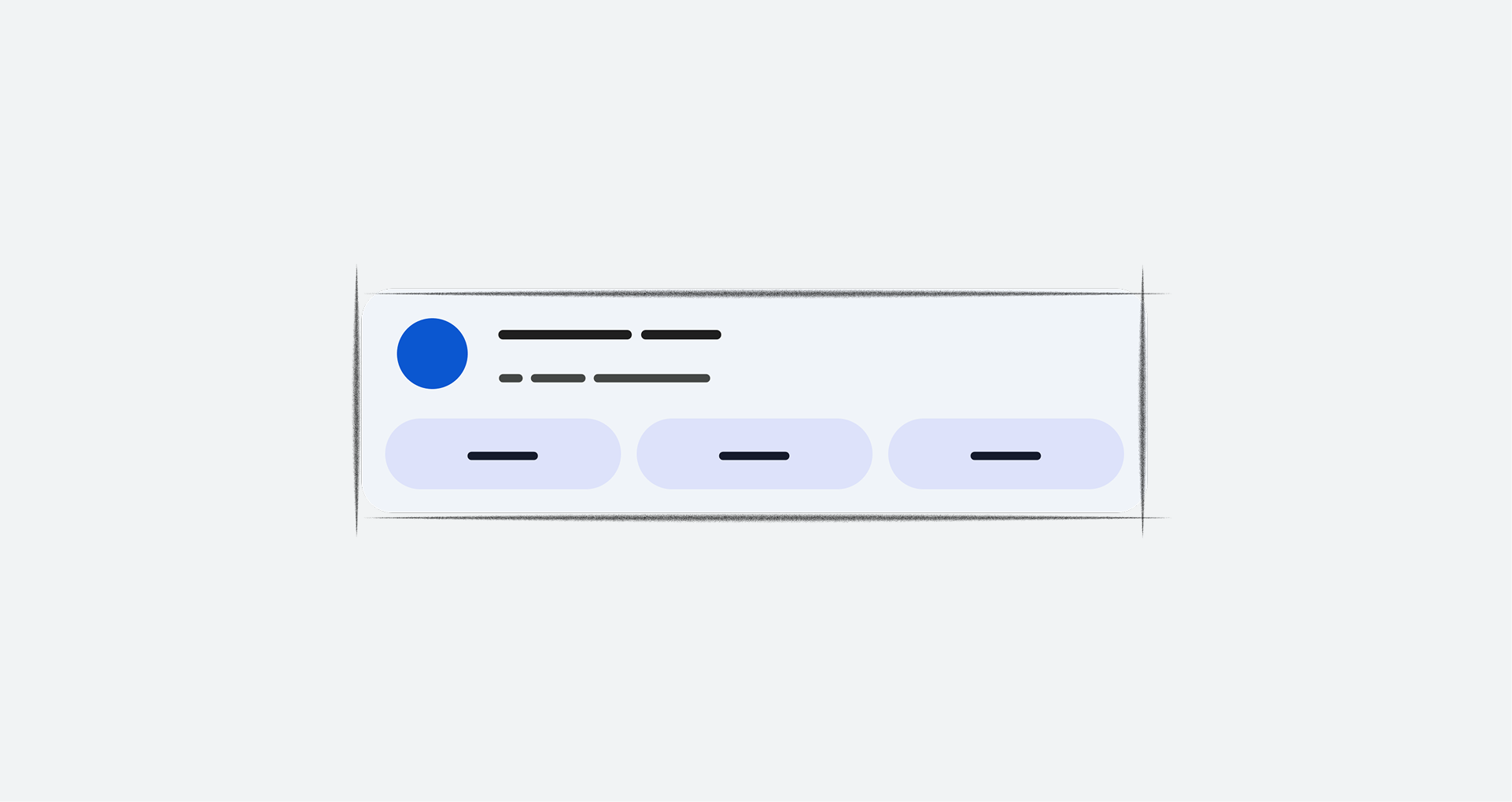
Notification card
Communicate small amounts of timely information from the system or from an app