The Android for Cars App Library lets you provide a rich ecosystem of third-party apps ranging from navigation to IoT, while drastically reducing the development time and cost required for system integration. Google's pre-designed templates, give you a platform that is already optimized for driver safety and compatible with diverse hardware.
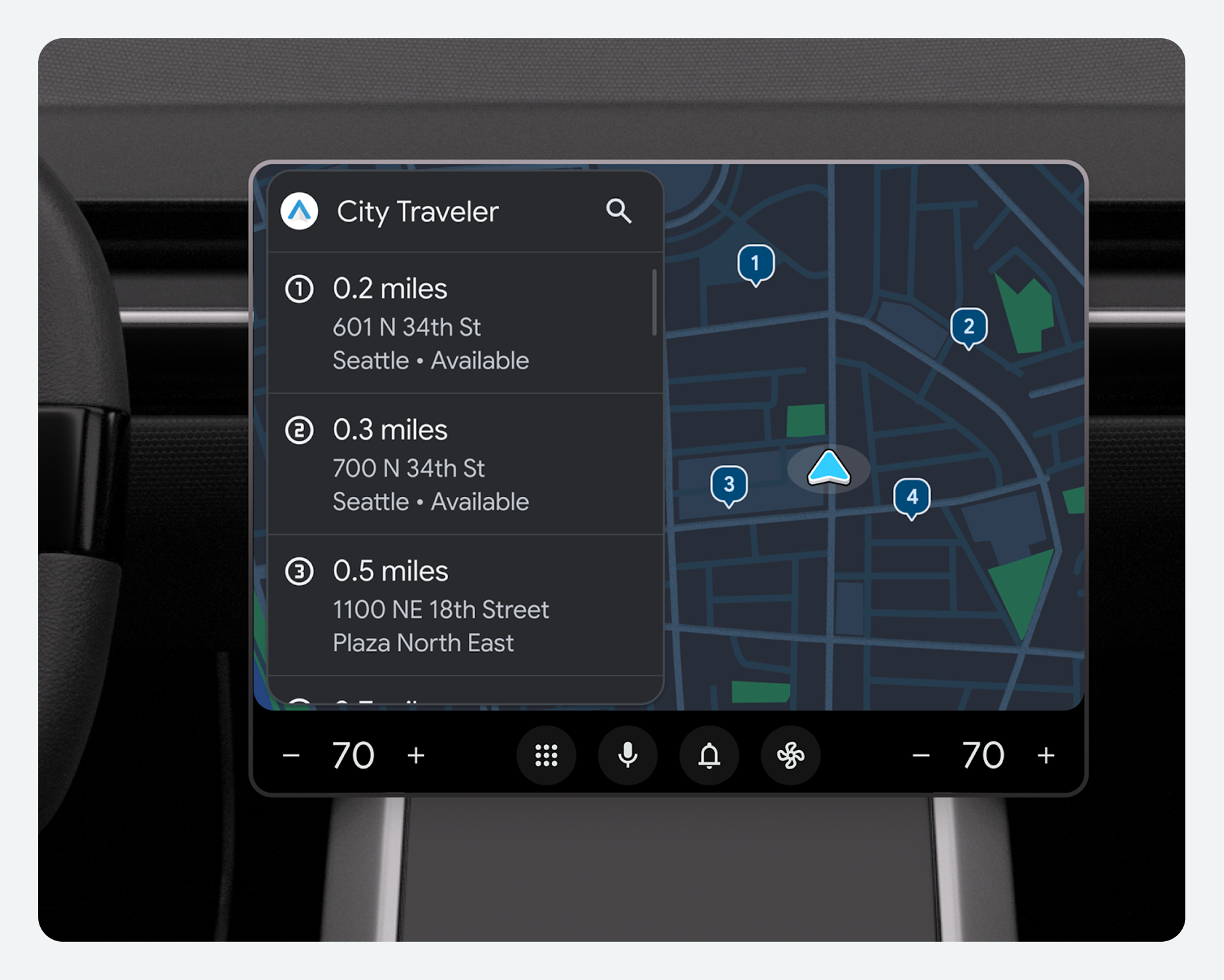
Ship faster with standardized UI
Traditional app integration often requires custom code for every new service. The library instead offers a template-based framework that handles the heavy lifting of the UI. You can assemble components into task flows, allowing for a much faster innovation cycle compared to building custom interfaces from scratch.
Library templates are pre-designed to strict safety standards, so your designs are driving-optimized by default.
The templates also make your designs easier to scale. The library handles responsive screen sizing and varying aspect ratios, helping ensure that apps look and function correctly across different screen sizes and configurations without additional engineering effort.
Create branded experiences without the heavy lifting
Building with templates allows your team to focus on high-value branding rather than the underlying software infrastructure, so you can:
- Simplify development: Because the library uses a high-level declarative configuration, your engineers can define app integrations using standard AndroidX building blocks rather than complex, vehicle-specific UI code.
- Reduce maintenance needs: Google manages the lifecycle of the host component, which converts app models into views. This means when the platform updates, the apps remain stable with minimal intervention.
- Verify app quality and consistency: Every app built with these templates follows a unified design language, which reduces the need for extensive per-app QA testing and verifies a consistent experience for the driver.
How you can save time with templates
| Task area | Traditional method | With library templates |
|---|---|---|
| UI design | Custom design for every app category | Faster design process with pre-validated templates. |
| Safety testing | Manual validation of distraction rules | Pre-certified to meet safety standards |
| Hardware scaling | Manual coding for different screen sizes | Automatic responsive sizing |
| Styling | Hard-coded branding in every app | Global styling through system-level overlays |
Design guidance
Even when using templates, you maintain control over the "look and feel" of the system.
- Vehicle-specific styling: Focus your efforts on customizing the color palettes, fonts, and icon shapes that wrap around these templates to verify that they align perfectly with your brand's visual identity.
- Task flow planning: Work with developers to choose the shortest logical pathways for tasks, verifying that core driver needs are met in as few steps as possible.