You can publish video apps to an Android Automotive OS track on the Google Play Store with minimal changes. To prevent distracted driving, make sure video is available only while parked. The following guidelines will help you adapt your app for a car-optimized video experience.
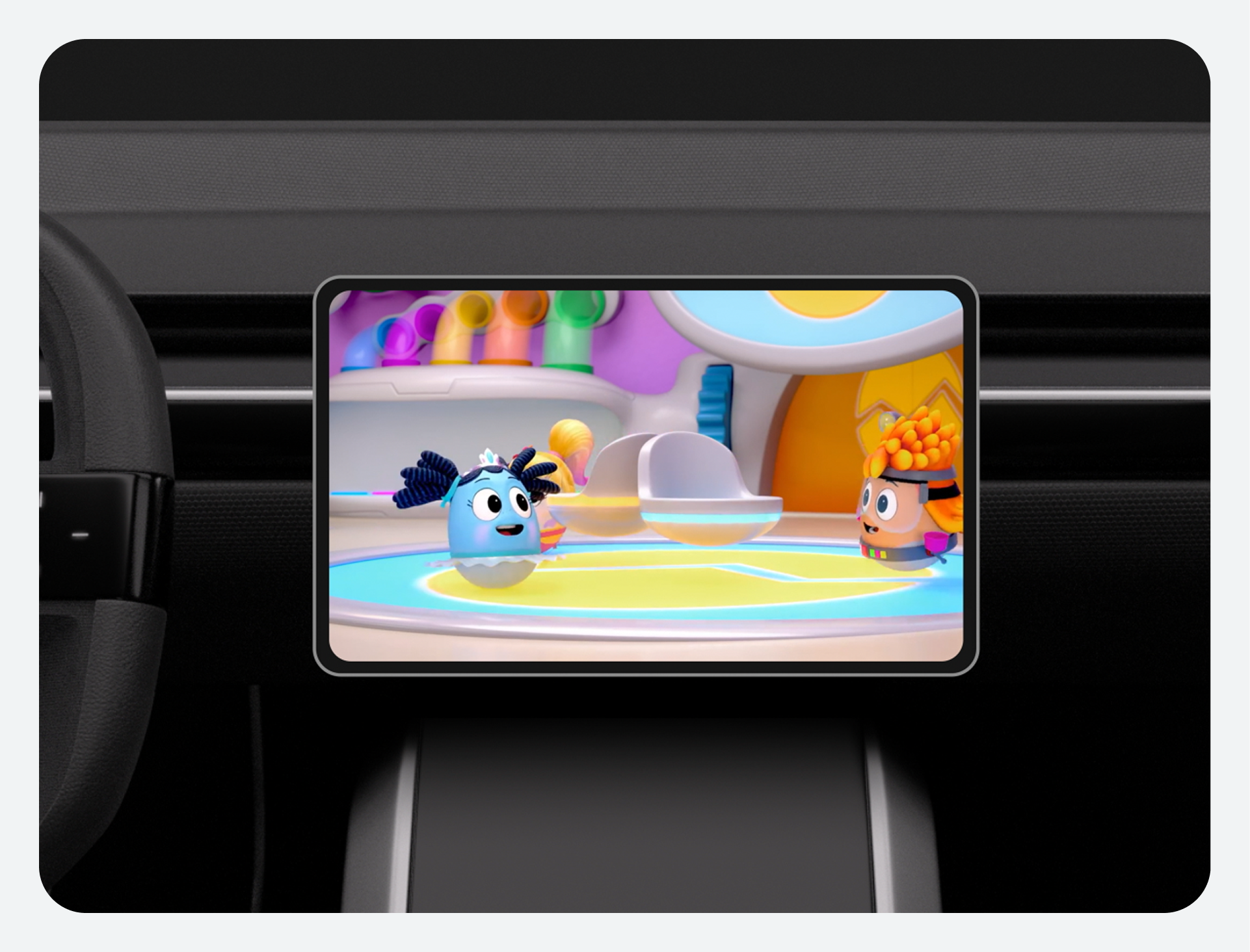
Consider the user journey
- Playing video when parked: Tapping on the video app will resume the playback session.
- Starting to drive while playing video: The video app is blocked when the user starts driving, revealing a message that the app is unavailable while driving.
- Starting video apps while driving: A Toast notification should communicate that video playback is unavailable while driving.
UX requirements
Portrait and landscape orientation
MUST |
Ensure that both types of screen orientation are supported. |
Touch targets
SHOULD |
Provide touch targets with a minimum size of 64 x 64dp. |
SHOULD |
Add at least 24dp of space between touch targets. |
SHOULD |
Provide a safe margin from screen edges of at least 24dp. |
Type sizes
SHOULD |
Provide type sizes of at least 24dp. |
Task requirements
MUST |
Make tasks achievable with touch screens. |
SHOULD |
Allow access to downloaded content when there is no connectivity. |
SHOULD |
Display a timestamp in Playback view. |
SHOULD |
Display metadata for content: title and subtitle, if applicable, in Playback view in the pause state. |
SHOULD |
Display a progress indicator in Playback view. |
SHOULD |
Include interactive playback controls in Playback view. |
SHOULD |
Support the primary playback actions in the Playback controls. |
SHOULD |
Display a way to pause (or mute) and resume video at all times in Playback view. |
Best practices
Restrict video while driving: To make sure the driver is not distracted while on the road, videos must be a parked state experience for the driver.
Optimize for large screens: Large screens present unique opportunities, enabling easy discoverability of your app's functionalities, showcasing content, and facilitating seamless in-app navigation. Google Material provides guidelines to optimize your app for large screens.
Use MediaSession: Provide easy access to app controls through AAOS-level media controls, the car's physical controls, and/or Assistant voice controls. In order to enable this seamless transfer of controls, the app should integrate with MediaSession.
Resume playback from pause: Make it easy for drivers to continue watching videos from where they were paused.