The profile-based identity system in Android Automotive OS (AAOS) gives drivers a personalized experience while protecting their privacy in the car.
These guidelines explain what's unique about identities and profiles in cars and what to know about customizing the identity experience.
Car profiles allow users to have secure and personalized experiences in the car.
Users can use profiles to set up their unique driving and infotainment preferences, such as access to their contacts for phone calls, personal media accounts, or access to personalized maps.
Why profiles need locks
As users go through AAOS setup, they are given the option to create a profile lock. Because the car screen exists in a shared space, the profile lock helps each user protect their identity in the car. If a user opts to create a profile lock, they're required to unlock the car screen every time they start a new drive.
Google recommends encouraging all users to create a profile lock. This lock protects their identities and keep their personal information safe, no matter who uses the car.
Roles and process
Google provides default UX as part of AAOS, including design guidelines to create profiles and profile locks. You can choose to customize the user experience, similar to similar to how you customize other AAOS UX.
| Google's design role | Your design role |
|---|---|
| Provides a default profile experience as part of AAOS | Customizes AAOS profile experience or creates a new profile experience from scratch |
User journeys
Users interact with their profiles in the car through the following user journeys:
This section helps you understand these user journeys and how the profile experience in AAOS addresses them, as well as best practices to keep in mind.
Select a profile
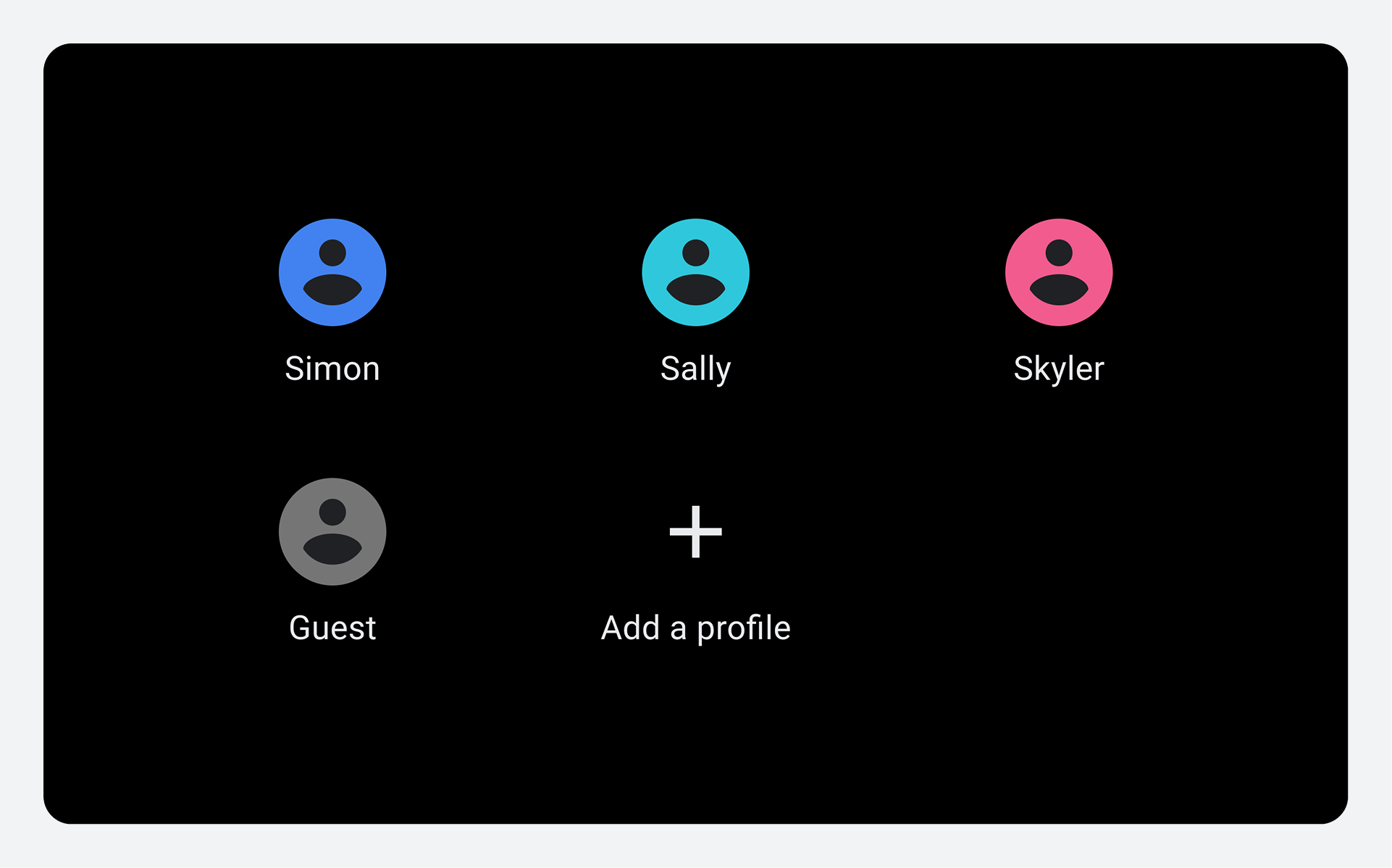
The profile selection screen provides users a way to quickly find an existing profile, or to add a new profile. It's a gateway to helping users control their identities and personalization in the car, and it also offers users a way to protect their profiles in a shared space.
Because cars generally support multiple profiles, users typically see a single view displaying the full array of profiles.
Lock a profile
Android Automotive OS has integrated a car screen profile lock to allow users to protect their identities in the car. Much like a phone screen lock, the profile lock is a unique PIN, pattern, or password that protects the user's profile in the car, giving them access to their personalized settings and infotainment experience.
Create the profile lock
Because many users already use a screen lock on their phone, it's likely that they've a learned preference and want to reuse that method with their car screen. Users are given choice and flexibility with access to several options to lock their profile.
Choose a preferred lock method
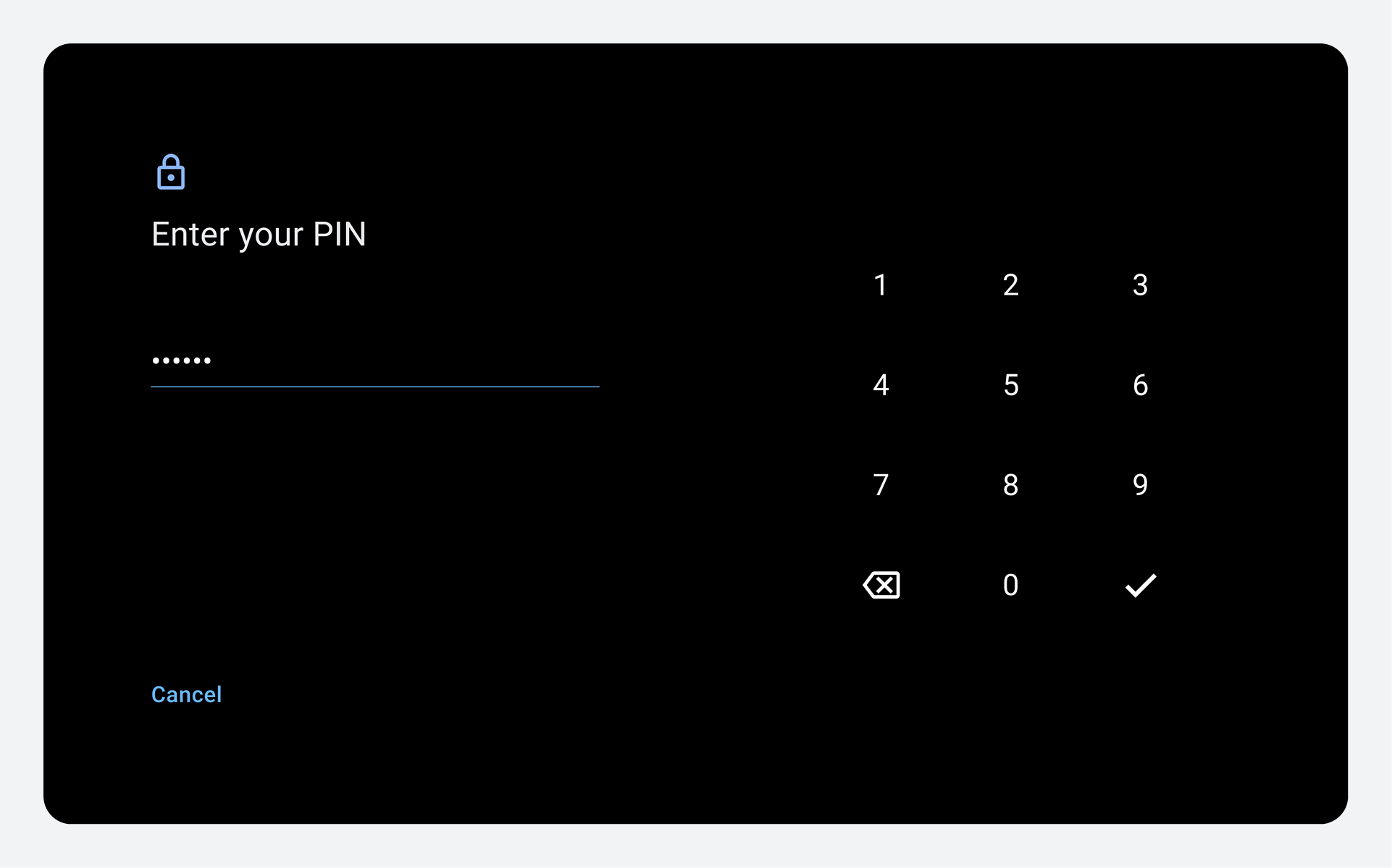
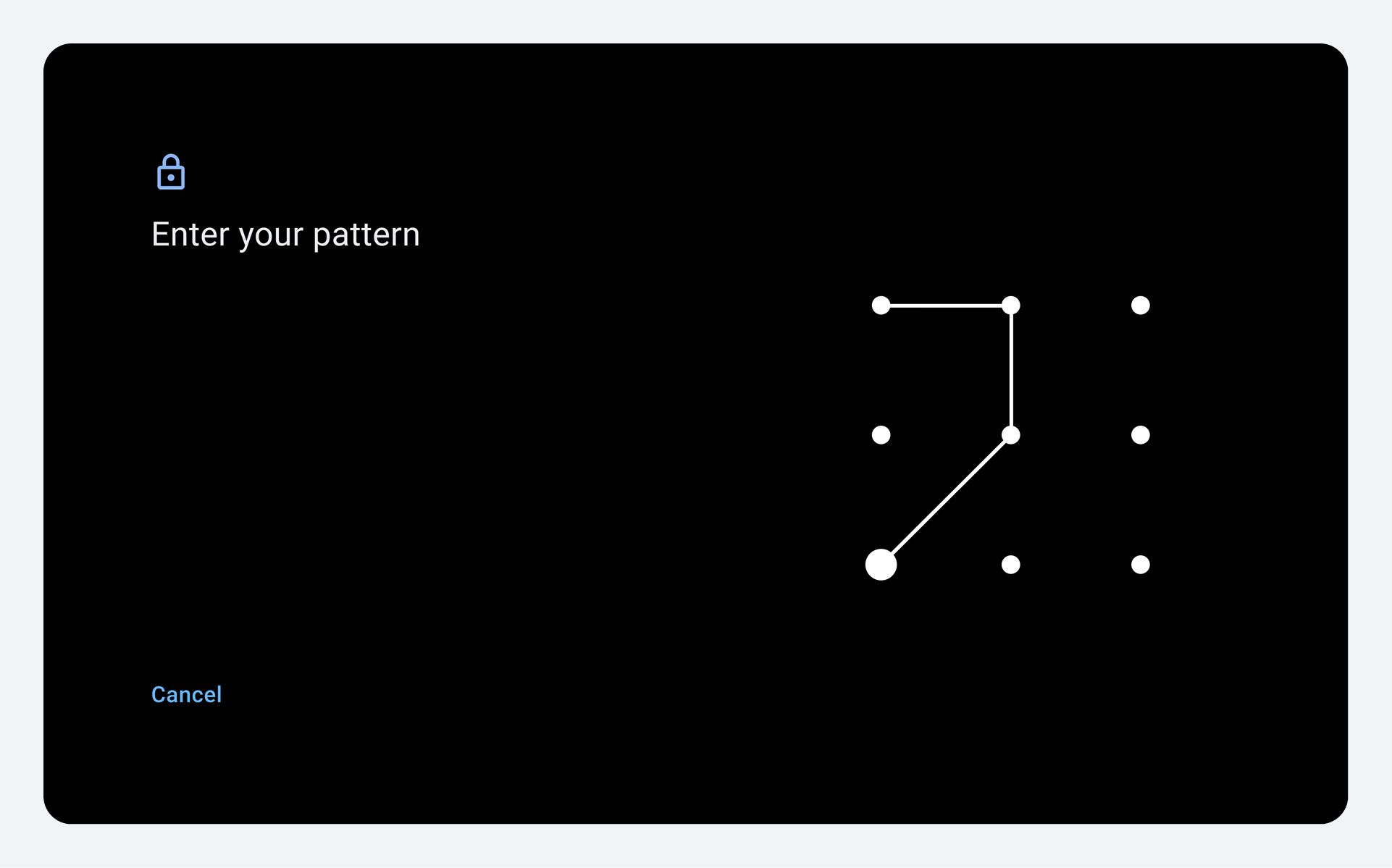
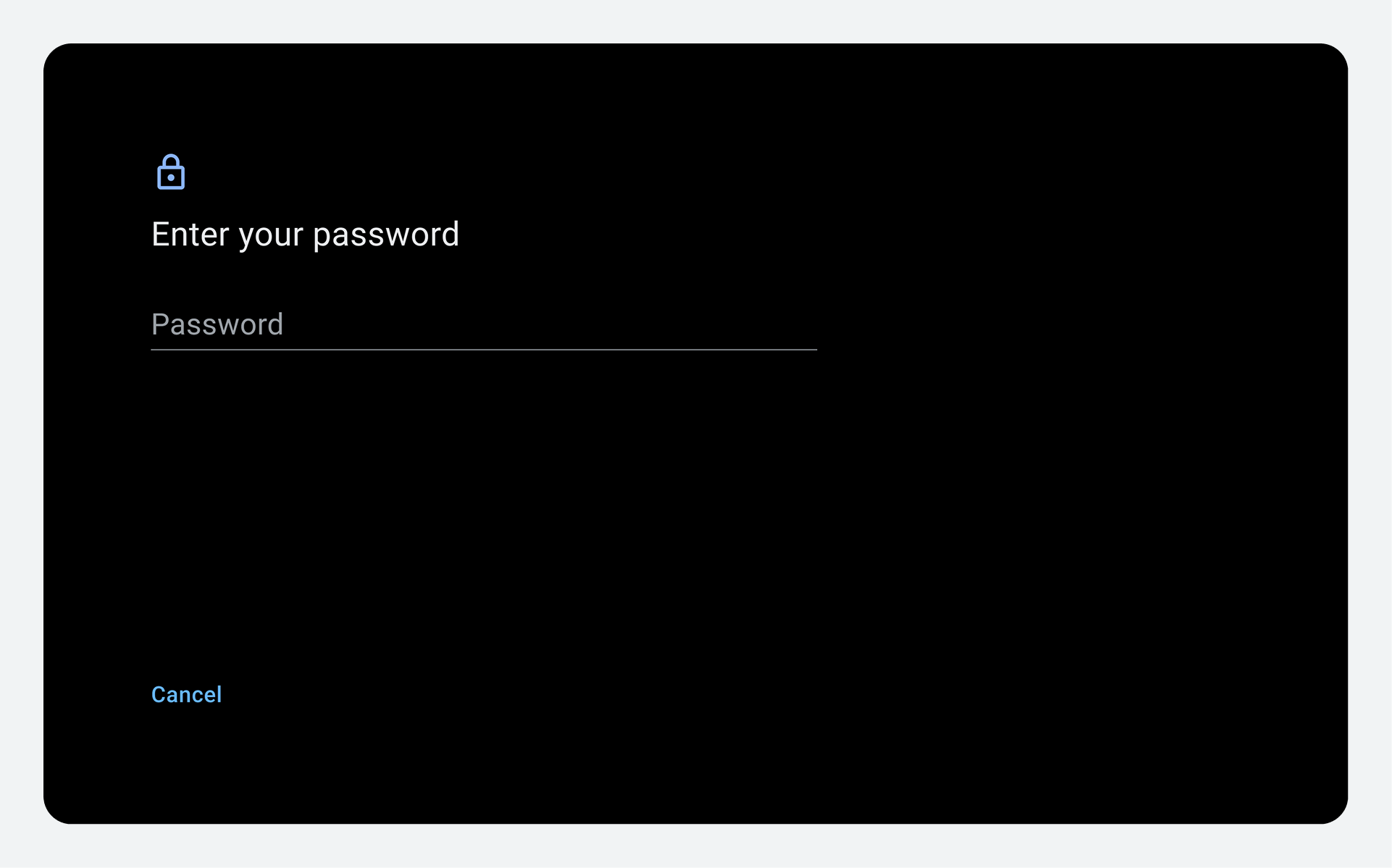
Users have the option to create a profile lock using whichever method they prefer: PIN, pattern, or password.
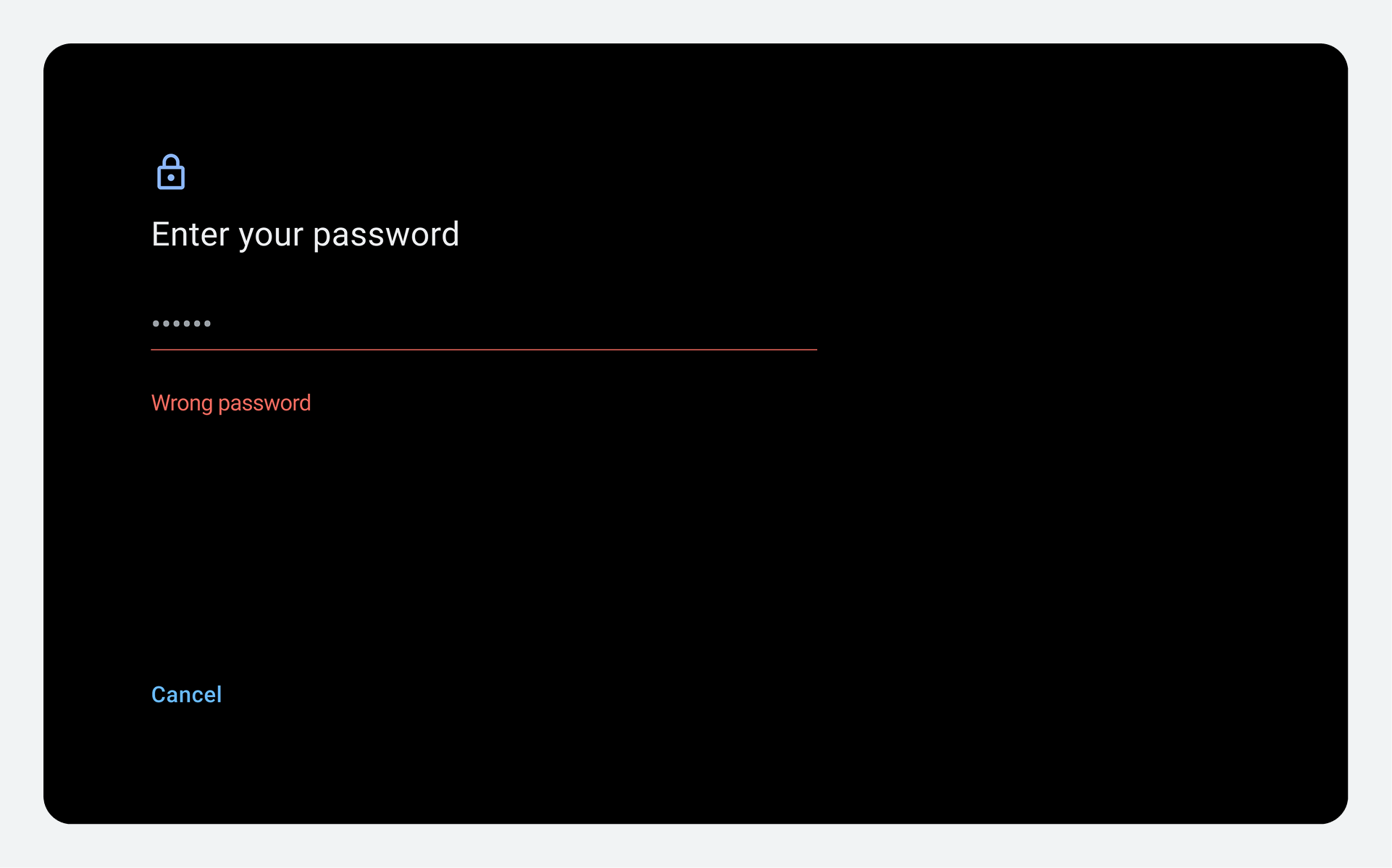
Recover from input errors
To help users who've made an entry mistake while unlocking their profile, use motion, color or messaging to communicate what went wrong, and how to try again.
Recover from a forgotten profile lock
At times, users may forget their profile lock, and Android doesn't provide a default mechanism for users to recover or reset this lock. When no reset option exists, it's important to give users another choice to continue using the car's infotainment system. For examples, see Profile recovery best practices.