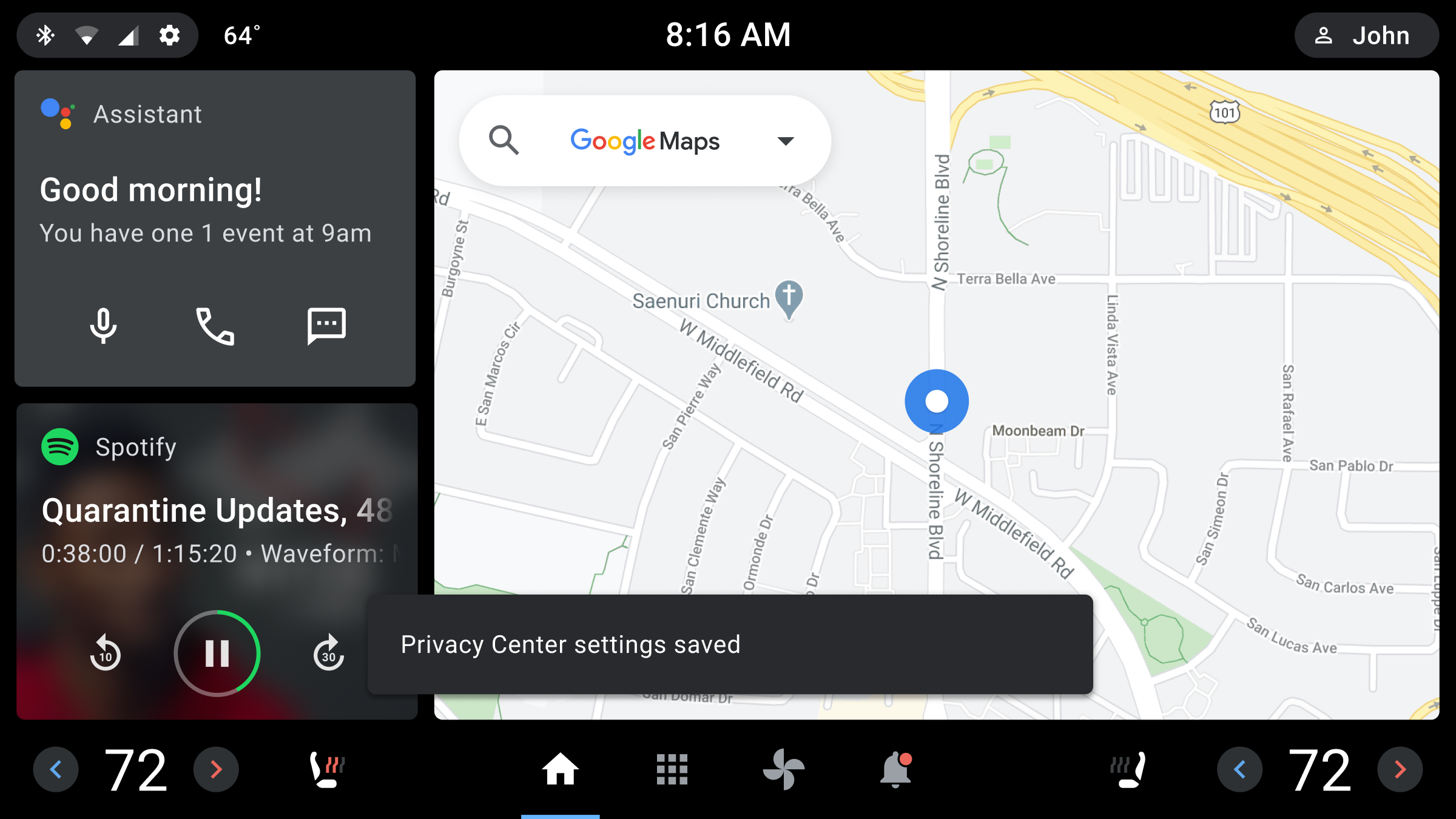
A toast is a short, informational message that an app displays briefly near the bottom of the screen.
Only one toast can be displayed at a time. The toast tells a user about an action the app has taken or will take. It doesn't require any user action or response. After 8 seconds, the toast disappears automatically.
Toasts are related to dialogs (and are in the Dialog family of components), but they differ in purpose and priority, as shown in the table.
| Component | Purpose | Priority |
|---|---|---|
| Toast | Displays an informative message. Doesn’t require user interaction. Disappears after 8 seconds. | Low |
| Dialog | Displays information and task options that require user interaction. A dialog retains focus until a user responds. | High |
Anatomy
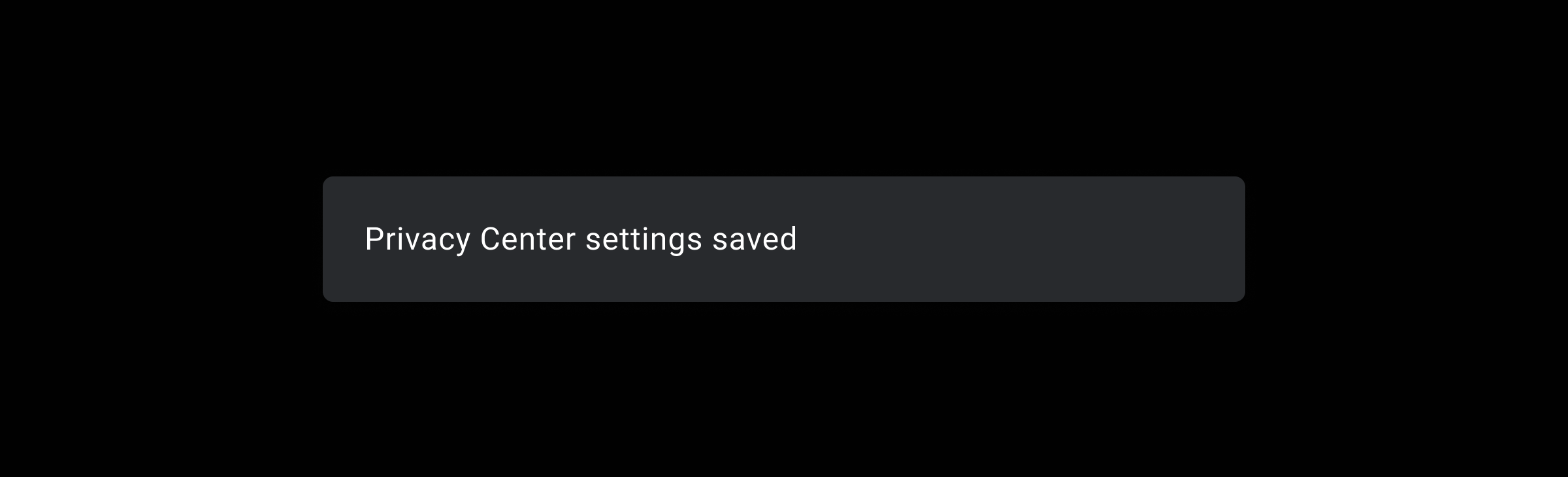
A toast appears briefly in front of other screen content. It consists of a background and a text message.
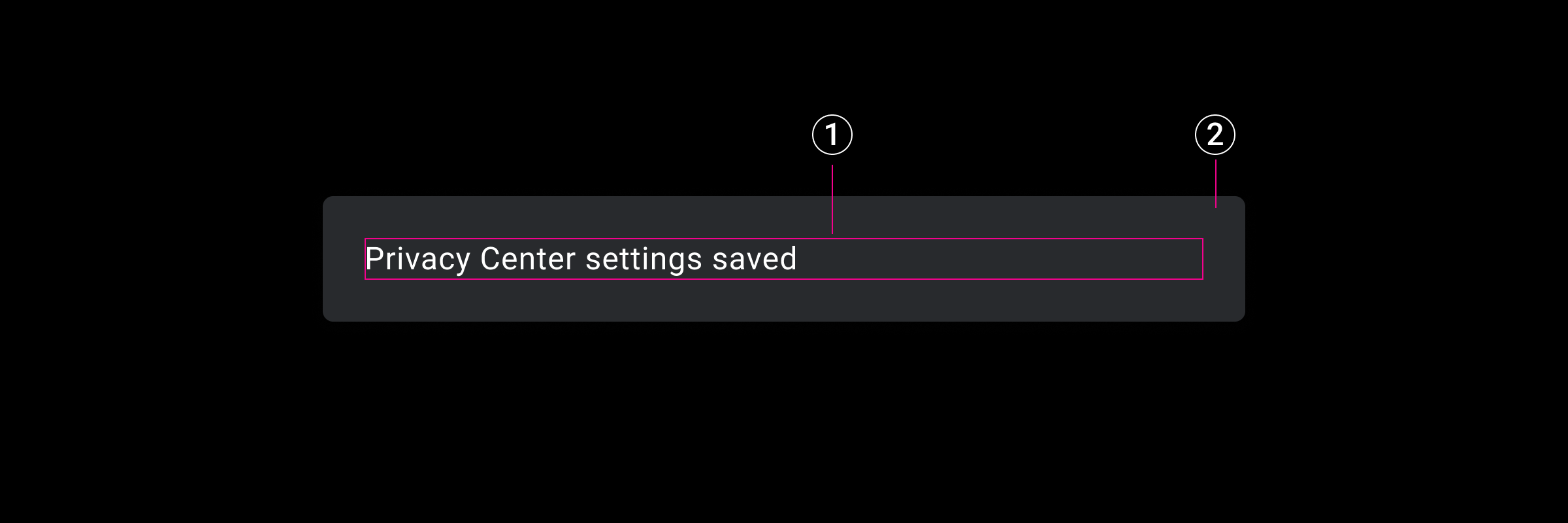
2. Toast message area
Specs
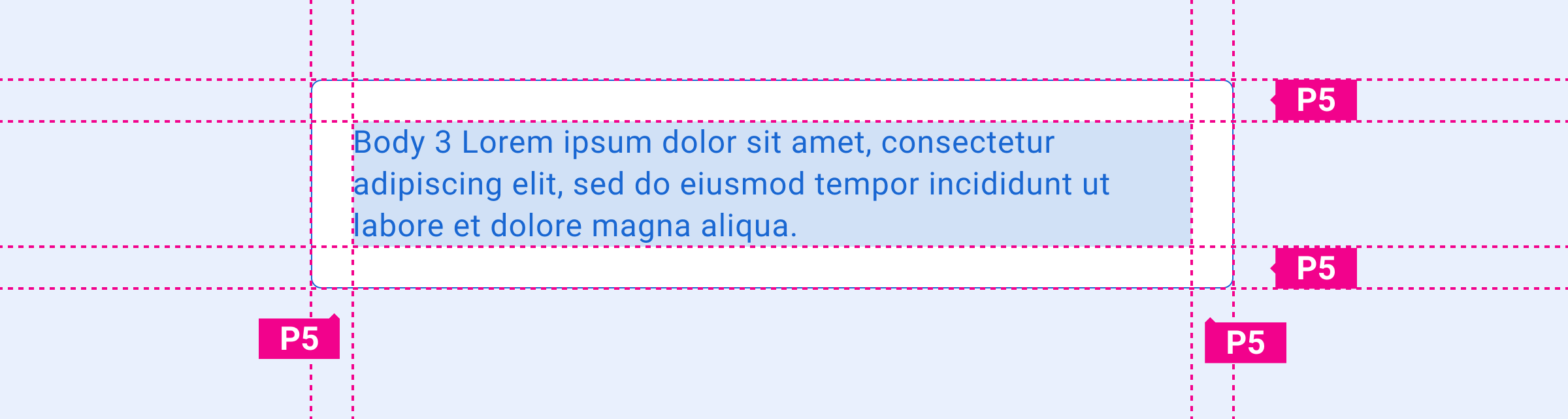
Toast – padding around message text
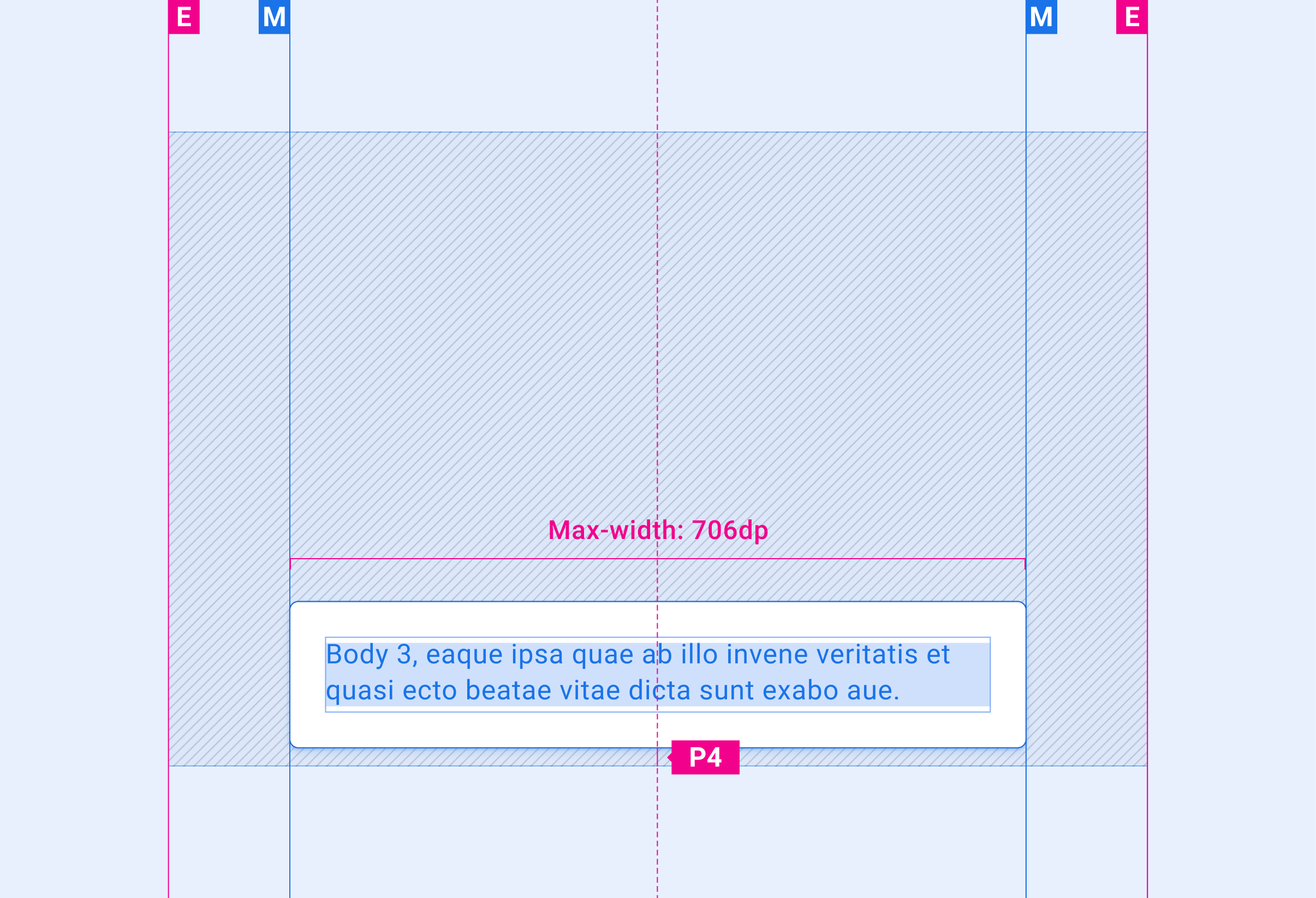
Toast – bottom placement on screen
Customization
You can modify the appearance of toasts to reflect your brand by:
- Providing custom fonts
- Changing toast dimensions and placement
Examples
Toast message format
Toast placement (near bottom of the screen)