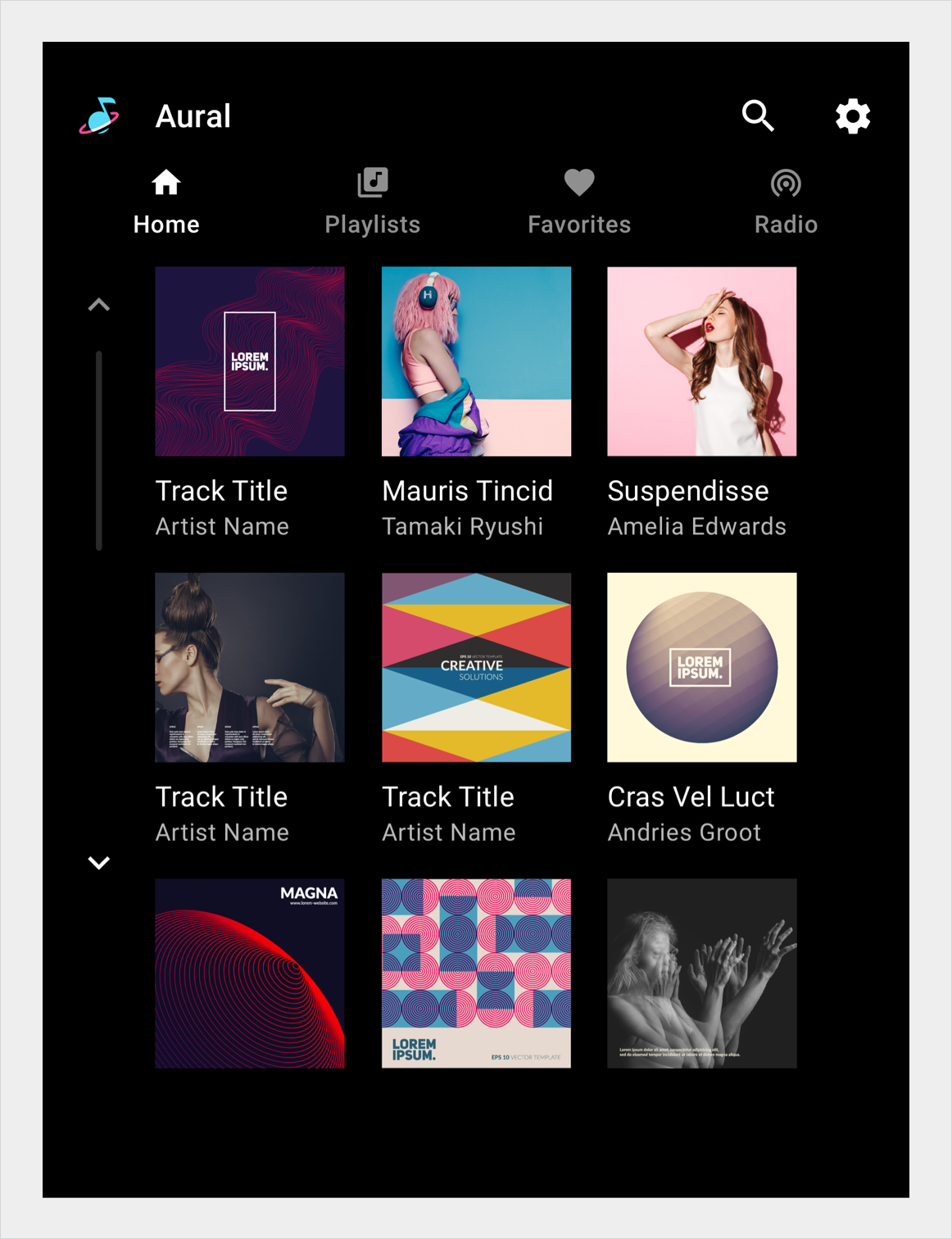
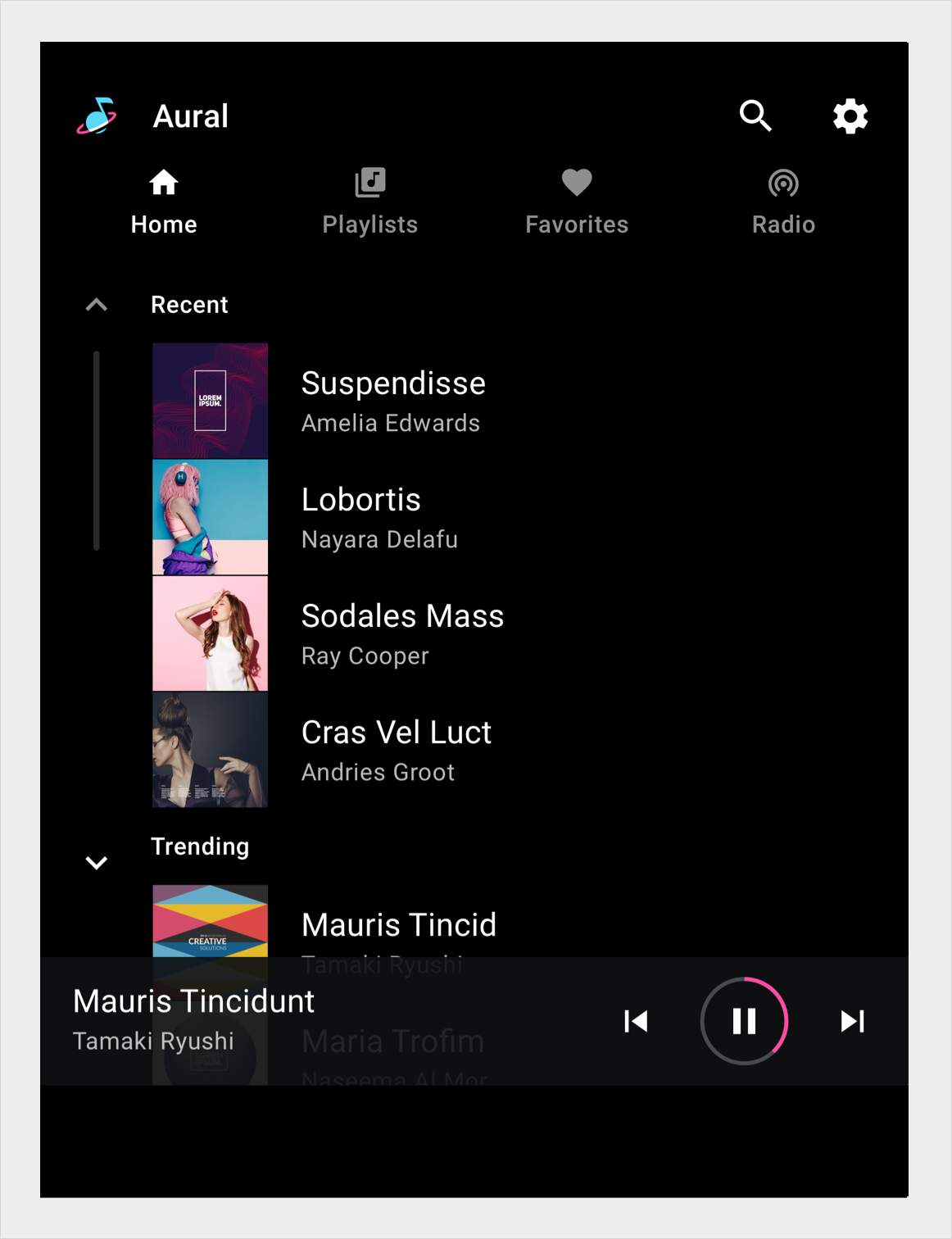
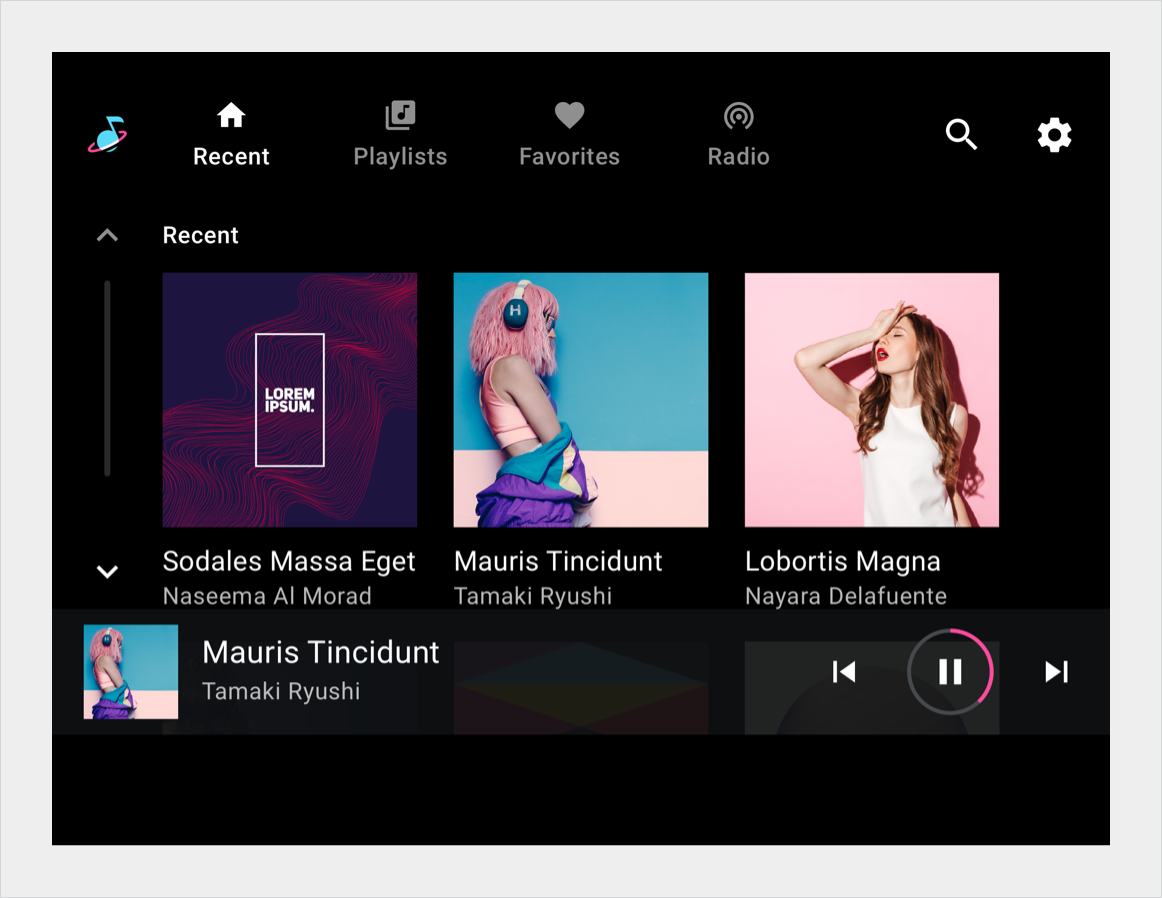
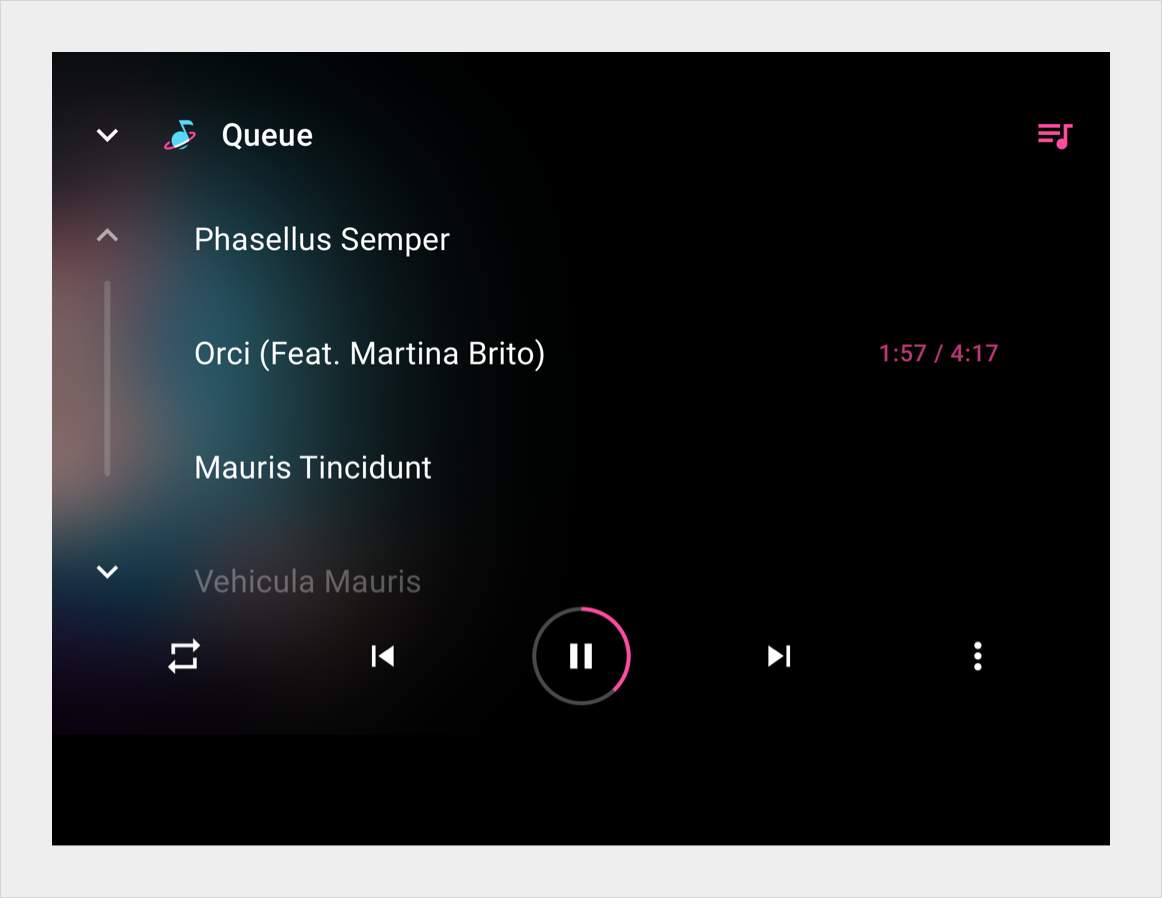
捲軸指示使用者在大於可視區域的文件中的位置。使用者可以透過上下移動視窗視覺區域來瀏覽文件的其餘部分。
Users interact with scrollbars using touch, rotary wheel, or touchpad. Tapping the arrows in the scroll bar moves the content by pages, that is, increments equivalent to the height of the screen. However, if users quickly fling to scroll (dependent on the touchscreen sensitivity), the fling motion can create inertial momentum that scrolls farther than one page. Regardless of how scrolling is initiated, the scrolling motion should always snap to an item.
解剖學
捲軸由向上捲動和向下捲動的互動功能以及滾動進度指示器組成。在滾動互動功能中使用箭頭符號來指示滾動方向。捲動進度指示器是一個可選元素,它指示頁面可見內容和捲動位置相對於頁面總內容量的比例。
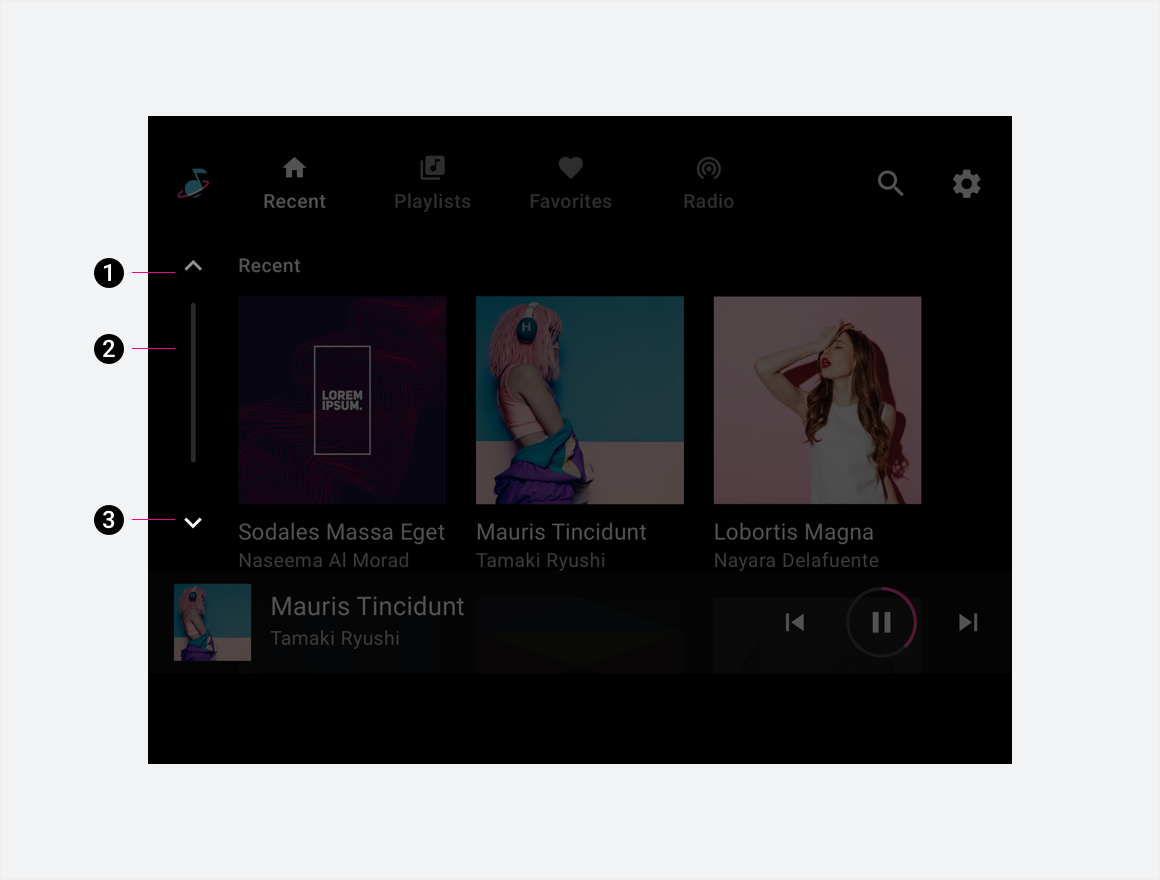
2. 滾動進度指示器
3. 向下捲動功能
規格
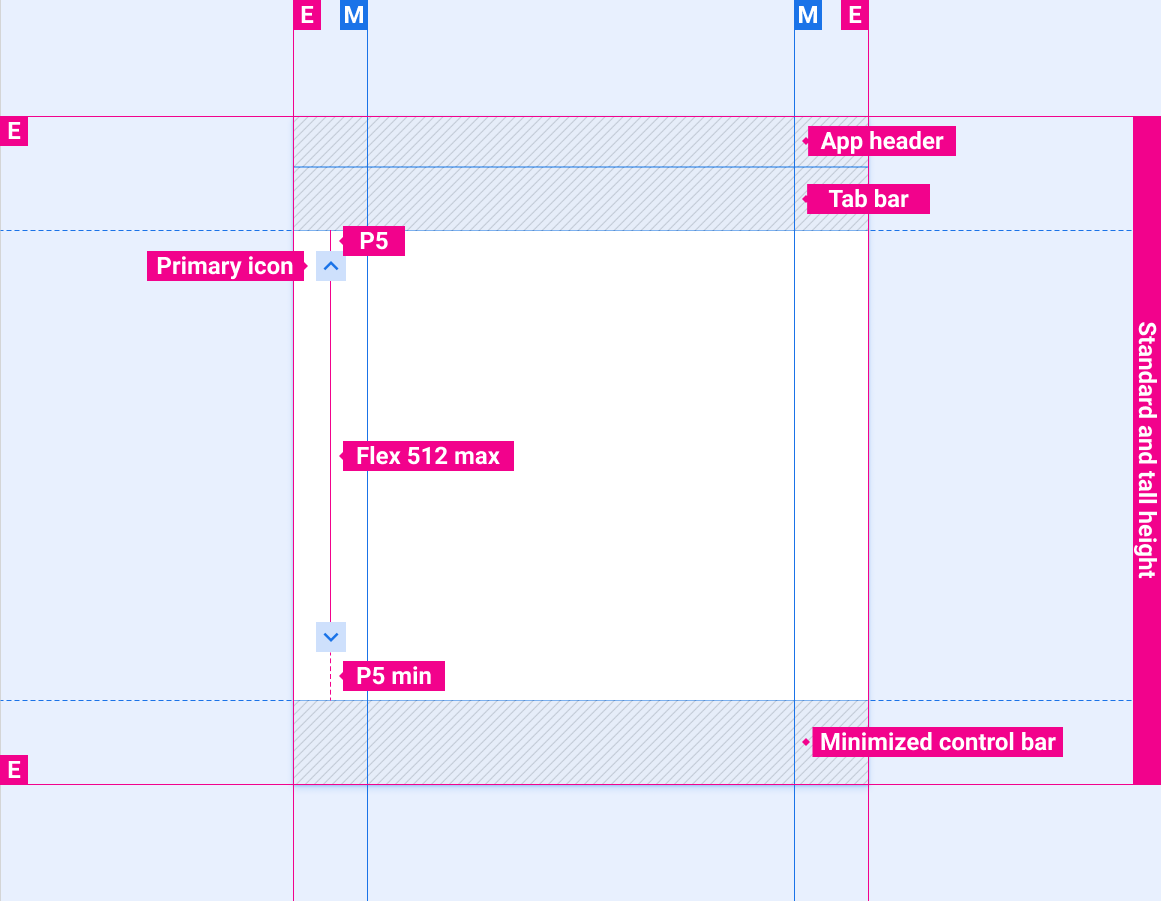
捲軸位置,主導覽列堆疊,控制列最小化
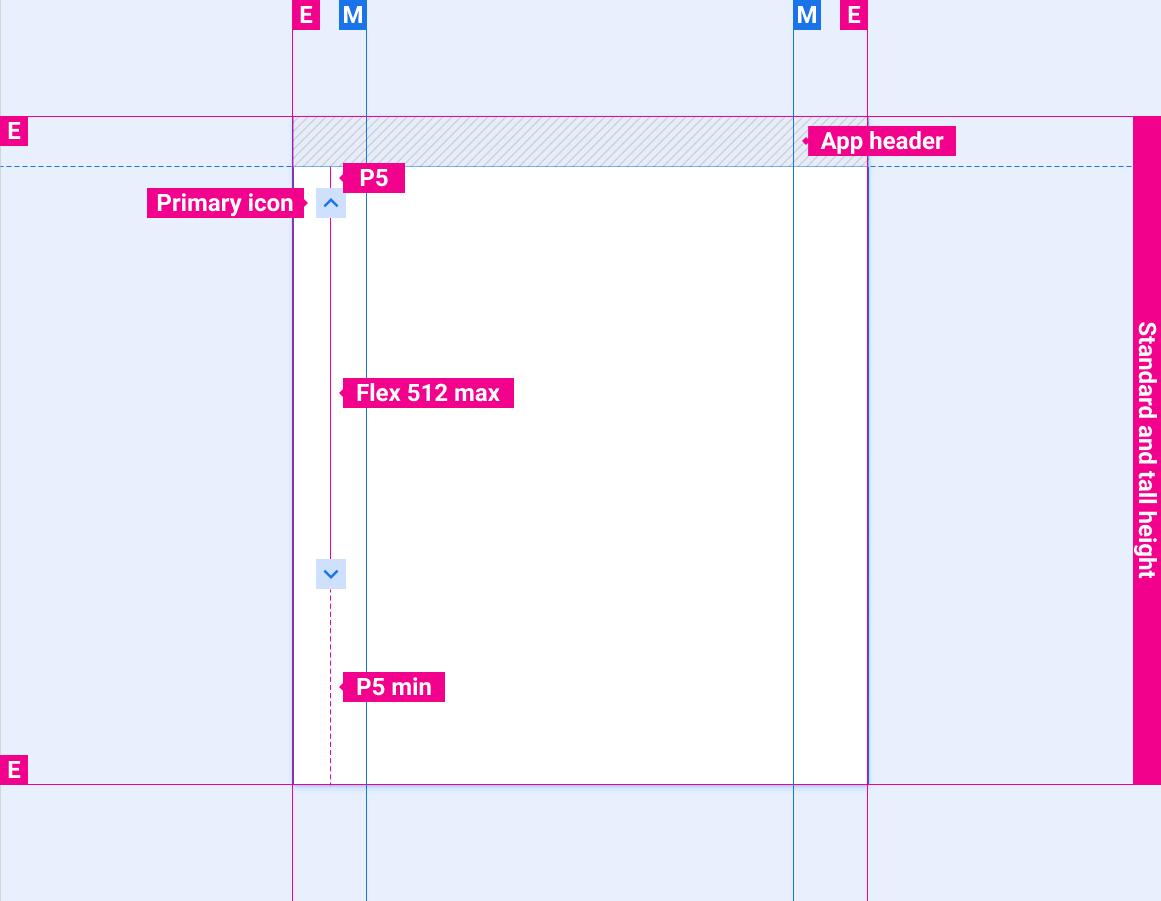
僅包含應用程式標題的捲軸位置
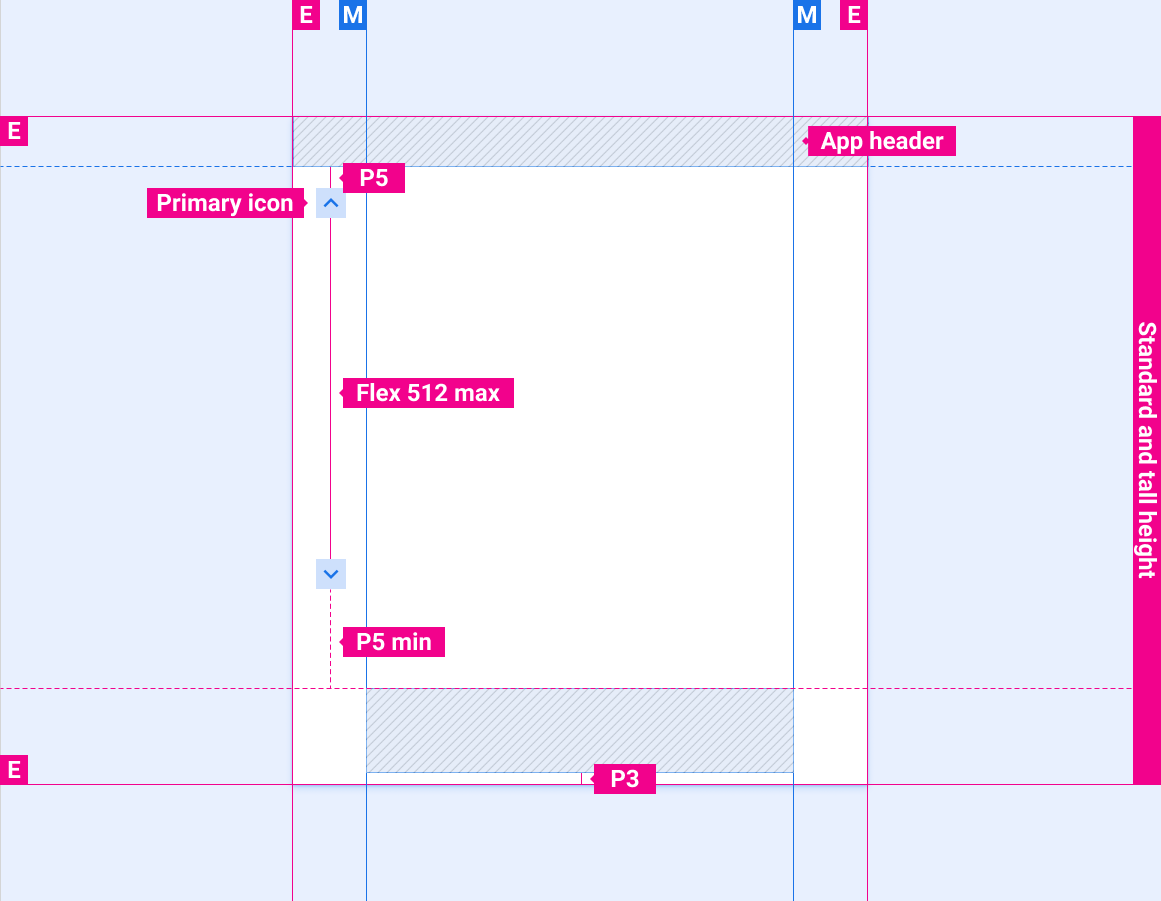
捲軸位置與應用程式標題列和控制欄
捲軸位置與應用程式標題列和展開的控制列一起顯示
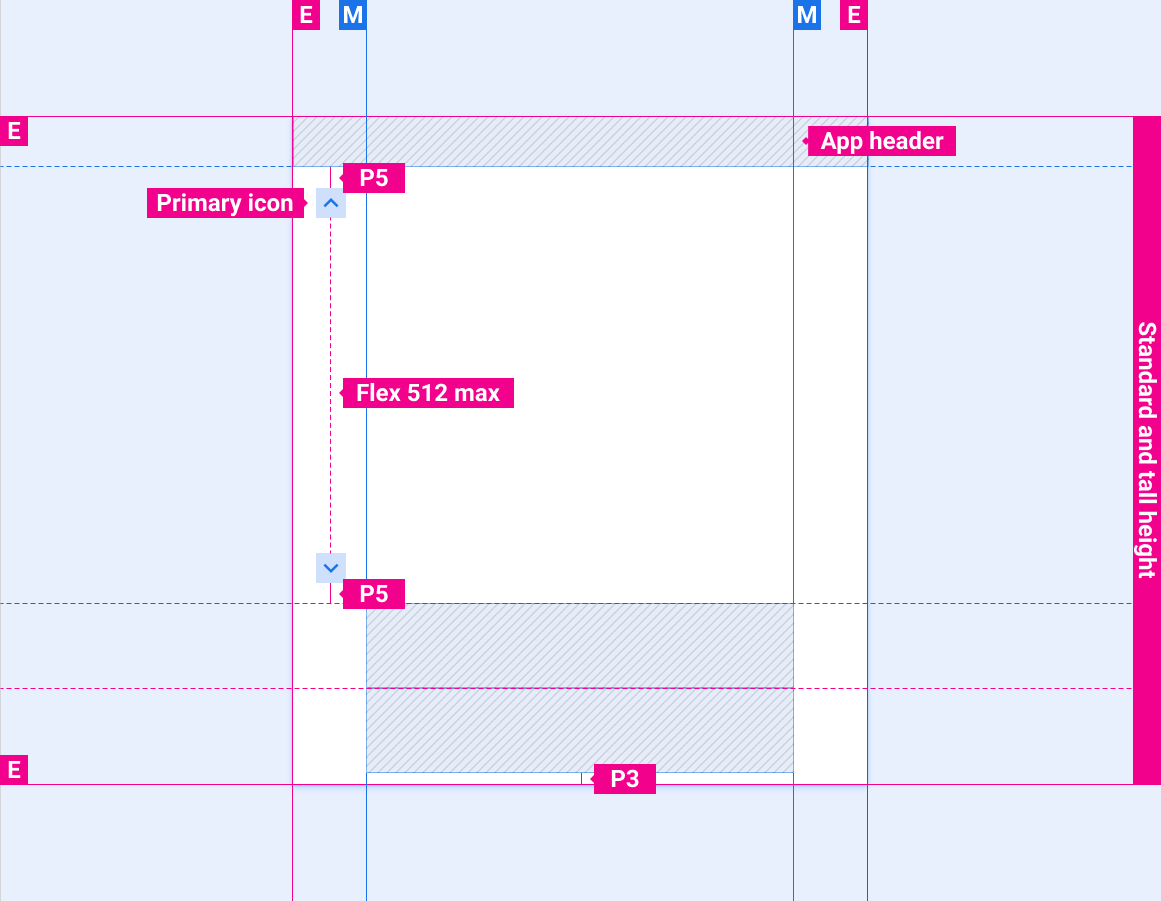
捲軸位置與應用程式列/標題列和最小化控制列
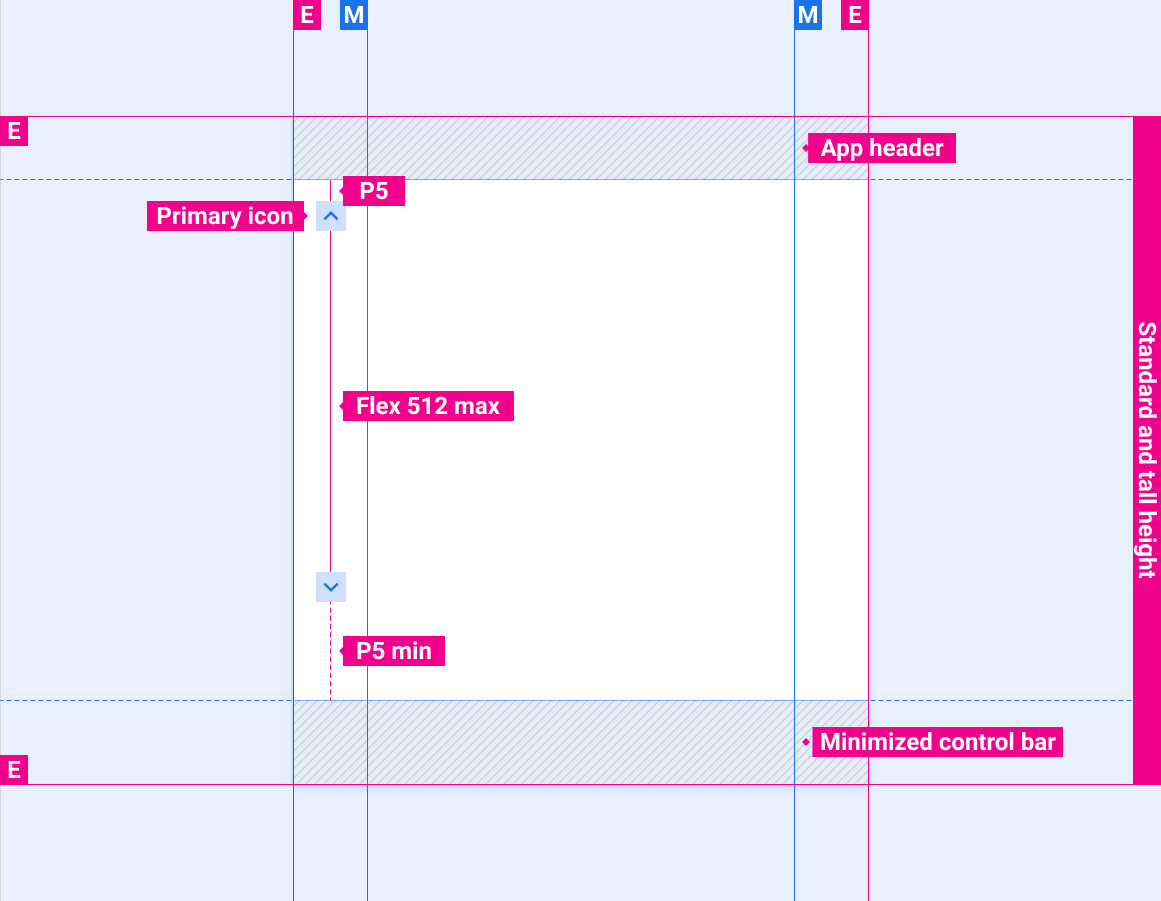
捲軸位置僅與應用程式列/標題列相關
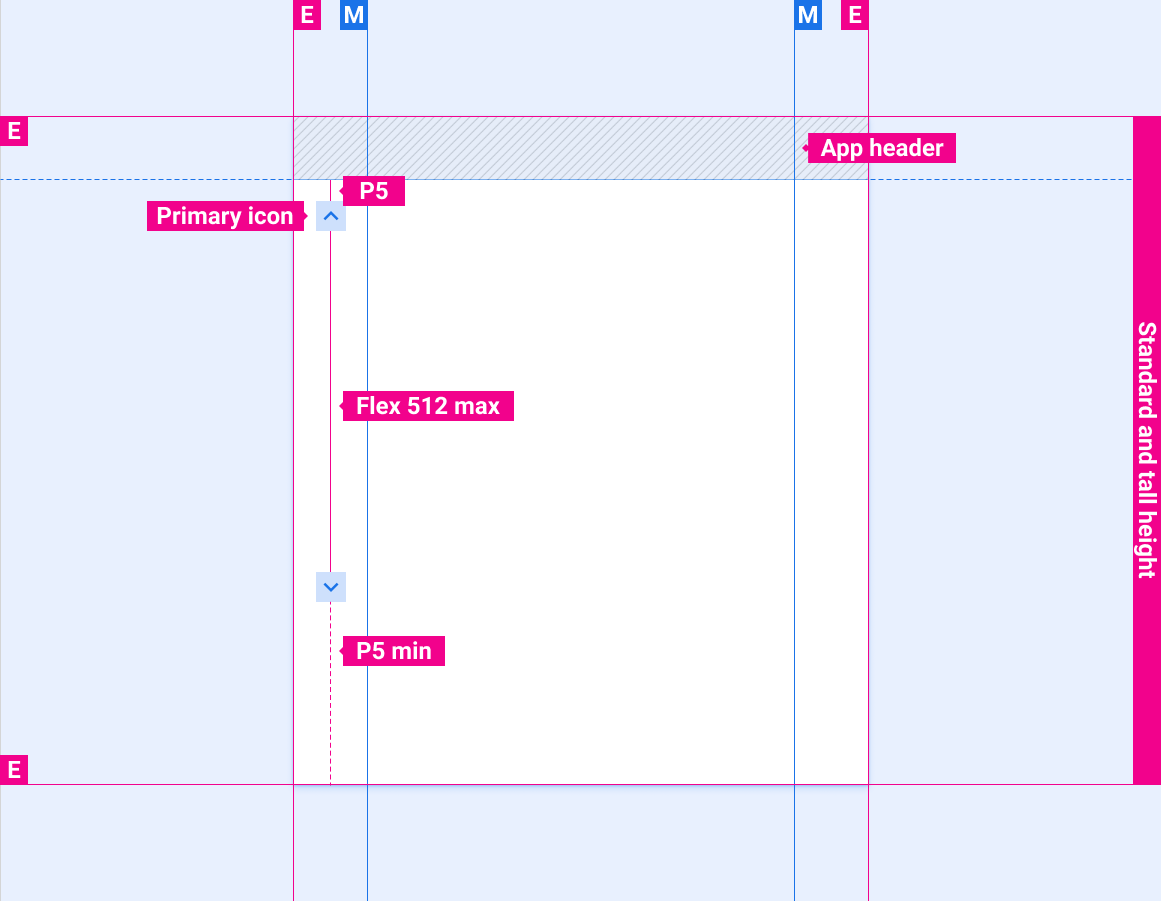
捲軸位置與應用程式標題列和控制欄
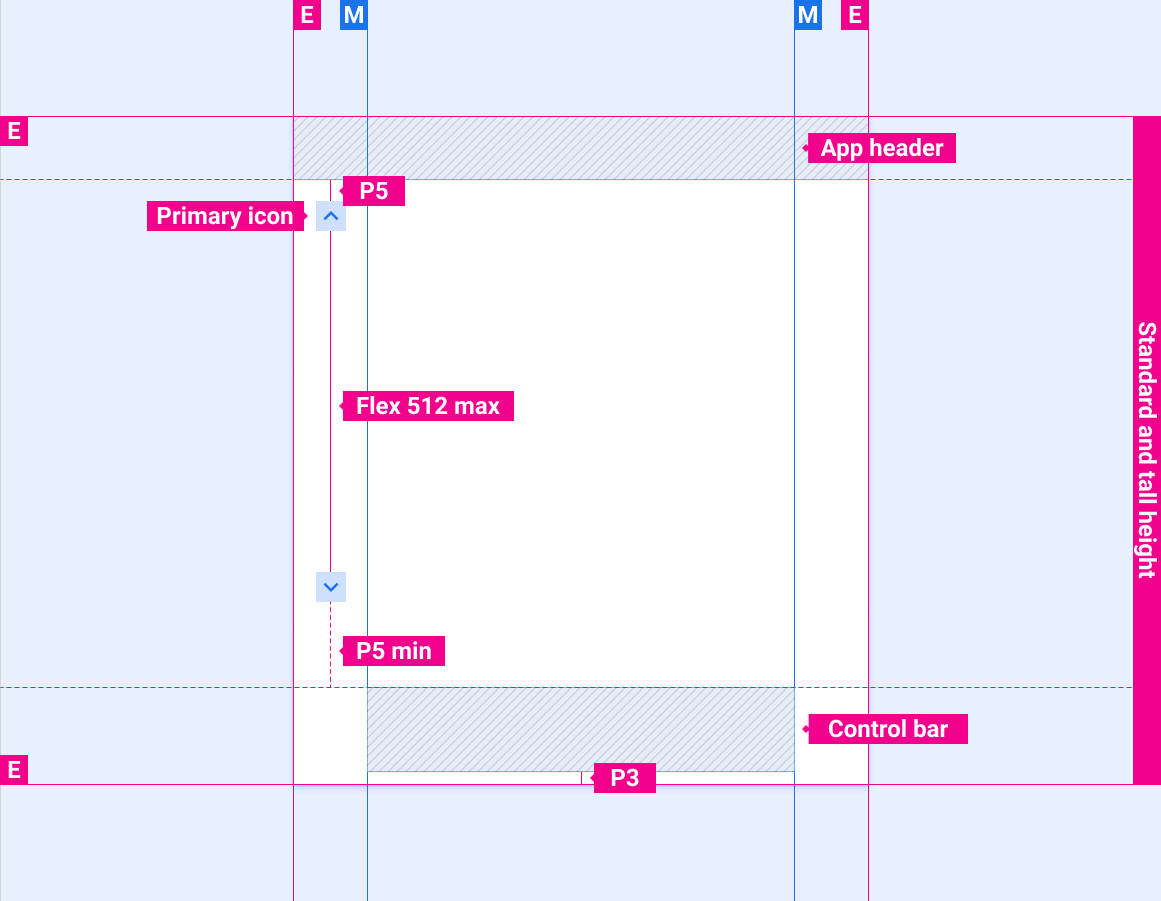
捲軸位置與應用程式標題列和展開的控制列一起顯示
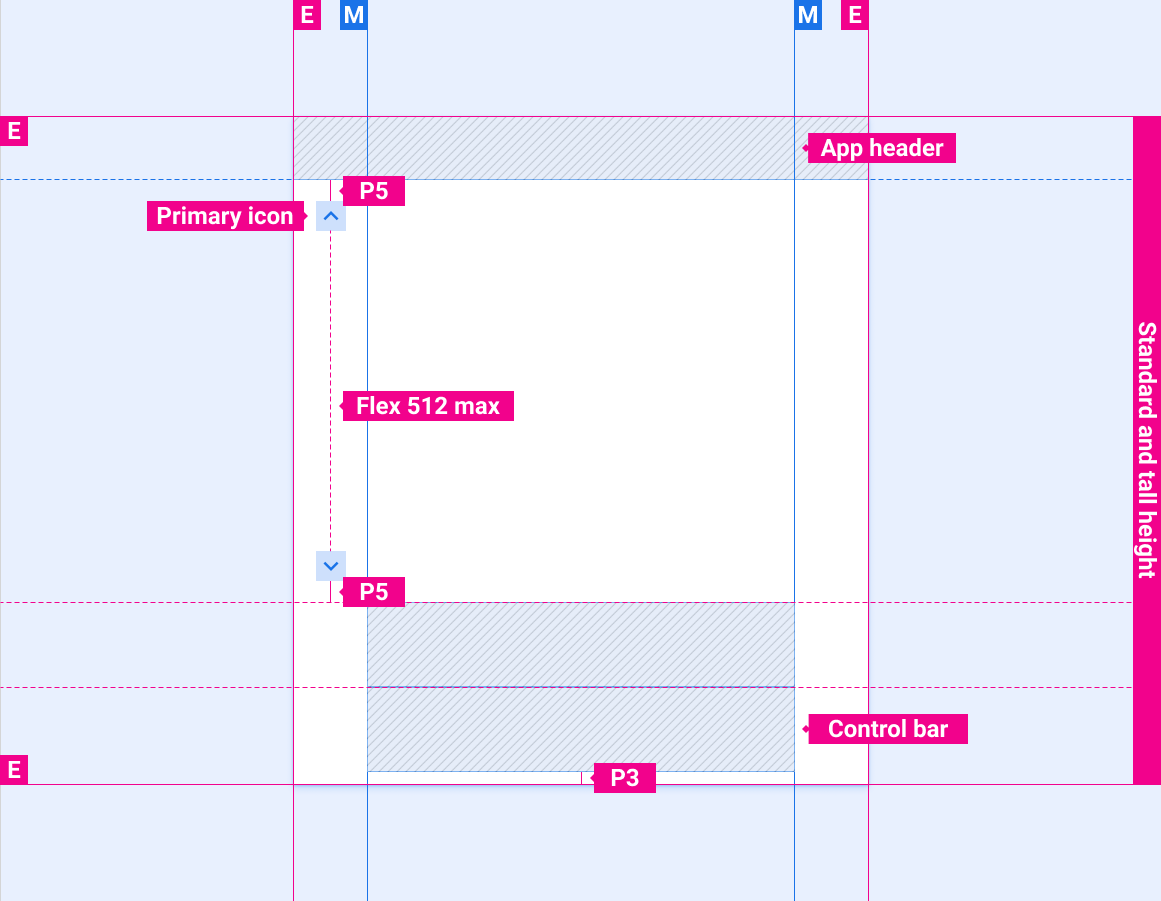
滾動條位置與較短的螢幕高度

可選的滾動進度指示器
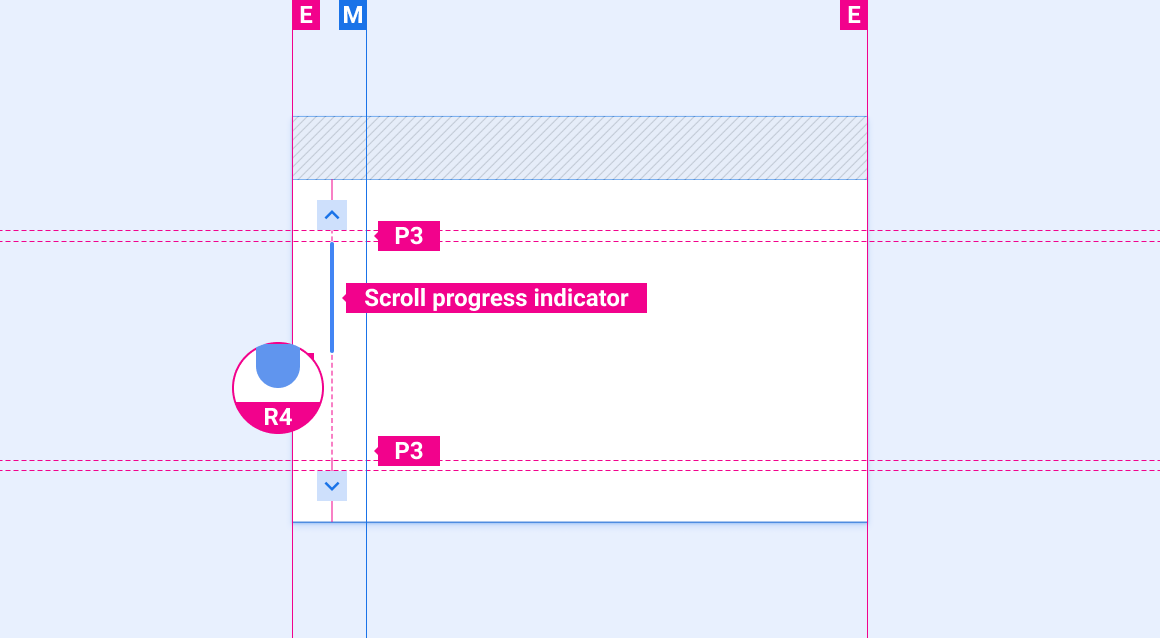
款式
顏色
| 元素 | 顏色(日間模式) | 色彩(夜間模式) |
|---|---|---|
| 主圖示 - 啟動狀態 | 白色的 | 白色 @ 88% |
| 主圖示 - 非活動狀態 | 白色 @ 56% | 白色 @ 50% |
| 滾動進度指示器 | 白色 @ 16% | 白色 @ 12% |
漿紗
| 元素 | 大小(dp) |
|---|---|
| 主圖示 | 44 |
| 觸摸目標 | 76 |
| 滾動進度指示器寬度 | 6 |
| 圓角半徑(R4) | 滿的 |
範例